15 FreeCAD tutorials for beginners, from first sketch to finished part
FreeCAD rewards a bit of order: set up the interface, learn to constrain a sketch, then turn that sketch into a solid you can pad, pocket or export. This collection gathers tutorials that follow exactly that path, mixing full beginner courses with single focused lessons on sketches, constraints, revolve and patterns, so you can work through them in sequence or jump to the step you're stuck on.
It suits people opening FreeCAD for the first time, especially those aiming at 3D printing, and anyone who has fumbled a model because the sketch underneath wasn't properly constrained. The project-based entries at the end give you something real to build once the basics click.
-
 1
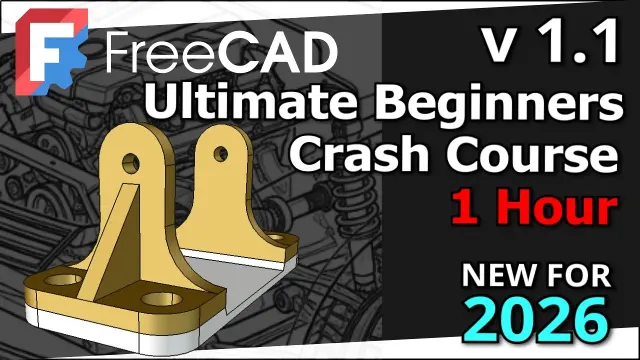
FreeCAD 1.1 Ultimate Beginner Crash Course for 3D Printing
An updated crash course that starts at installation and interface setup and carries through to parametric parts and exporting for 3D printing.
-
 2
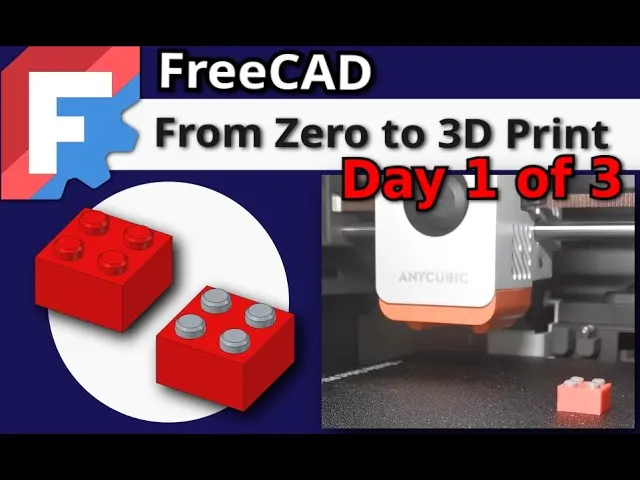
FreeCAD 1.1 Total Beginner Day 1 Course for 3D Printing
The first installment of a three-day course aimed squarely at beginners who want to model and prepare parts for printing.
-
 3
Comprehensive FreeCAD Beginner Course for 3D Modeling
A step-by-step introduction covering the fundamental tools and operations you need before anything else makes sense.
-
 4
FreeCAD Beginner Tutorial for Creating Your First 3D Model
Sets up the interface and walks through drawing and constraining sketches that become your first solid 3D model.
-
 5
FreeCAD Sketch to 3D Solid Part Design Tutorial
Focuses on the correct beginner workflow for building constrained sketches and converting them into stable solids in Part Design.
-
 6
FreeCAD Tutorial on Sketch Constraints and Parametric Modeling
Explains sketch constraints, external geometry and pad operations as the route to models that update automatically when you change a dimension.
-
 7
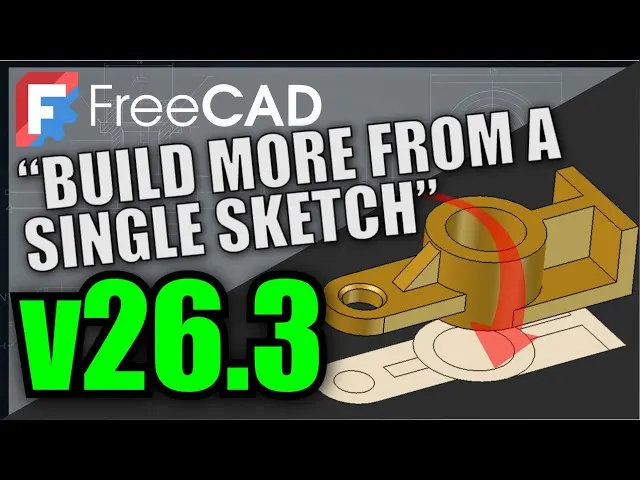
Understanding FreeCAD Sketch Internals and Workflow
Goes deeper into sketch internals, showing how separate regions inside one sketch can drive pads, pockets and offsets independently.
-
 8
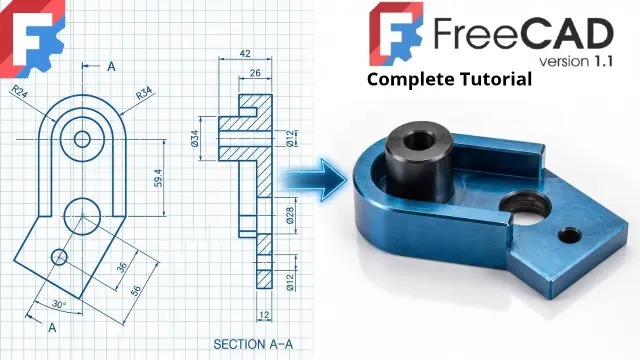
FreeCAD Beginner Tutorial Covering Revolve and Polar Patterns
A beginner tutorial that adds revolve features, polar patterns and hole tools for more detailed mechanical parts.
-
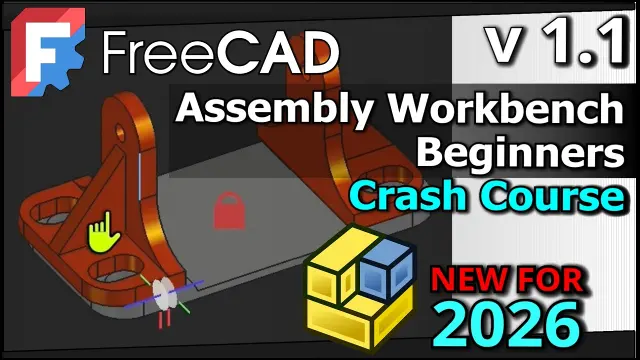 9
FreeCAD 1.1 Assembly Workbench Crash Course and Tutorial
A crash course on the integrated Assembly Workbench, the natural next step once you can build individual parts.
-
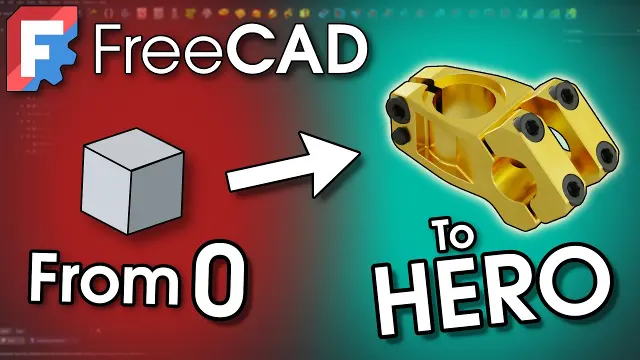 10
FreeCAD Ultimate Beginner Tutorial to Model a Bike Stem
Starts from absolute zero and models a real bike stem, so the beginner techniques get applied with engineering habits from the outset.
-
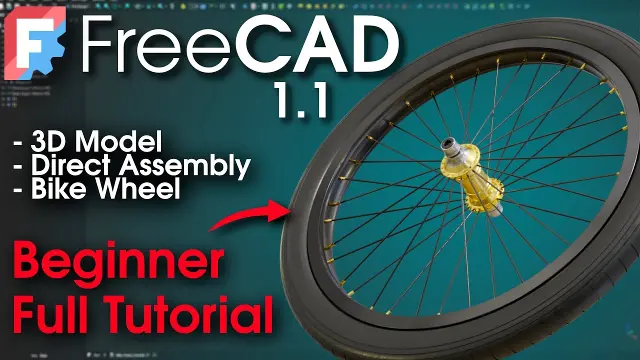 11
FreeCAD Beginner Tutorial for Modeling a Bicycle Wheel
A complete guide to modeling a bicycle wheel and assembling it, useful practice in combining parts into an assembly.
-
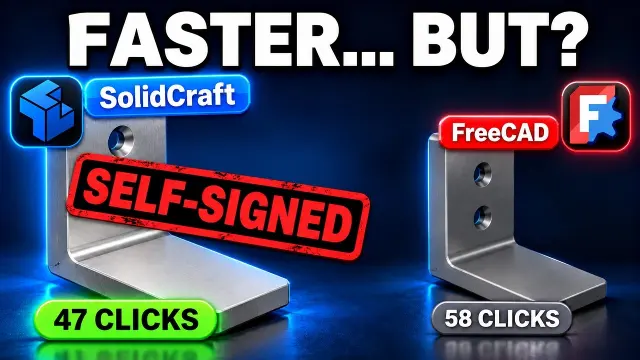 12
Testing SolidCraft Against FreeCAD for 3D Printing Brackets
A side-by-side test building an L-shaped bracket, handy for seeing how parametric rebuilding behaves on a simple real object.
-
 13
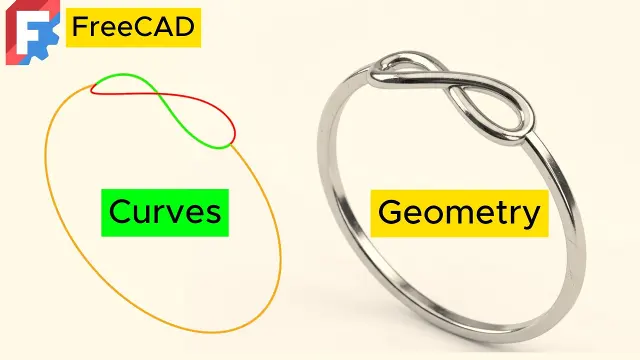
Creating 2D and 3D Curves and Geometry in FreeCAD
A focused lesson on generating complex 2D and 3D curves and turning them into usable geometry for your models.
-
 14
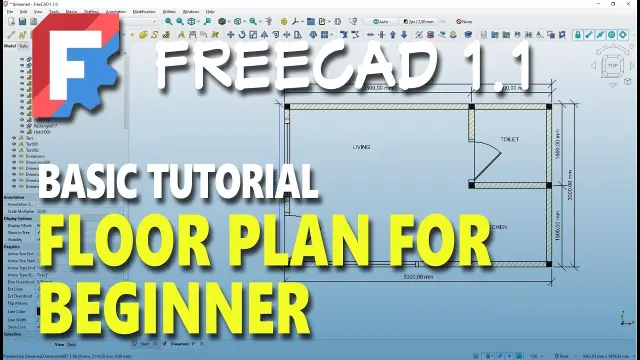
FreeCAD 1.1 Basic Floor Plan Tutorial for Absolute Beginners
Shows a very different use of the same software by drawing a basic house floor plan, good for testing your sketching skills outside mechanical parts.
-
 15
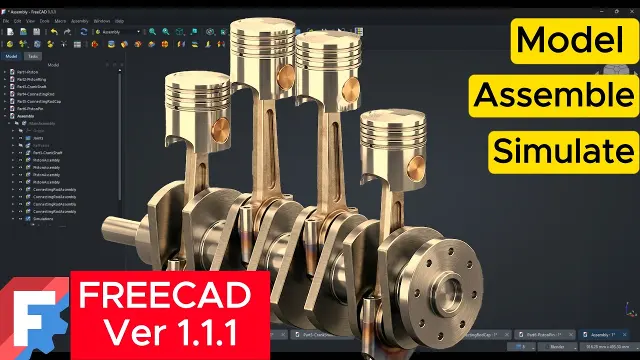
Designing and Simulating a Four-Cylinder Engine in FreeCAD
Designs pistons, a crankshaft and connecting rods, then assembles and simulates them, a stretch goal once the basics are solid.
More #FreeCAD ideas
Picked and written by Tagrazzi; the videos and photos belong to their creators.