
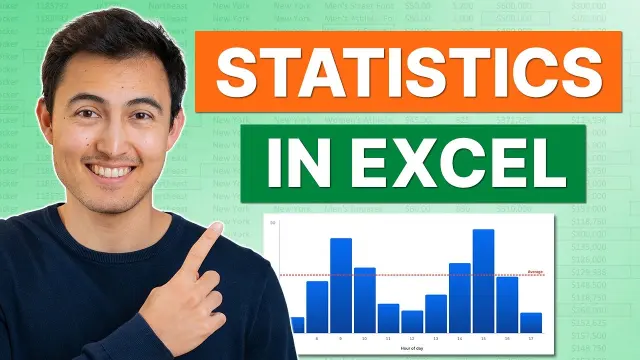
Excel Data Analysis for Beginners in Ten Minutes
A beginner-friendly tutorial covering core Excel analysis skills, formulas, summarising large datasets and turning the results into reports.
YouTube · Data Universe · 25 August 2026 Watch on YouTube
Tried this idea? Show how yours turned out.
I made this#Excel #DataAnalysis #ExcelTutorial #DataAnalyst #MicrosoftExcel #ExcelForBeginners #ExcelTips #LearnExcel #DataAnalytics #ExcelDataAnalysis
How to do it
What you need
- Microsoft Excel
- Practice dataset (downloadable from the tutorial)
Tips
- Download the practice dataset first so you can follow along in Excel rather than just watching.
- The video is paced for ten minutes — pause between topics like formulas, summarising and reporting to repeat each one on your own copy.
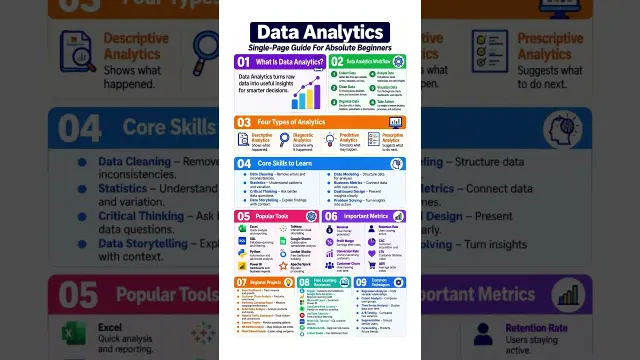
- Treat the workflow as a loop: analyse, summarise, find insights, then build the report.
Written by Tagrazzi from the original's description and photo.
The title and summary are written by Tagrazzi; the video belongs to its creator and plays from YouTube.




Comments (0)
No comments yet. Be the first to comment.
Sign in to write a comment.