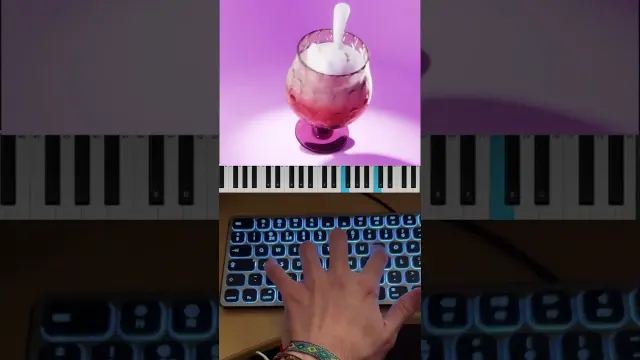
Live Streamed Sound Design Process for Animation and Foley
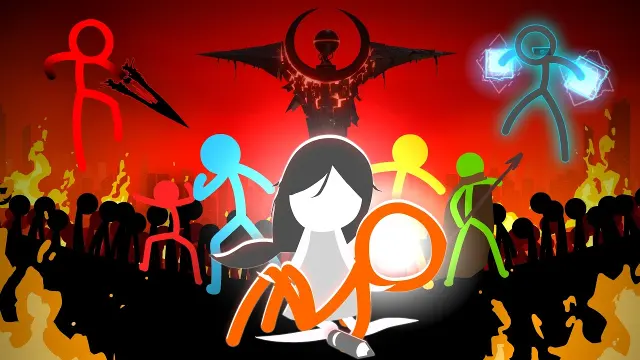
Watch a complete sound design session adding foley and tonal backgrounds to an animated video.
YouTube · NewZone Audio · 1 October 2026 Watch on YouTube
Tried this idea? Show how yours turned out.
I made this#sounddesign #sounddesigner #foley #foleyart #sfx #soundforfilm #postaudio #postproduction #audiopost #filmmaking #filmmaker #commercialproduction #adfilm #creativesound #audiovideo
How to do it
What you need
- Animated video clip
- DAW / sound design software
- MIDI keyboard controller
- Foley props (for recording sounds)
- Microphone for foley recording
Step by step
- Load the finished animation into your DAW and watch it through a few times for timing
- Set up foley recording and capture sounds that sync to the on-screen action
- Record a tonal background layer on the MIDI keyboard to give the scene a mood
- Layer the foley against the tonal background and balance the levels
- Play the full scene back and adjust anything that feels off
Tips
- Build the tonal background first so the foley has something to sit against
- Loop a short section while recording foley instead of chasing the whole scene at once
- Short animated clips leave room to experiment with several takes of the same sound
Written by Tagrazzi from the original's description and photo.
The title and summary are written by Tagrazzi; the video belongs to its creator and plays from YouTube.
Comments (0)
No comments yet. Be the first to comment.
Sign in to write a comment.