10 beginner-friendly design tutorials for graphics and mockups
These tutorials are a good fit if you want to learn popular design tools from scratch and make practical graphics, layouts, or mockups. They focus on beginner-friendly workflows, clear step-by-step demos, and project-based learning.
This collection suits new designers, students, and anyone who wants a hands-on introduction to Canva, Illustrator, Affinity, Photoshop, and related design basics.
-
 1
Beginner Canva Tutorial for Step by Step Graphic Design
It is a beginner walkthrough that teaches Canva from scratch for personal and online projects.
-
 2
Complete Canva Tutorial and Feature Guide for Beginners
It covers essential Canva features, effects, and tips in an updated beginner guide.
-
 3
Affinity Suite Masterclass and Beginner Tutorial
It is explicitly a masterclass and beginner tutorial for the Affinity suite, making it a broad starting point.
-
 4
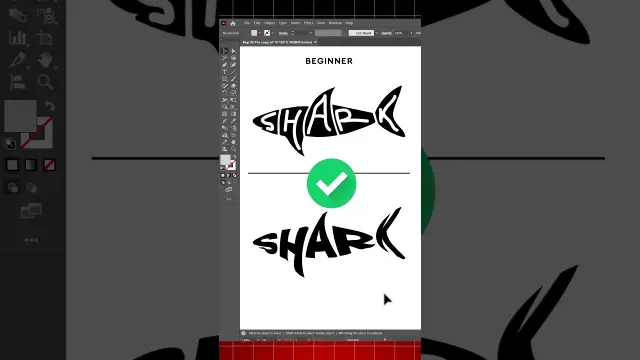
Adobe Illustrator Tutorial for Turning Shapes Into Logos
It shows how to turn basic vector shapes into professional logo designs in Illustrator.
-
 5
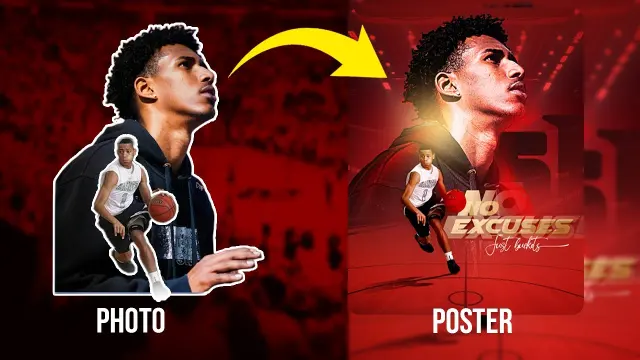
Step-by-Step Professional Poster Design Tutorial
It is a step-by-step tutorial for creating a professional poster, which is a common graphic design project.
-
 6
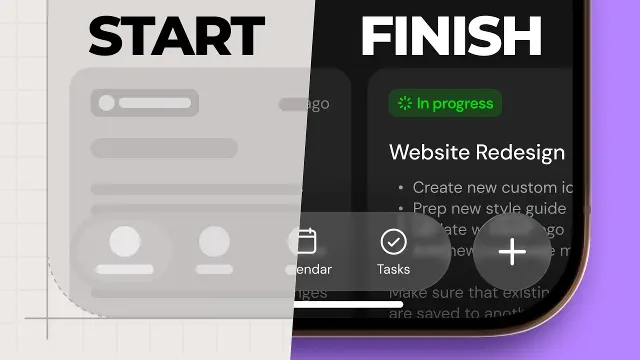
Beginner Guide to Mobile App User Interface Design Fundamentals
It breaks down core mobile UI design fundamentals for beginners.
-
 7
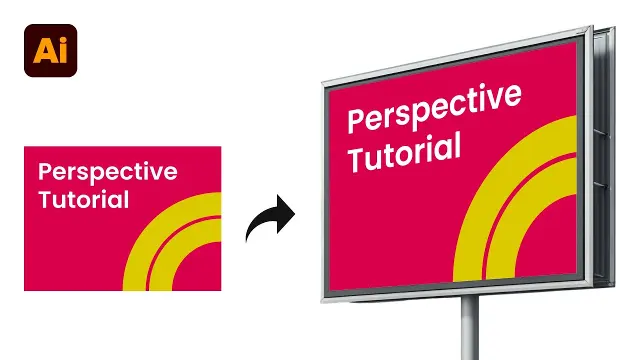
How to Place Mockups in Perspective Using Adobe Illustrator
It teaches a practical Illustrator technique for placing mockups in perspective.
-
 8
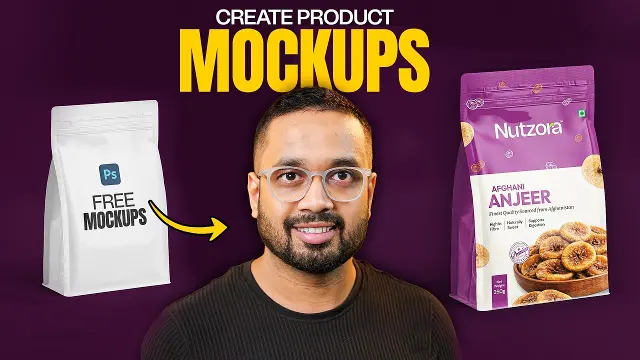
Create Professional Product and Packaging Mockups in Photoshop
It focuses on professional Photoshop methods for showcasing logos, packaging, and business cards.
-
 9
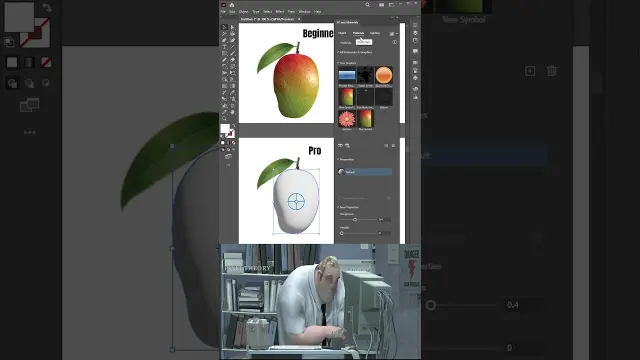
How to Make a Realistic 3D Mango in Adobe Illustrator
It demonstrates how to make a realistic 3D mango in Illustrator using 3D tools, gradients, and shading.
-
 10
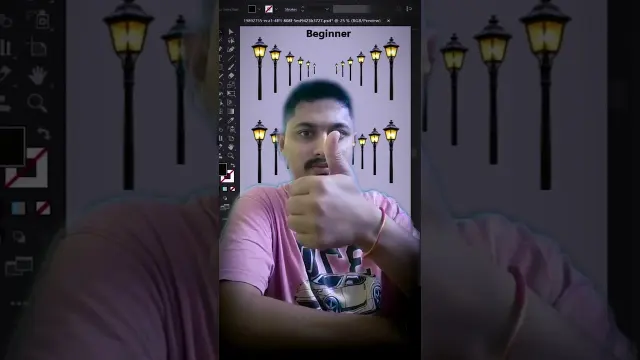
Adobe Illustrator Design Comparison Across Three Skill Levels
It compares how different skill levels approach the same Illustrator idea, which is useful for learning progression.
More #Design Tutorial ideas
Picked and written by Tagrazzi; the videos and photos belong to their creators.