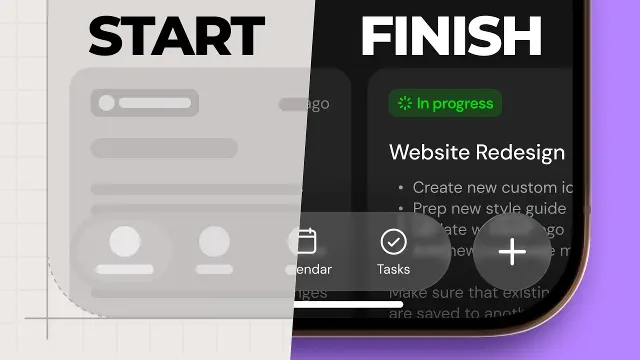
Beginner Guide to Mobile App User Interface Design Fundamentals
A beginner-friendly breakdown covering core mobile UI design principles like navigation, content, and gestures.
YouTube · Kole Jain · 18 April 2026 Watch on YouTube
Tried this idea? Show how yours turned out.
I made thisHow to do it
What you need
- Figma
- mobile app screen examples
- UI reference examples
Step by step
- Plan the navigation first.
- Set the scale for key elements.
- Organize content clearly on each screen.
- Give each screen one main job.
- Use gestures where they make sense.
- Add dynamism to the interface.
- Design useful empty states.
Tips
- Keep the layout simple and focused.
- Use familiar patterns for easier navigation.
- Make the interface feel responsive and clear.
Written by Tagrazzi from the original's description and photo.
The title and summary are written by Tagrazzi; the video belongs to its creator and plays from YouTube.







Comments (0)
No comments yet. Be the first to comment.
Sign in to write a comment.