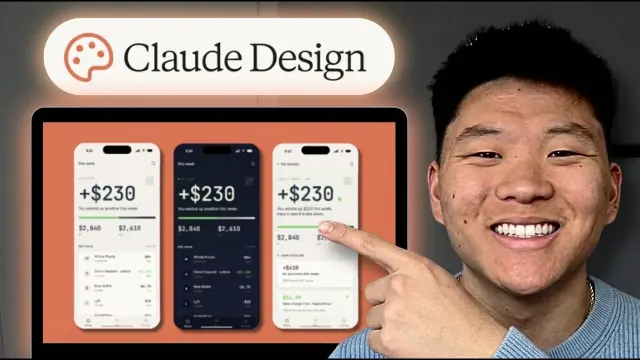
Claude Design Masterclass for Mobile Application Interfaces
A comprehensive masterclass taking beginners through the process of shipping real work using Claude Design.
YouTube · Nate Herk | AI Automation · 30 April 2026 Watch on YouTube
Tried this idea? Show how yours turned out.
I made thisHow to do it
What you need
- Claude Design
- mobile app UI mockup
- design system
- brand assets
- laptop or desktop app
Step by step
- Start with the brand and overall app concept.
- Build a simple design system first.
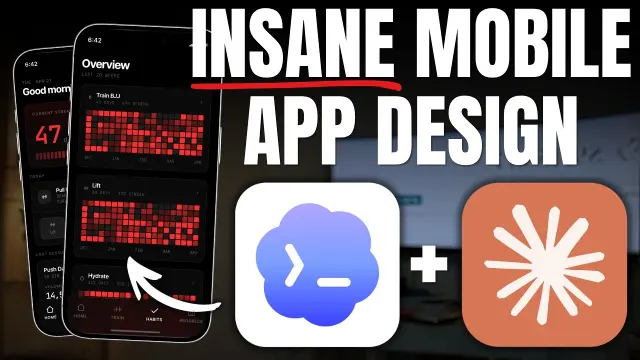
- Create the mobile app screens and states.
- Refine the layout and visual style across the interface.
- Review the prototype and make final adjustments.
- Export or deploy the finished work if needed.
Tips
- Keep the design system consistent across every screen.
- Use clear spacing and large, readable numbers and labels.
- Iterate on the prototype before moving to the final build.
Written by Tagrazzi from the original's description and photo.
The title and summary are written by Tagrazzi; the video belongs to its creator and plays from YouTube.


Comments (0)
No comments yet. Be the first to comment.
Sign in to write a comment.