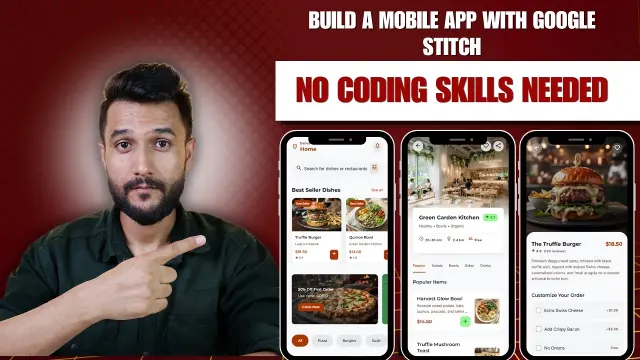
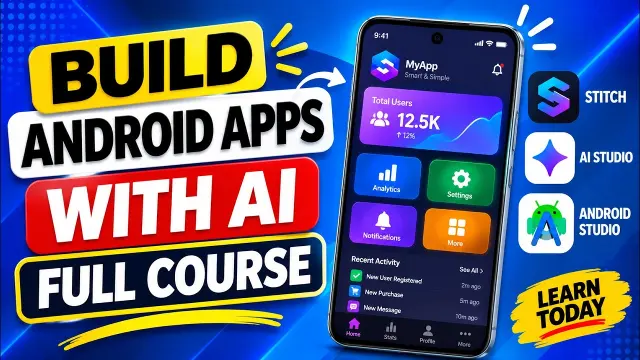
How to Design and Build a Mobile App Using AI Tools
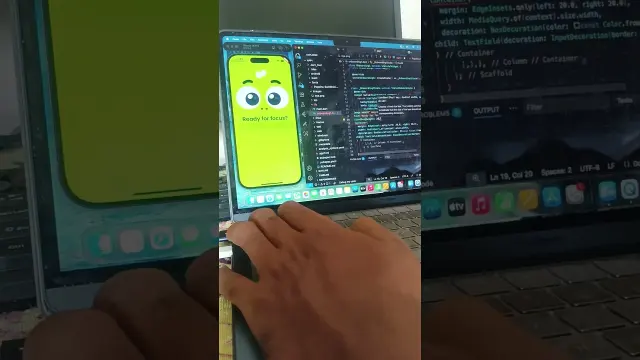
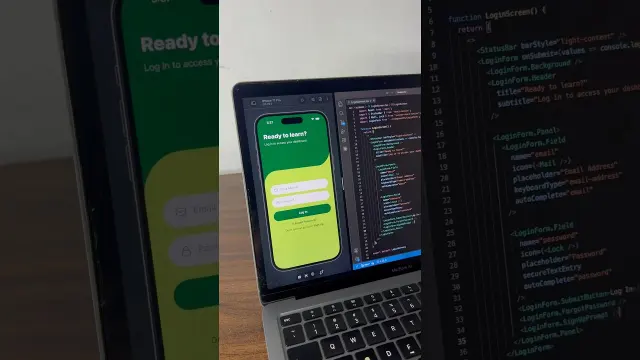
A step-by-step tutorial demonstrating how to create a mobile app design and build it without coding using Google tools.
YouTube · Sachin Pathania · 4 September 2026 Watch on YouTube
Tried this idea? Show how yours turned out.
I made this#googlestitch #googleaistudio #mobileappdevelopment #nocode #ai
How to do it
What you need
- Google Stitch
- Google AI Studio
- a written app idea / prompt
- laptop or computer
- web browser
Step by step
- Turn your app idea into a clear, written prompt.
- Open Google Stitch and enter the prompt to generate the mobile app design.
- Review the generated screens and refine them with follow-up prompts.
- Reuse the design screens as the basis for the app build.
- Move into Google AI Studio and add the prompt that builds the application.
- Test the working app and keep improving it with further prompts.
Tips
- Write the idea for your app before you write the prompt, so the prompt stays specific about what you want built.
- Check each generated screen and adjust it with a follow-up prompt before moving to the next stage.
- Match each prompt to the stage it belongs to, Stitch for design and AI Studio for the build, rather than mixing them.
Written by Tagrazzi from the original's description and photo.
The title and summary are written by Tagrazzi; the video belongs to its creator and plays from YouTube.


Comments (0)
No comments yet. Be the first to comment.
Sign in to write a comment.