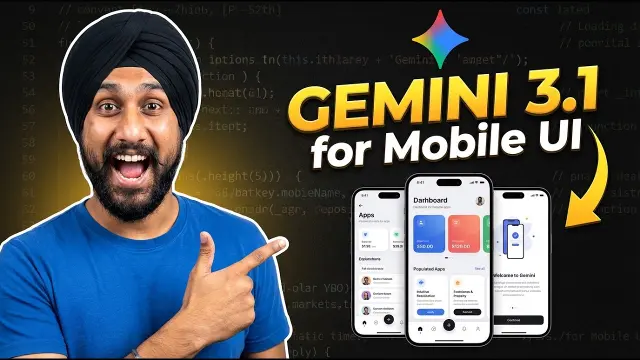
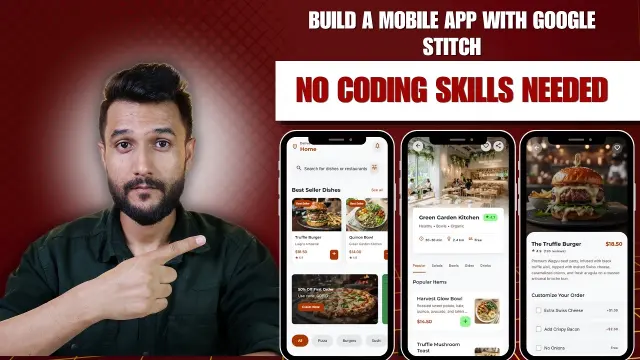
Complete E-Grocery Mobile App UI Design Using Gemini
Building a complete e-grocery mobile app user interface flow using Gemini with localized component generation.
YouTube · Ramanpal Singh - Kwebby · 24 February 2026 Watch on YouTube
Tried this idea? Show how yours turned out.
I made this#GeminiAI #UIdesign #MobileAppDesign #NoCode #Gemini31 #AppDesign #AItools #UIUX
How to do it
What you need
- UI Builder desktop app
- OpenRouter API key
- API credits (~$5–10)
- App context and brief (screens, features)
- Optional logo image for brand colors
- Gemini 3.1 Pro Preview model
Step by step
- Join the members area and download the UI Builder app.
- Get an OpenRouter API key and add credits for pay-per-use.
- Select Gemini 3.1 Pro Preview as the model.
- Set the app context and write a brief listing the screens and features you need.
- Generate a color palette by AI, URL extraction, logo upload or preset.
- Create each screen with an AI prompt and choose one of the three variants.
- Add components incrementally and connect the screens into a flow.
- Export the project as a ZIP of HTML and CSS files.
Tips
- Generate screens one component at a time so the design stays consistent across the flow.
- Lock in a color palette first, or upload a logo, before generating screens to keep branding uniform.
- Each generation returns three variants, so pick and iterate rather than starting a screen over.
Written by Tagrazzi from the original's description and photo.
The title and summary are written by Tagrazzi; the video belongs to its creator and plays from YouTube.

Comments (0)
No comments yet. Be the first to comment.
Sign in to write a comment.