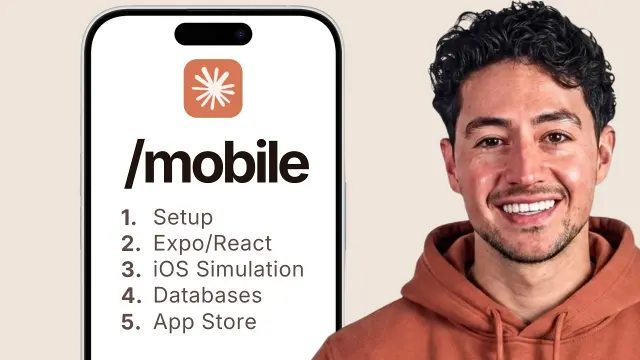
How to Build Mobile Applications Using Claude Code
A full guide covering the step-by-step process of building and publishing mobile applications.
YouTube · Nick Saraev · 11 May 2026 Watch on YouTube
Tried this idea? Show how yours turned out.
I made thisHow to do it
What you need
- Claude Code
- Code editor/terminal environment
- Expo
- React Native
- iOS Simulator
- Supabase database
- App Store developer account
- Google Play developer account
Step by step
- Set up your development environment and open Claude Code
- Start a new Expo / React Native project
- Choose a simple app design framework to focus the build
- Prompt Claude Code to build the app screen by screen
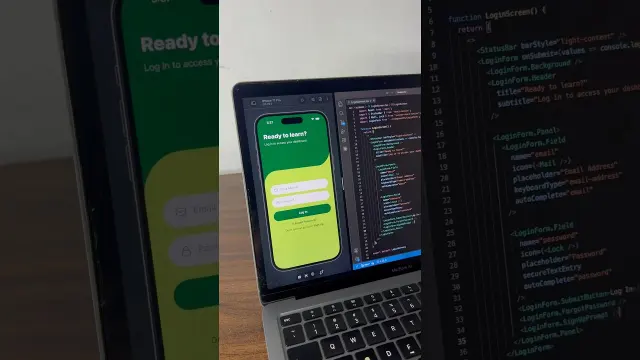
- Run the app in the iOS Simulator to test it
- Connect a Supabase database for your app's data
- Add AI functionality where the app needs it
- Submit the finished app to the App Store and Play Store
Tips
- Keep the design simple and noise-free; the source argues this improves the odds your app stands out
- Run a security audit prompt on your code before you publish
- Follow the step-by-step publishing document for store submission instead of improvising
Written by Tagrazzi from the original's description and photo.
The title and summary are written by Tagrazzi; the video belongs to its creator and plays from YouTube.



Comments (0)
No comments yet. Be the first to comment.
Sign in to write a comment.