 Conference Keynote on AI-Powered App Development
#App Development
17 ideas
Conference Keynote on AI-Powered App Development
 Lessons from Building and Publishing a First iOS App
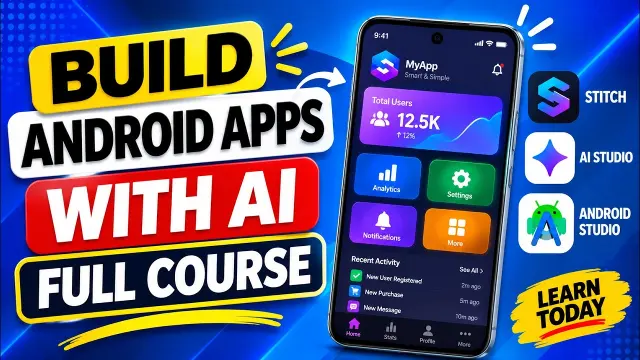 Beginner Course on Building an Android App with AI Tools
 Flutter Tutorial Building an App from Scratch with Firebase
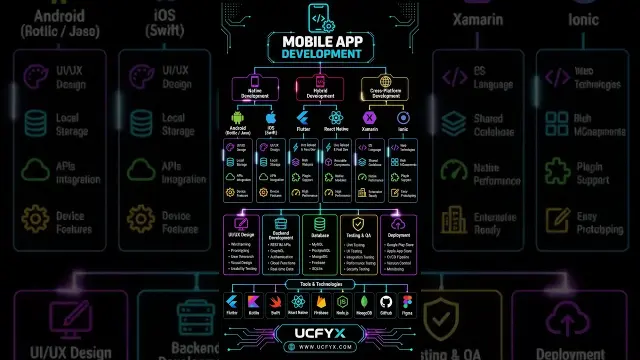 Mobile App Development Learning Roadmap for 2026
 Complete Guide to Building an App in 2026
 What It Costs to Build an App and the Free Tools to Use
 Solo App Developer Answers Questions About Going Full Time
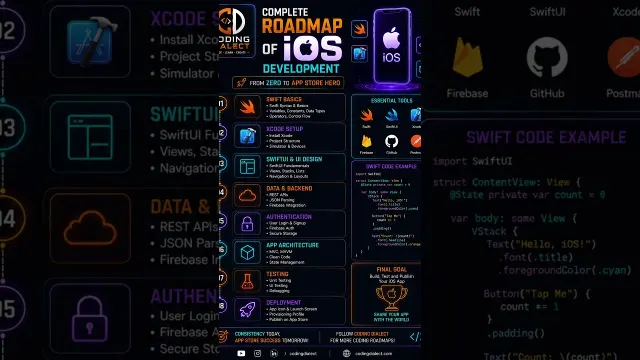 Roadmap for Becoming an iOS App Developer
 Complete E-Grocery Mobile App UI Design Using Gemini
 Step by Step Tutorial on Designing and Building a Mobile App
 The Tiny Design Rule Behind Top One Percent Mobile Apps
 Design Refactor and UI Fixes for a Mobile Application
 Google Stitch Tutorial for Rapid Mobile App Design
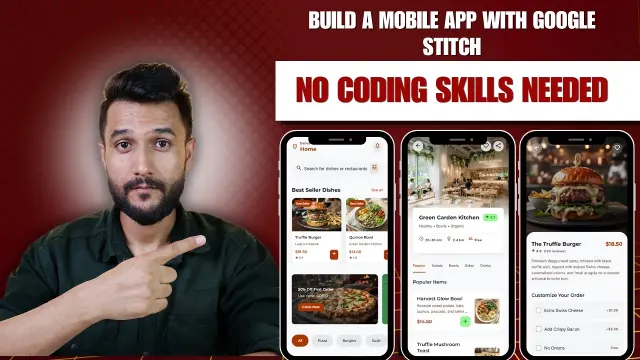 How to Design and Build a Mobile App Using AI Tools
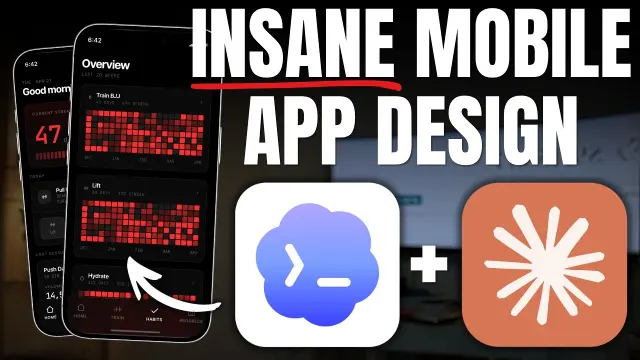 Building Full AI Mobile Apps Using Claude Design and Codex
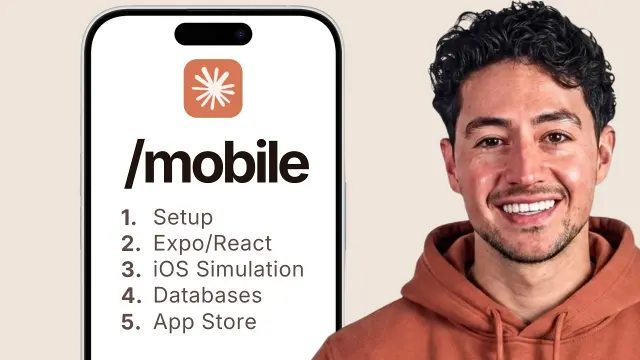 How to Build Mobile Applications Using Claude Code
Get new #App Development ideas by email
Every Thursday: the week's best ideas, with the newest from #App Development.
Collections
Related tags
App Development Basics and Best Practices
What app development is
App development is the process of planning, designing, building, testing, and maintaining software for phones, tablets, computers, and other connected devices. In everyday use, people usually mean mobile app development, but the same basic ideas also apply to desktop and web apps. The goal is simple: to create a tool that solves a problem, makes a task easier, or gives people a better digital experience.
Where it comes from
App development grew out of computer programming and software engineering. As smartphones became common, apps moved from being small add-ons to becoming one of the main ways people use digital services. Today, apps can be simple utilities, creative tools, social platforms, shopping experiences, games, or business systems.
Read more
Main kinds of apps
There are several common types of app development:
- Native apps are built specifically for one platform, such as iOS or Android.
- Web apps run in a browser and do not need a traditional installation.
- Hybrid apps combine web technologies with a native wrapper.
- Cross-platform apps are designed to work on more than one operating system from a shared codebase.
Each approach has strengths. Native apps often feel more tailored to a device. Web apps are easy to access. Cross-platform tools can save time when you want to reach more than one audience.
The usual development process
Most app projects follow a similar path:
- Define the problem the app should solve.
- Research the users and what they need.
- Sketch the structure and main screens.
- Design the interface and user flow.
- Build the core features.
- Test the app carefully on real devices or browsers.
- Release it and keep improving it.
Good app development is rarely just about writing code. Clear design, simple navigation, and thoughtful feedback messages are just as important as technical features.
What beginners should know
If you are new to app development, start small. A simple app with one clear purpose teaches more than a large project that is hard to finish. Focus first on the main journey a user should take. Learn the basics of layout, buttons, forms, state, and navigation before adding advanced features.
It also helps to think in terms of users rather than screens. Ask yourself what someone wants to do, what might confuse them, and what would make the experience feel smooth.
Practical tips for better apps
- Keep the interface clear and avoid unnecessary steps.
- Make important actions easy to find.
- Use consistent labels, spacing, and visual patterns.
- Test on different screen sizes and devices.
- Handle errors gently and explain what went wrong.
- Make loading times and transitions feel as smooth as possible.
- Review accessibility, such as readable text and touch-friendly controls.
A lasting approach
A strong app is built around usefulness, clarity, and reliability. Technology may change, but the foundations stay the same: know your users, solve one problem well, and refine the experience over time. If you keep the app simple, consistent, and easy to use, you give it the best chance of lasting value.
#App Development: frequently asked questions
How do I start building an app if I have never made one before?
Begin with a single problem you genuinely want to solve, and describe the one main thing a user should be able to do in your app. Sketch the main screens on paper before touching any tools, then build only the core journey first. A small, finished app teaches you far more than an ambitious one you never complete.
Which type of app should I choose: native, web, hybrid, or cross-platform?
It depends on where your users are and how device-specific the experience needs to be. Native builds feel most tailored to a single platform, web apps are the easiest to reach people through a browser, and hybrid or cross-platform approaches let you share one codebase across several systems. If you are starting out, pick whichever lets you ship something testable soonest and stay open to changing it later.
Do I need to know how to code to make an app?
Not necessarily to get started, since visual builders and AI-assisted tools can help you assemble a working prototype, but understanding basic logic helps enormously once you need to fix or extend things. Learning layout, forms, state, navigation, and how data moves through an app will make any tool far more useful to you. Many people begin with no-code and gradually pick up technical skills as their projects grow.
What mistakes do beginners make most often when building an app?
The most common is trying to include too many features at once instead of finishing one clear purpose well. Others include designing screens without thinking about the actual user journey, skipping testing on real devices and different screen sizes, and letting labels, spacing, or visual patterns drift between screens. Handling errors gently and explaining what went wrong is also easy to forget until users get stuck.
How do I keep an app usable and pleasant once it is released?
Treat the first release as the beginning rather than the end, and watch how people actually move through it so you can fix the confusing parts. Keep the interface consistent, make important actions easy to find, and smooth out loading and transitions so the app feels responsive. Periodically review accessibility, such as readable text and touch-friendly controls, since small improvements there tend to help everyone.
How long does it take to learn app development well enough to build something real?
It varies with how much time you can give it and what you want to build, so it is more useful to measure progress by finished milestones than by a calendar. Working through one small project end to end, from sketch to testing to release, usually teaches more than months of tutorials watched passively. Consistency matters more than intensity, and each completed project makes the next one noticeably faster.
Videos come from YouTube and posts from Instagram; titles and summaries are our own. All rights belong to their creators.