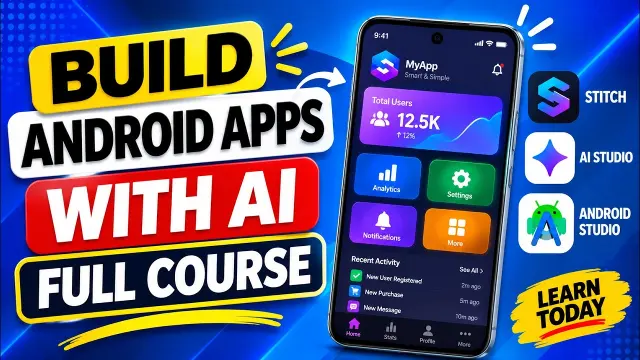
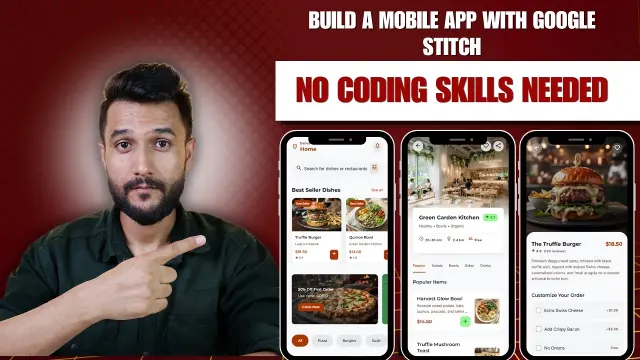
Beginner Course on Building an Android App with AI Tools
Step-by-step course building an AI content app with Google AI Studio, Stitch, Firebase, OneSignal, AdMob and Android Studio, up to Play Store submission.
YouTube · ALL PC GEEK · 18 October 2026 Watch on YouTube
Tried this idea? Show how yours turned out.
I made this#AndroidDevelopment #AIAppDevelopment #GoogleAIStudio #GoogleStitch #AndroidStudio
How to do it
What you need
- Google Stitch
- Google AI Studio
- Android Studio
- Firebase Authentication
- Firebase Cloud Firestore
- OneSignal
- Google AdMob
- Java, Android SDK and Gradle
Step by step
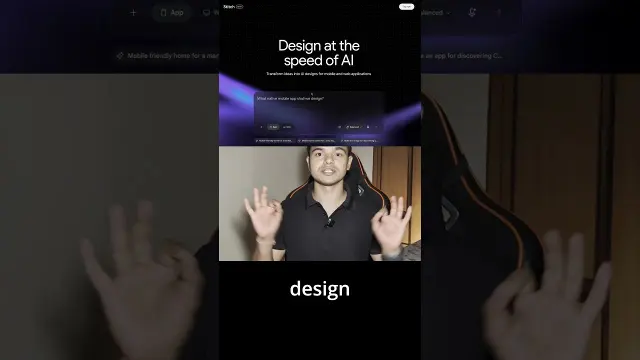
- Design the app interface in Google Stitch.
- Develop the app's features in Google AI Studio using the master prompts.
- Integrate Firebase Authentication for user sign-in.
- Connect Cloud Firestore for the database.
- Configure push notifications with OneSignal.
- Integrate Google AdMob for monetization.
- Export the project, import it into Android Studio and generate a debug APK to test.
- Build a signed Android App Bundle for Google Play submission.
Tips
- Grab the master prompts listed with the course — they drive both the Stitch design and the AI Studio build.
- Test the debug APK before moving on to the signed AAB, so packaging problems don't get mixed up with app bugs.
- Rewarded ads let users opt in to watch an ad in exchange for in-app rewards such as extra AI generation credits, when implemented correctly.
Written by Tagrazzi from the original's description and photo.
The title and summary are written by Tagrazzi; the video belongs to its creator and plays from YouTube.




Comments (0)
No comments yet. Be the first to comment.
Sign in to write a comment.