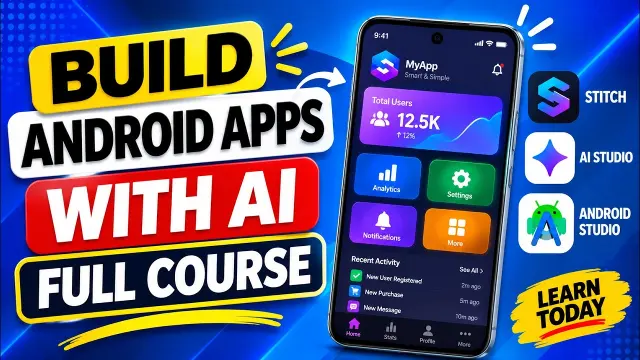
 Beginner Course on Building an Android App with AI Tools
#Firebase
2 ideas
Beginner Course on Building an Android App with AI Tools
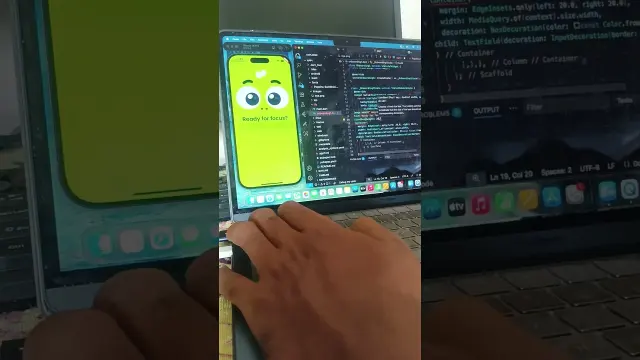 Flutter Tutorial Building an App from Scratch with Firebase
Get new #Firebase ideas by email
Every Thursday: the week's best ideas, with the newest from #Firebase.
Related tags
Firebase: A Practical Guide to the Backend Platform
Every app needs a place to keep its data, a way to know who its users are, and somewhere to run small pieces of logic that shouldn't sit on the phone. Firebase is one way of getting all of that without assembling a stack of separate services yourself. It began as an independent product for syncing data between clients in real time, was later taken over by Google, and has since grown into a broad platform for building and running apps.
What it is
Firebase is a hosted backend platform. Instead of writing a server, opening a database, and wiring up authentication by hand, you create a project in the Firebase console and connect to it directly from your app using a software development kit. The platform handles the infrastructure, the scaling, and the security layer around the data. It sits comfortably alongside several frameworks, and its client libraries exist for the major mobile and web platforms.
The main services
Read more
- Authentication: sign-in with email and password, phone numbers, or external identity providers, with ready-made user management.
- Databases: two distinct options. One is a document-oriented store suited to structured, queryable data. The other is a JSON tree that synchronises changes to connected clients in real time.
- Cloud Storage: file and image uploads, with access rules attached to each file.
- Hosting: serving static sites and single-page apps over a content delivery network.
- Cloud Functions: small pieces of server-side code triggered by events, such as a new user signing up or a database write.
- Messaging and analytics: push notifications, crash reports, and usage measurement.
How the pieces fit together
The services are designed to be combined. A typical project might use authentication to identify a user, a database to store their content, storage for their photos, and a function to send a notification when something changes. Security rules are written once per service and decide who may read or write what; they run on the server and cannot be bypassed by a modified client.
What beginners should know
Start with one service rather than all of them. Authentication plus a single database is enough for a first project and teaches the mental model the rest builds on. Learn the security rules early, because the default openness of a new project is meant for development only.
Understand the difference between the two databases before choosing: one favours queries and structure, the other favours live synchronisation and simplicity. Read the documentation for the one you pick, since their query capabilities differ meaningfully.
Practical tips
- Keep configuration keys out of public repositories where possible, and restrict access by rule rather than by secrecy.
- Model data around how your screens read it, not around a tidy relational diagram.
- Test with the emulator suite before deploying, so mistakes stay local.
- Watch how often your app reads and writes; careless listeners can cost more than expected.
- Treat the client as untrusted, always.
Used with a little discipline, Firebase shortens the distance between an idea and a working app.
Videos come from YouTube and posts from Instagram; titles and summaries are our own. All rights belong to their creators.