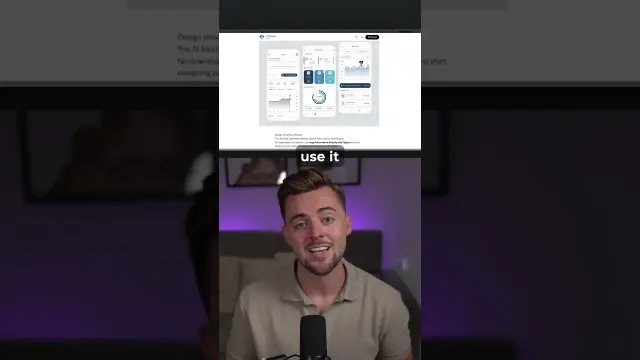
Building Applications With Frontend Design Tools and Code Assistants
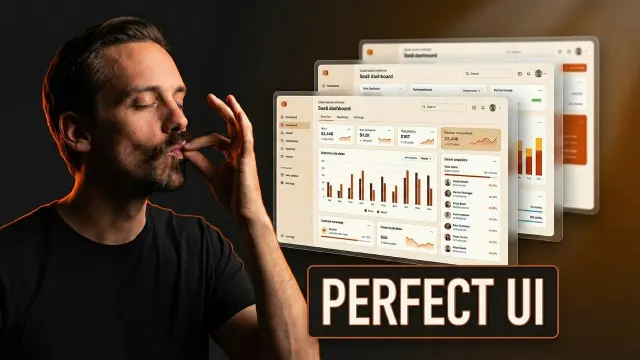
Discover how to pair frontend design generators with code assistants to create clean and polished app interfaces.
YouTube · Nathan Hodgson · 14 June 2026 Watch on YouTube
Tried this idea? Show how yours turned out.
I made thisHow to do it
What you need
- Google Stitch (free)
- Claude Code
- MCP connection string
- Terminal
- Pinterest or Dribbble references
- A written app idea
Step by step
- Describe your app idea in plain English in Stitch
- Add Pinterest or Dribbble references for the visual vibe
- Let Stitch generate every screen and a full design system
- Hit Export, choose MCP, and select Claude Code
- Paste the connection string into your terminal
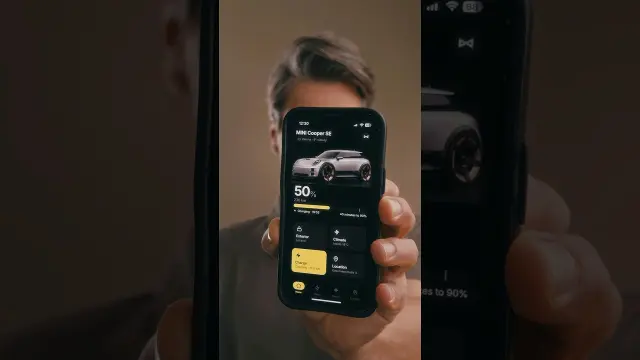
- Run one prompt so Claude turns the designs into production code
Tips
- Pair the two tools by role: Stitch handles the design, Claude Code handles the engineering, so neither has to do the other's job.
- Keep the MCP connection in place while building so Claude can see every screen, component and spacing decision and match the mockup.
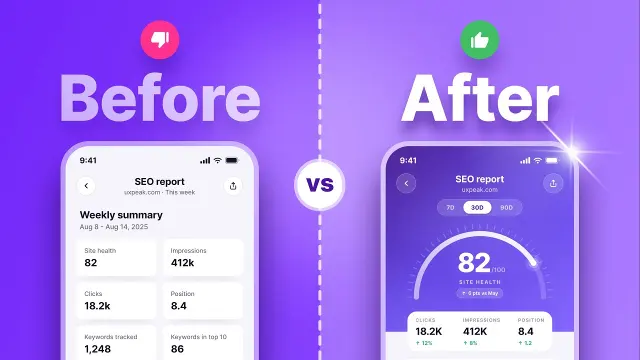
- Give visual references up front rather than fixing the look later — the generated design system carries through to the code.
Written by Tagrazzi from the original's description and photo.
The title and summary are written by Tagrazzi; the video belongs to its creator and plays from YouTube.

Comments (0)
No comments yet. Be the first to comment.
Sign in to write a comment.