10 FreeCAD tutorials for beginners
If you have never opened a CAD program and want to end up with a printable part, this is the sequence to follow. It starts with installation and the interface, then walks through sketching, constraining and turning sketches into solid models, before moving on to assemblies, patterns and the more detailed sketch and curve tools.
These ideas suit absolute beginners working toward 3D printing, plus hobbyists who have dabbled in FreeCAD and want a structured path through the 1.1 release. Watch them roughly in order and the later, more specialised guides will make sense.
-
 1
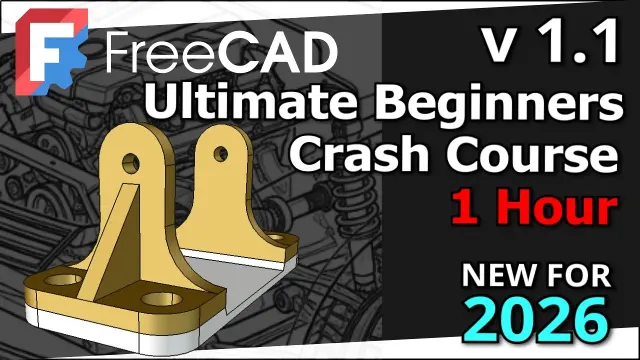
FreeCAD 1.1 Ultimate Beginner Crash Course for 3D Printing
An updated beginner crash course covering installation, interface setup, parametric parts and exporting, so it works as the natural starting point.
-
 2
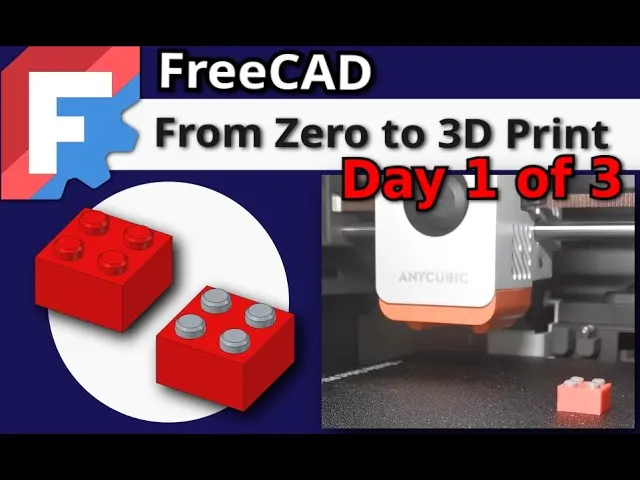
FreeCAD 1.1 Total Beginner Day 1 Course for 3D Printing
Structured as day one of a three-day course on modeling and preparing parts for 3D printing.
-
 3
FreeCAD Beginner Tutorial for Creating Your First 3D Model
Walks through the interface and shows how to draw and constrain sketches and turn them into solid 3D models.
-
 4
Comprehensive FreeCAD Beginner Course for 3D Modeling
A step-by-step introduction to the fundamental tools and operations needed to start creating 3D models.
-
 5
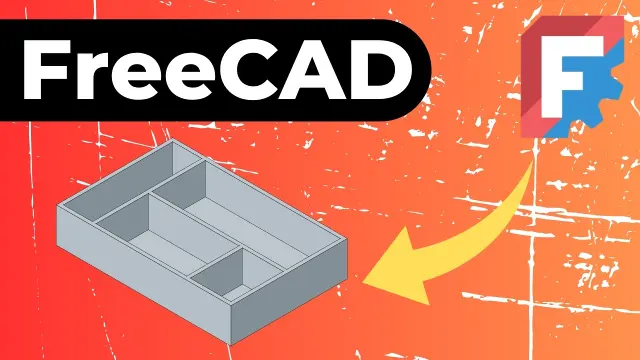
FreeCAD Tutorial on Sketch Constraints and Parametric Modeling
Explains sketch constraints, external geometry and pad operations for models that update automatically.
-
 6
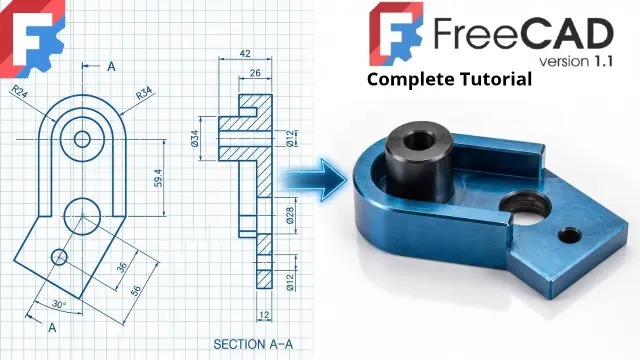
FreeCAD Beginner Tutorial Covering Revolve and Polar Patterns
Takes beginners further with revolve features, polar patterns and precise hole tools on a mechanical part.
-
 7
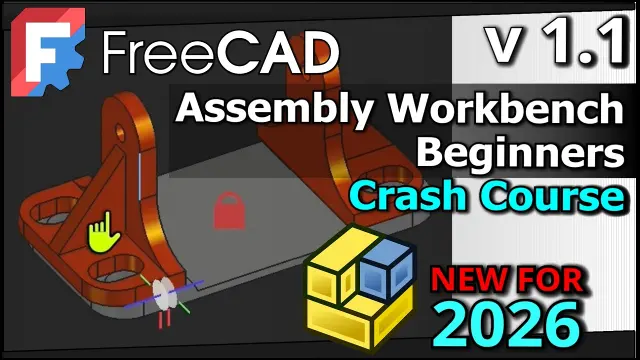
FreeCAD 1.1 Assembly Workbench Crash Course and Tutorial
A crash course on the integrated Assembly Workbench for creating basic assemblies and subassemblies.
-
 8
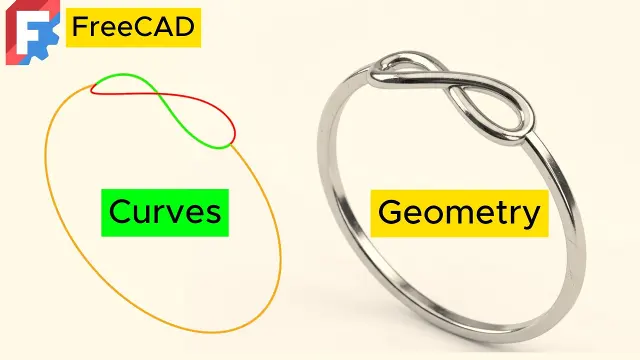
Creating 2D and 3D Curves and Geometry in FreeCAD
A focused look at generating complex curves and transforming them into usable geometry.
-
 9
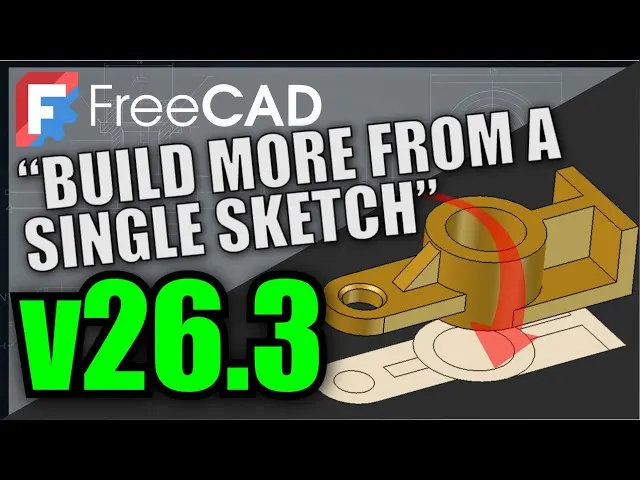
Understanding FreeCAD Sketch Internals and Workflow
Goes deeper into sketch internals, showing how multiple regions in one sketch serve pads, pockets and offsets.
-
 10
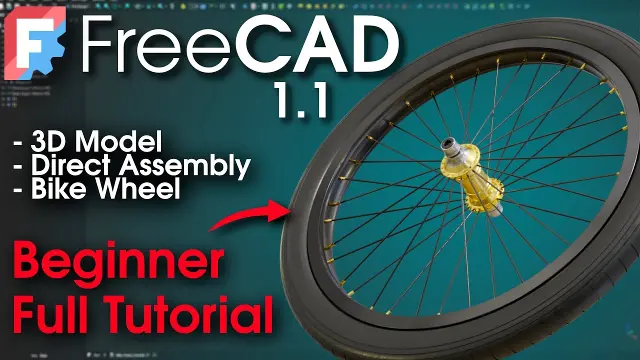
FreeCAD Beginner Tutorial for Modeling a Bicycle Wheel
A complete modeling and assembly exercise that puts the earlier beginner skills to work on a bicycle wheel.
More #Tutorial ideas
Picked and written by Tagrazzi; the videos and photos belong to their creators.