12 design critique workflows and frameworks for better UX feedback
Design critique is the part of the process that decides whether a screen actually ships well — and these ideas treat it as a craft of its own rather than a vague team ritual. They range from structured session formats to AI-assisted reviews of Figma files, prototypes and raw interface images, all aimed at turning notes into decisions.
They suit product designers, design leads and anyone running reviews with a team or a client, plus self-taught designers who want a repeatable way to judge their own work. If your critiques keep sliding into personal taste or end with a list nobody acts on, start with the frameworks near the top.
-
 1
Guide to Running Effective Design Critiques That Ship
Sets out a full guide to judging screens against the project brief and separating opinions from evidence so notes become actions.
-
 2
How to Run a Structured UX Design Critique Session
Offers a structured session format built around user journeys, goals and constraints, ending in feedback converted to action.
-
 3
How to Run a Painless and Collaborative Design Critique
Provides a step framework for collaborative critiques with a focus on psychological safety and team buy-in.
-
 4
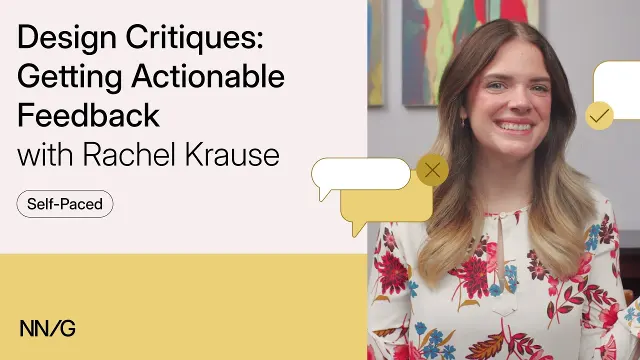
Getting Actionable Feedback from Design Critiques
Concentrates on facilitation methods that surface real user needs and translate input into concrete next steps.
-
 5
Moving From Isolated Design Critique to Design Direction
Pushes past isolated visual details toward the larger governing principles behind a design during a UX review.
-
 6
Four-Step Design Critique Workflow for AI-Generated UI
Walks through a numbered critique workflow covering accessibility, visual hierarchy, content and interaction design for AI-generated UI.
-
 7
How Top Designers Gather Design Inspiration and Critique
Shows how senior designers at large tech companies collect inspiration and structure their review processes.
-
 8
Refining and Critiquing Figma Designs Using Claude Code
Demonstrates critiquing and improving layouts inside Figma using the Claude Code plugin.
-
 9
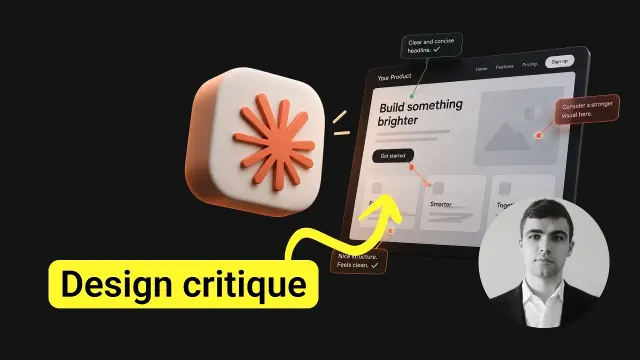
Using Claude Code for Product Prototypes and UI Design Critiques
Explores using Claude Code to critique raw images, Figma files, source code and onboarding flows.
-
 10
Bad Versus Great User Interface and User Experience Design
Compares how different skill levels solve the same interface problems, which is useful calibration for judging work.
-
 11
Transforming a Messy E-Commerce Page Into a Clean Interface
Works as a worked example of critique in practice, redesigning a messy mobile product page around hierarchy and typography.
-
 12
Testing an AI-Powered UX Review Tool for Interface Design
Tests an AI agent that reviews interfaces for accessibility, usability and heuristics to catch mistakes early.
More #UX Design ideas
Picked and written by Tagrazzi; the videos and photos belong to their creators.