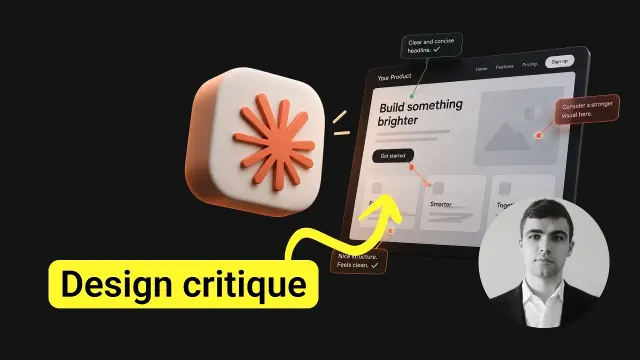
Using Claude Code for Product Prototypes and UI Design Critiques
Explore how Claude Code can assist designers in critiquing raw images, Figma files, source code, and onboarding flows.
YouTube · Nick Babich · 11 September 2026 Watch on YouTube
Tried this idea? Show how yours turned out.
I made this#claude #claudecode #aidesign #figma #uidesign
How to do it
What you need
- Claude Code
- UI screenshot or raw image
- Figma file
- Source code
- Reference design for comparison
Step by step
- Open Claude Code and share a raw image or UI screenshot for a first critique.
- Point Claude Code at the Figma file to review the design itself.
- Share the source code so the critique covers what is actually built.
- Ask for a UI design critique, then a UX design critique.
- Run a conversion critique on the page, then an onboarding design review.
- Compare the design against a reference to see where it falls short.
Tips
- Keep the headline clear and concise — that is the first thing the critique picks up.
- Replace placeholder text before asking for feedback, or it becomes the main note.
- Make the call-to-action button clearly stand out so it reads as the obvious next step.
- Pair the notes with a reference design; comparing side by side makes the gaps concrete.
Written by Tagrazzi from the original's description and photo.
The title and summary are written by Tagrazzi; the video belongs to its creator and plays from YouTube.











Comments (0)
No comments yet. Be the first to comment.
Sign in to write a comment.