Complete Guide to Using Artificial Intelligence for UI and UX Design Workflows
This tutorial covers tools, workflows, AI skills, Figma design systems, and prototyping using Claude and OpenAI.
YouTube · UI Collective · 15 September 2026 Watch on YouTube
Tried this idea? Show how yours turned out.
I made thisHow to do it
What you need
- Claude
- Claude Code
- Figma
- Mobbin
- Paper
- Google Antigravity
- OpenAI ChatGPT or Codex
- Grok
- Higgsfield AI
- Existing design system
Step by step
- Write a single reusable prompt and run it across several AI tools to compare outputs
- Gather reference screens in Mobbin for design research and client deliverables
- Set up an AI canvas in Paper for iteration and quick layout experiments
- Draft low-fidelity designs with Claude before committing to visual detail
- Turn your written design direction into a Claude skill so the output matches your style
- Feed your design tokens, variables and components to the AI so results follow your design system
- Generate a prototype with Google Antigravity and test the user experience on it
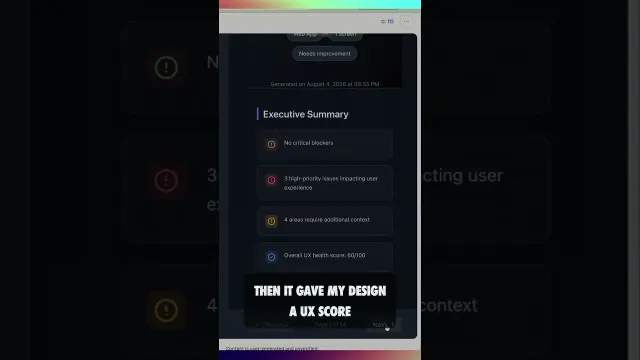
- Run accessibility audits and check for design system drift with AI skills
- Produce generated assets with Higgsfield AI and wire them into the interaction
Tips
- The AI platform is not the AI model — judge the model separately from the tool you access it through
- Be deliberate about whether you spend tokens or time; the experiment compares both approaches
- Treat generated design system output as a starting point to review, not a finished system
- Save repeatable prompts as skills so documentation and output stay consistent across projects
Written by Tagrazzi from the original's description and photo.
The title and summary are written by Tagrazzi; the video belongs to its creator and plays from YouTube.




Comments (0)
No comments yet. Be the first to comment.
Sign in to write a comment.