
How to Start Learning Product Design From Scratch Today
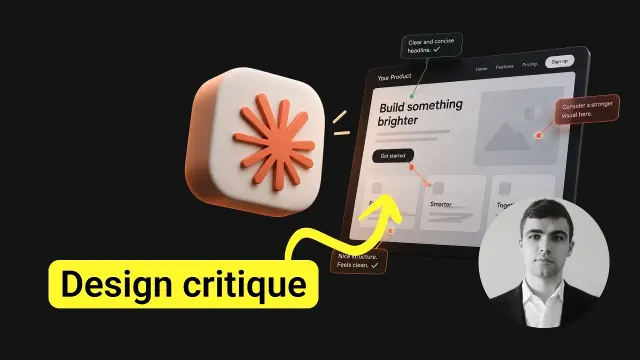
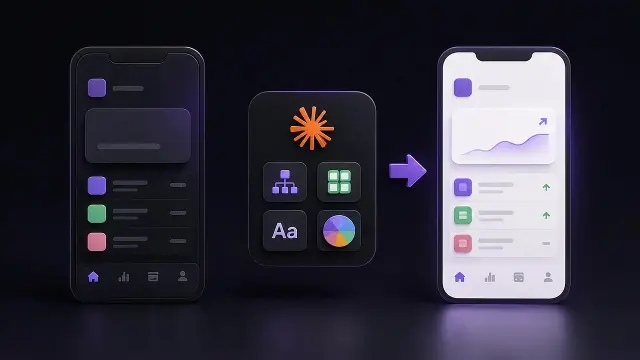
An updated guide on learning interface design fundamentals, utilizing Figma, and training your design eye.
YouTube · Limuel Castro · 19 April 2026 Watch on YouTube
Tried this idea? Show how yours turned out.
I made thisHow to do it
What you need
- Computer
- Figma
- Design references to copy
- AI tools
- Notebook or notes for foundations
Step by step
- Learn the difference between UI and UX before touching any tool.
- Study the design foundations first.
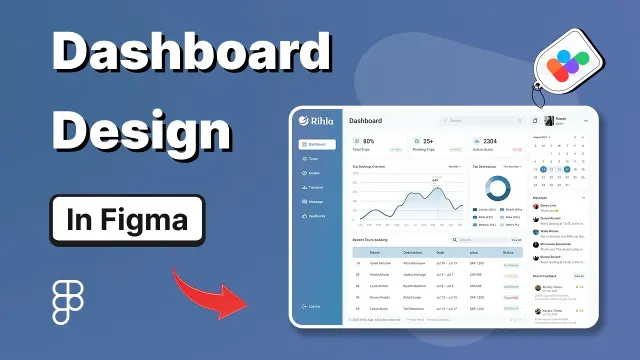
- Set up Figma and get comfortable with its basic tools.
- Train your eye by copying existing designs you admire.
- Use AI to speed up your learning as you go.
Tips
- Start with foundations rather than jumping straight into software.
- Copying good designs on purpose is presented as a way to build your eye, not as cheating.
- AI is framed as a way to learn faster in 2026 — use it alongside the fundamentals, not instead of them.
Written by Tagrazzi from the original's description and photo.
The title and summary are written by Tagrazzi; the video belongs to its creator and plays from YouTube.







Comments (0)
No comments yet. Be the first to comment.
Sign in to write a comment.