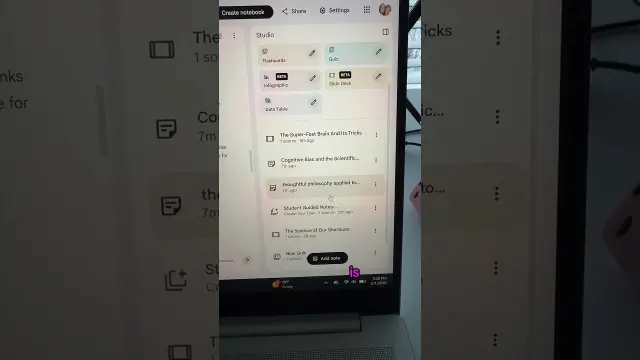
Generating Guided Notes Quickly with NotebookLM
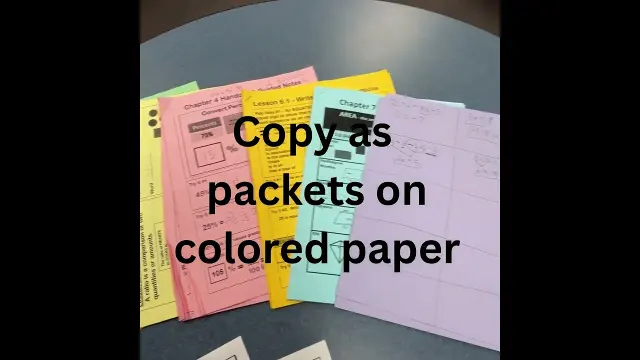
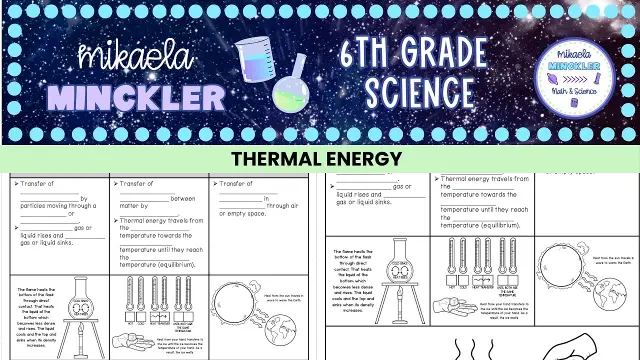
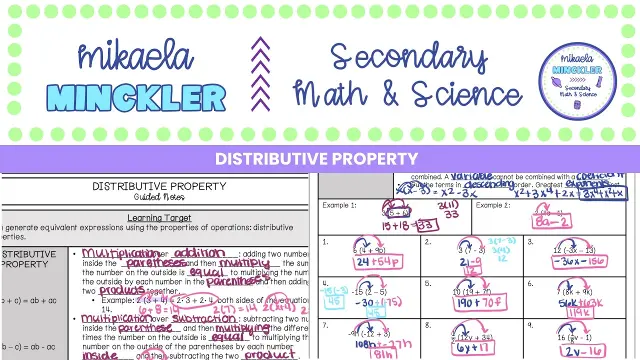
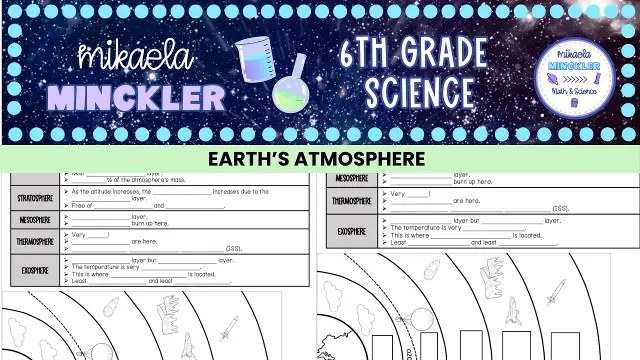
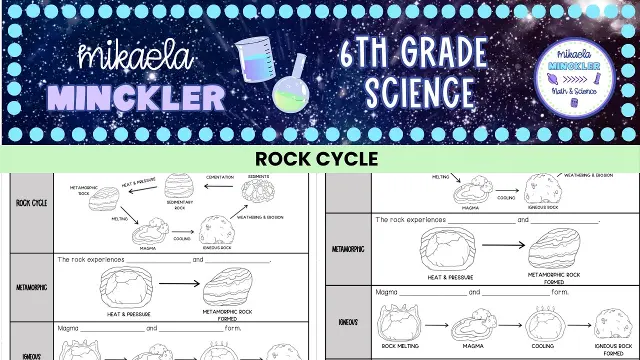
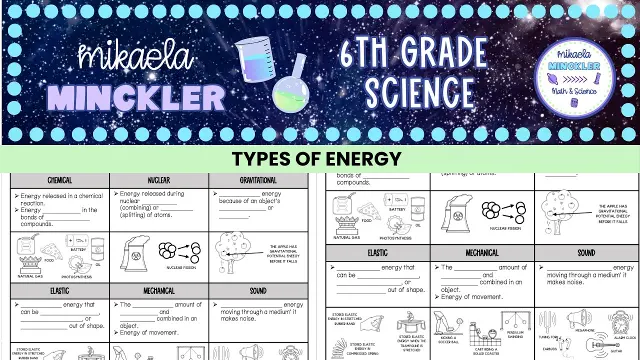
Shows how NotebookLM can produce scaffolded guided notes for students in seconds.
YouTube · PurelySynced · 2 February 2026 Watch on YouTube
Tried this idea? Show how yours turned out.
I made thisHow to do it
What you need
- NotebookLM account
- Source material added to the notebook
- NotebookLM Studio panel
Step by step
- Open NotebookLM and create or open a notebook.
- Add the source material you want the notes built from.
- Go to the Studio panel of the notebook.
- Pick the output you want — flashcards, quiz, infographic, slide deck or data table.
- Generate it, then review and adjust the result before sharing with students.
Tips
- Pick the output type that matches the scaffolding you want — flashcards and quizzes for recall, a slide deck or infographic for review.
- Keep sources focused so the generated notes stay tight to what you actually taught.
- Review the output before class; treat it as a draft to trim, not a finished handout.
Written by Tagrazzi from the original's description and photo.
The title and summary are written by Tagrazzi; the video belongs to its creator and plays from YouTube.




Comments (0)
No comments yet. Be the first to comment.
Sign in to write a comment.