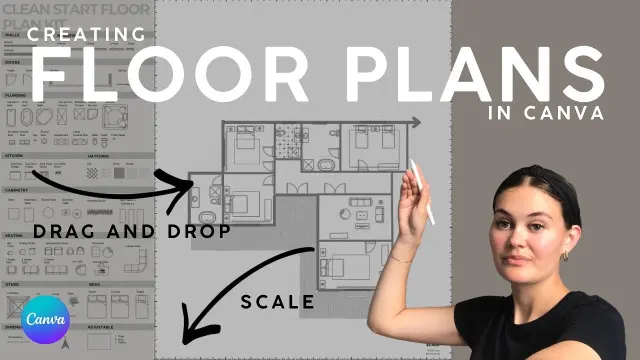
How to Create Simple Floor Plans in Canva for Beginners
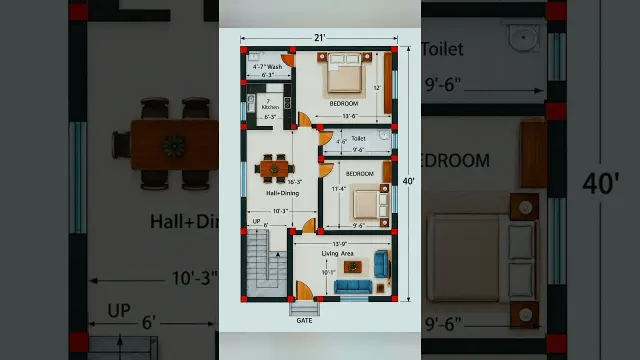
Learn how to use Canva as a beginner-friendly tool to create simple and non-technical floor plans for space planning.
YouTube · Kirsten King · 21 December 2025 Watch on YouTube
Tried this idea? Show how yours turned out.
I made thisHow to do it
What you need
- Canva
- floor plan template
- wall elements
- window elements
- door elements
- furniture icons
Step by step
- Open Canva and start with a basic layout.
- Add walls, windows, and doors to the plan.
- Drag and drop furniture into place.
- Adjust the scale of the elements.
- Keep the layout simple and readable.
- Use the plan as a visual guide for space planning.
Tips
- Start with a template instead of a blank page.
- Keep it non-technical and presentation-ready.
- Use it for planning and concept development, not construction drawings.
Written by Tagrazzi from the original's description and photo.
The title and summary are written by Tagrazzi; the video belongs to its creator and plays from YouTube.


Comments (0)
No comments yet. Be the first to comment.
Sign in to write a comment.