8 beginner tutorials for creative design software
These ideas all help absolute beginners get started with creative software, from photo editing and mockups to 3D modeling and layout work. They suit people who want a clear first project or a step-by-step introduction to new tools.
It’s a good fit if you’re learning by doing and want beginner-friendly guides that start with the interface, core tools, and simple workflows before moving into real projects.
-
 1
Get Started with Affinity: Lesson One
This first lesson is explicitly for beginners and covers the interface, tools, and core setup.
-
 2
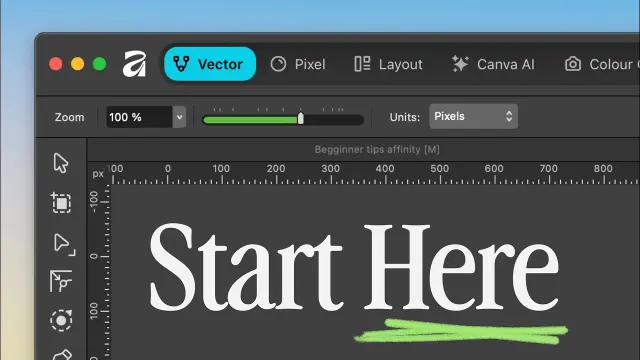
Start Here: Affinity for Absolute Beginners
It’s a start-from-scratch guide to Affinity for absolute beginners, including the key studios and basic design tools.
-
 3
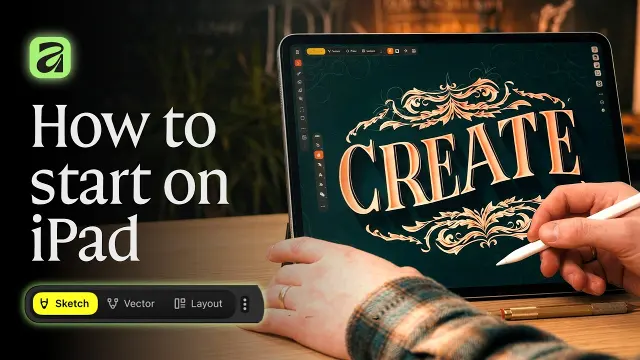
Affinity on iPad: The Complete Beginner’s Guide
This beginner’s guide introduces Affinity on iPad for both vector and pixel work.
-
 4
Learn Affinity From Scratch in 41 Minutes
It teaches beginner-friendly Affinity skills like photo editing, background removal, and masking.
-
 5
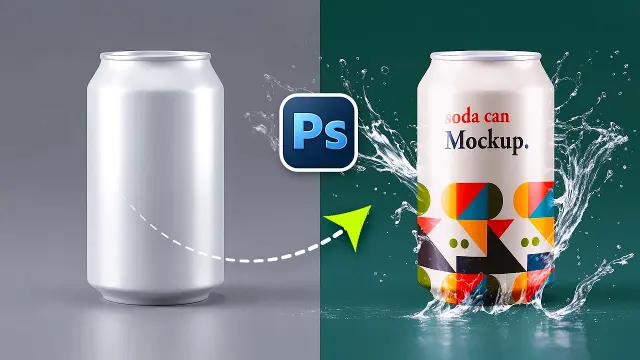
Beginner Guide: How to Create a Realistic Mockup in Photoshop
It is a beginner guide to creating a realistic mockup in Photoshop, which fits a first design project.
-
 6
Comprehensive FreeCAD Beginner Course for 3D Modeling
This is a step-by-step beginner introduction to the fundamental tools used for 3D modeling in FreeCAD.
-
 7
FreeCAD Beginner Tutorial for Creating Your First 3D Model
It focuses on setting up the interface and making a first 3D model, which is ideal for complete beginners.
-
 8
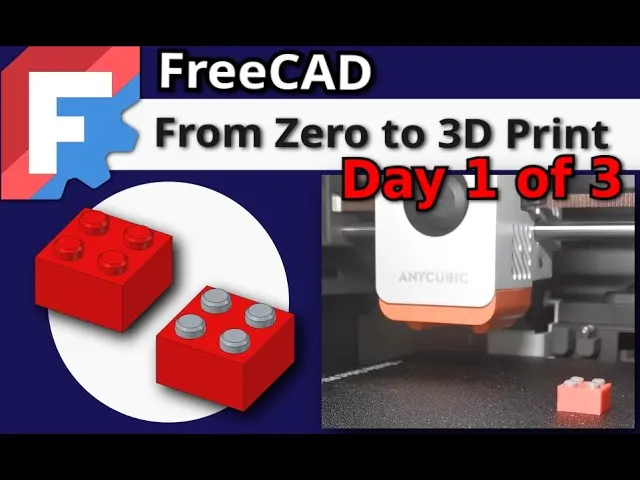
FreeCAD 1.1 Total Beginner Day 1 Course for 3D Printing
This first day of a total beginner course starts the path to modeling and preparing parts for 3D printing.
More #Beginner Guide ideas
Picked and written by Tagrazzi; the videos and photos belong to their creators.