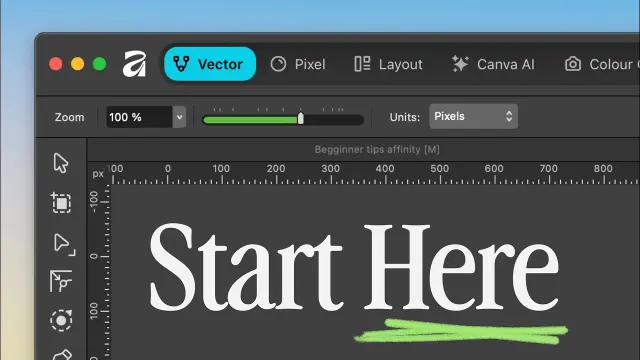
Start Here: Affinity for Absolute Beginners
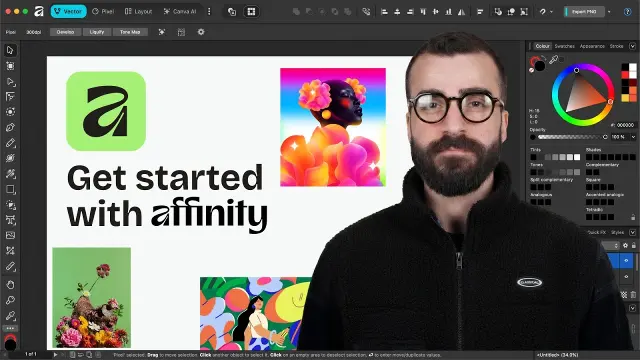
A beginner walk-through of the Affinity interface, vector and pixel studios, layers, and basic design tools.
YouTube · Will Paterson · 2 March 2026 Watch on YouTube
Tried this idea? Show how yours turned out.
I made thisHow to do it
What you need
- Affinity app
- computer
Step by step
- Open Affinity and start a new document or open a file.
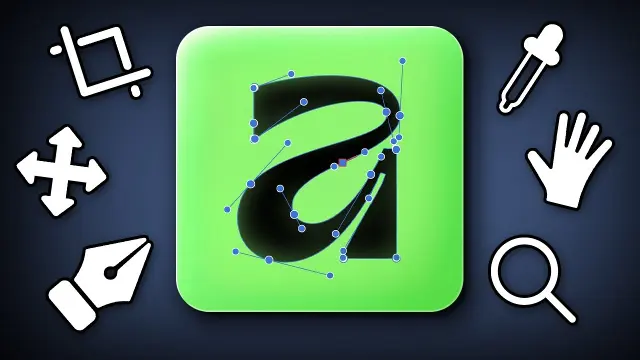
- Get familiar with the interface and tool layout.
- Choose between Vector, Pixel, and Layout studios as needed.
- Use shapes, text, and basic tools to build your design.
- Adjust colors and effects, and work with layers to organize elements.
- Customize the studio layout and use the contextual toolbar when needed.
Tips
- Start with a simple document so the interface feels less overwhelming.
- Use layers to keep shapes and text organized.
- Choose Vector for clean shapes and logos, and Pixel for photo-based work.
Written by Tagrazzi from the original's description and photo.
The title and summary are written by Tagrazzi; the video belongs to its creator and plays from YouTube.


Comments (0)
No comments yet. Be the first to comment.
Sign in to write a comment.