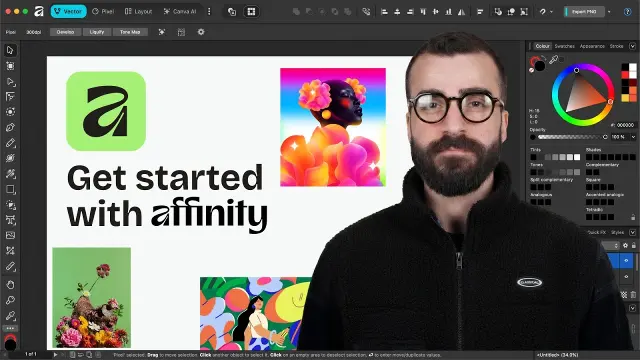
Affinity Complete Beginner's Guide and Poster Tutorial
A beginner-friendly tutorial exploring the Affinity studios and building a poster template from scratch.
YouTube · Alan Ayoubi · 11 November 2025 Watch on YouTube
Tried this idea? Show how yours turned out.
I made thisHow to do it
What you need
- Affinity (free download)
- computer
- poster imagery/photos
- color palette
Step by step
- Download and open Affinity.
- Read up on what Affinity is and how it works.
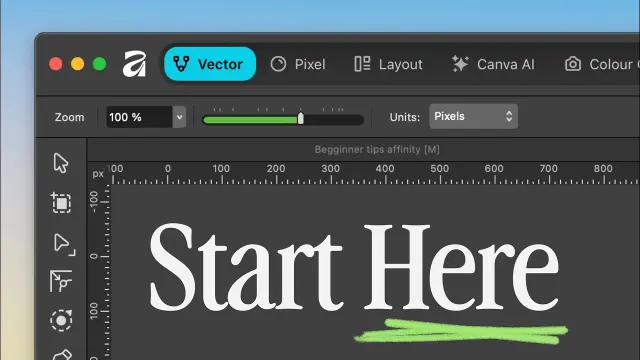
- Explore the three studios: Vector, Pixel and Layout.
- Map each studio to its Adobe counterpart (Vector to Illustrator, Pixel to Photoshop, Layout to InDesign).
- Get familiar with the navigation and the essential tools.
- Build a poster template from scratch in the studio that fits the job.
Tips
- Affinity is free, so you can try the whole workflow without a subscription before committing.
- Knowing which studio replaces which Adobe app saves time when you switch over.
- Start with the navigation and basic tools first, then move on to the poster template once they feel familiar.
Written by Tagrazzi from the original's description and photo.
The title and summary are written by Tagrazzi; the video belongs to its creator and plays from YouTube.
Comments (0)
No comments yet. Be the first to comment.
Sign in to write a comment.