
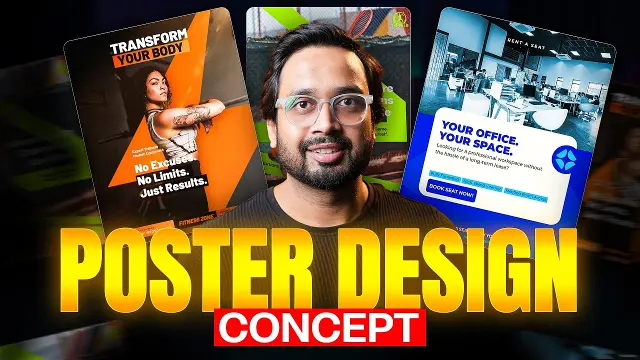
Step-by-Step Poster Design Tutorial in Affinity
An in-depth workflow tutorial covering document setup, typography, and layout creation for posters.
YouTube · GraphiqVibe · 30 December 2025 Watch on YouTube
Tried this idea? Show how yours turned out.
I made this#AffinityStudio #posterdesign #graphicdesign #designtutorial #layoutdesign #typography #creativedesign
How to do it
What you need
- Affinity Studio
- New poster document
- Photo or graphic assets
- Display fonts
- Red and black color palette
- Export settings
Step by step
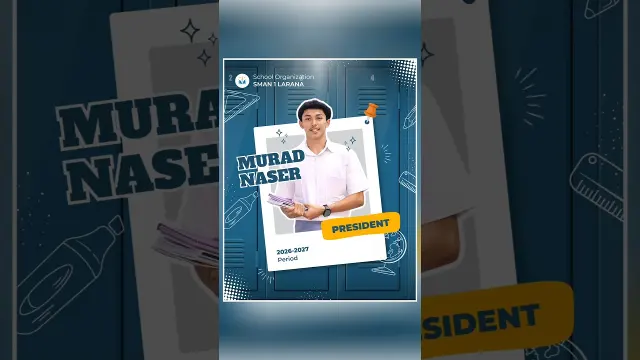
- Set up the document with the poster's size and orientation
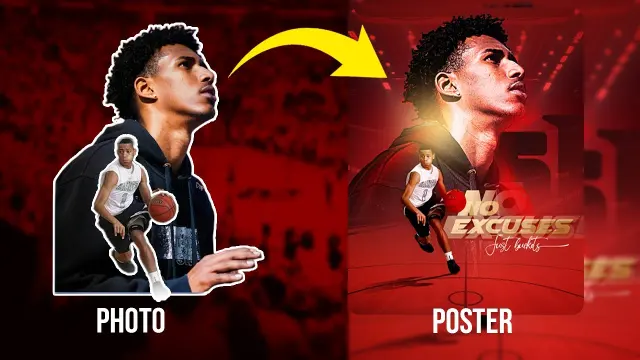
- Place the images and arrange them in layers
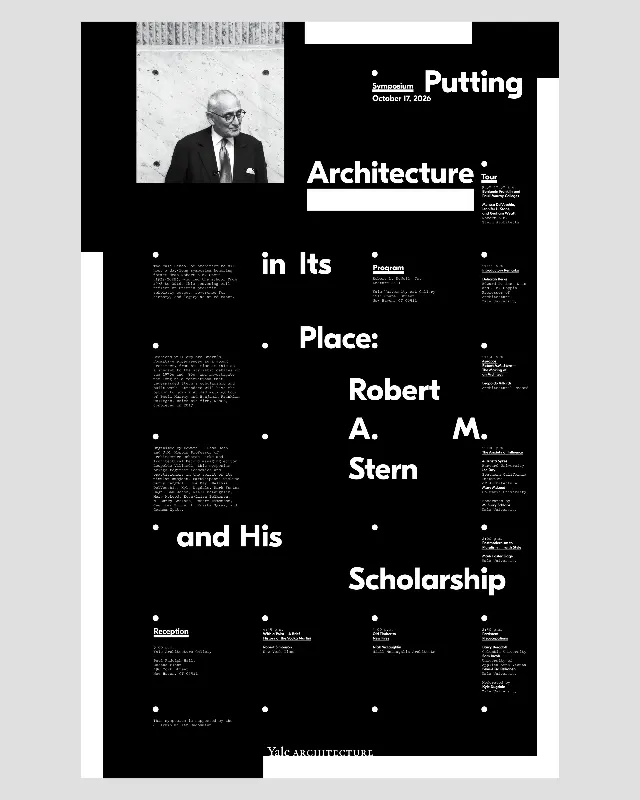
- Block out the layout so the composition is balanced
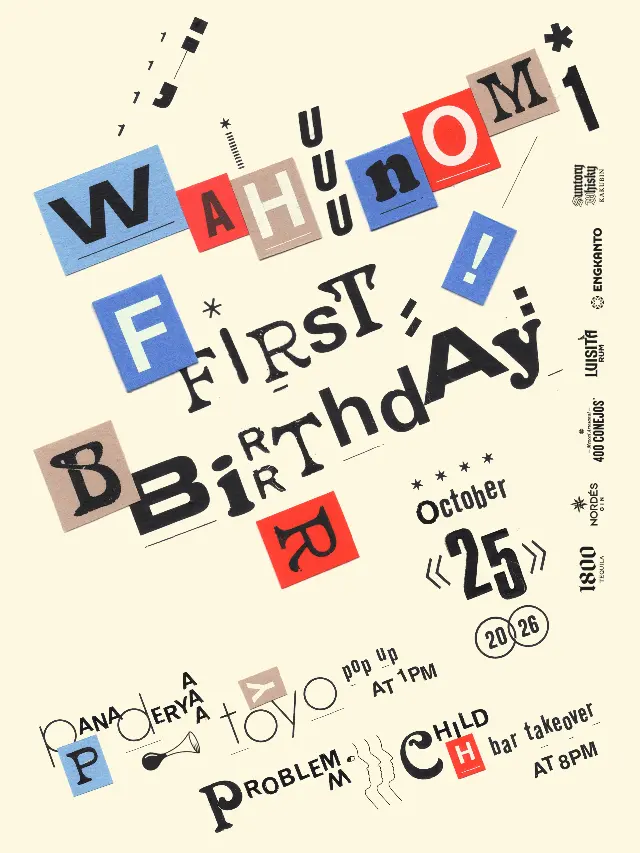
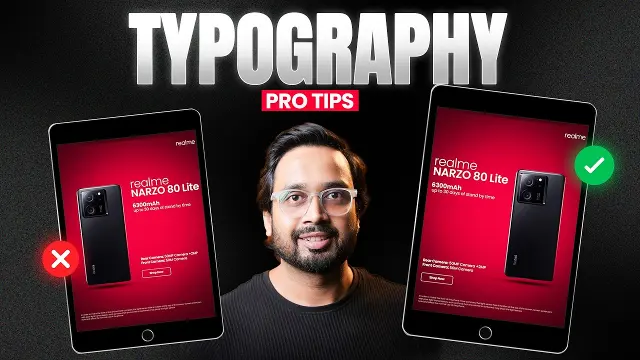
- Add the headline in large type and align it
- Set secondary text to build a clear visual hierarchy
- Adjust color and contrast between background and subject
- Review the whole layout for spacing and alignment
- Export the finished poster
Tips
- Decide the visual hierarchy early so the headline reads first and the details come after
- Keep a tight color palette — here red, black and white — so the poster stays unified
- Work on separate layers for images, type and background so you can move things around freely
Written by Tagrazzi from the original's description and photo.
The title and summary are written by Tagrazzi; the video belongs to its creator and plays from YouTube.

Comments (0)
No comments yet. Be the first to comment.
Sign in to write a comment.