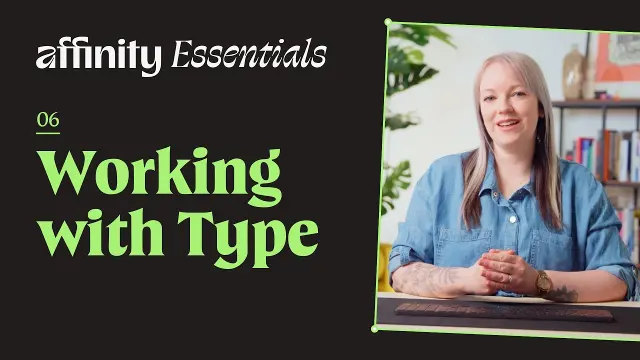
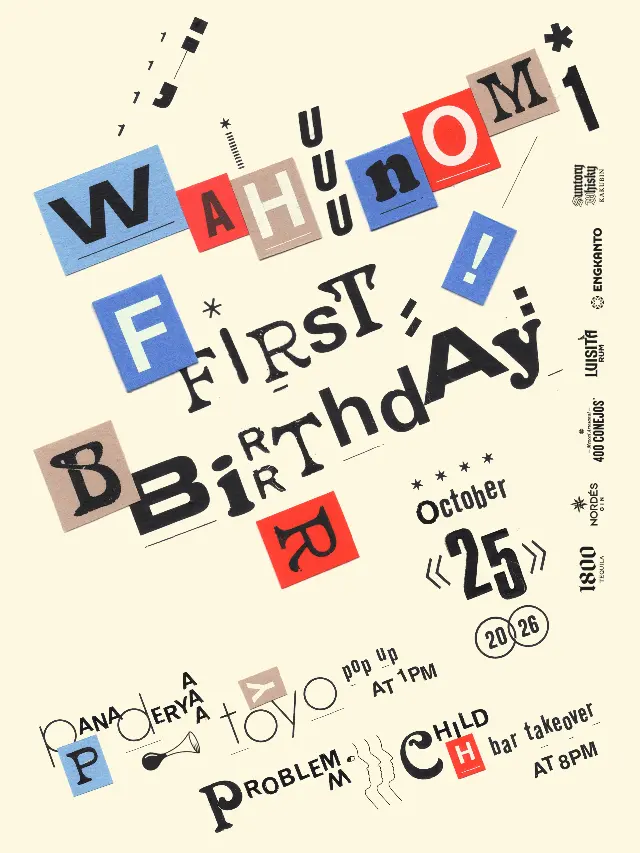
Mastering Typography and Text Layouts in Affinity
Learn how to format text, adjust kerning, tracking, and leading, and build consistent styles in Affinity.
YouTube · Affinity · 30 April 2026 Watch on YouTube
Tried this idea? Show how yours turned out.
I made thisHow to do it
What you need
- Affinity for Mac or Windows
- Lesson file (download from affin.link/affin-lesson6)
- Fonts to install
- Text frame and artistic text tools
Step by step
- Install the fonts you want to use
- Add text using frame text and artistic text
- Align and distribute your text elements
- Adjust spacing with kerning, tracking and leading
- Try variable fonts for finer control
- Create and apply text styles to keep formatting consistent
Tips
- Set up kerning, tracking and leading deliberately rather than leaving defaults, since spacing is what makes type look professional.
- Build text styles once and reuse them across the layout instead of formatting each block by hand.
- Variable fonts let you fine-tune weight and other attributes without installing extra font files.
Written by Tagrazzi from the original's description and photo.
The title and summary are written by Tagrazzi; the video belongs to its creator and plays from YouTube.




Comments (0)
No comments yet. Be the first to comment.
Sign in to write a comment.