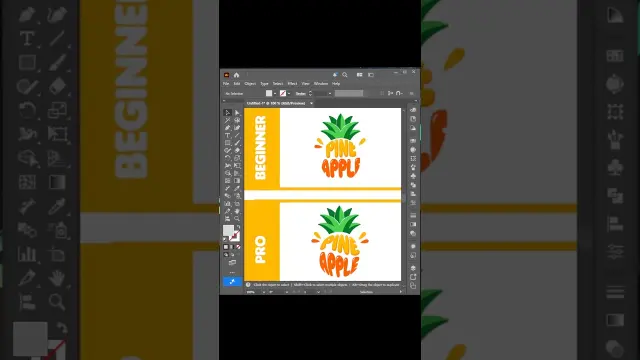
How to Create Creative Fruit Typography in Adobe Illustrator
Step-by-step Adobe Illustrator tutorial demonstrating how to design fruit-themed creative typography artwork.
YouTube · Niz Art creation · 9 October 2026 Watch on YouTube
Tried this idea? Show how yours turned out.
I made this#adobeillustrator #graphicdesign #typographyam #typography
How to do it
What you need
- Adobe Illustrator
- Type tool
- Pen or shape tools for the pineapple crown
- Fill colors (yellow, orange, green)
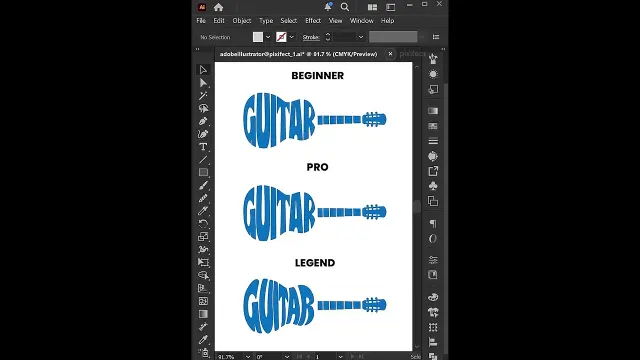
- Artboards for beginner and pro versions
Tips
- Keep the wordmark readable — the letters still need to spell the fruit name after they're shaped.
- Do a beginner pass first, then a pro version, so you can compare and refine the letter shapes.
- Use yellow-to-orange fills for the fruit body and green for the leafy crown to make it read instantly as a pineapple.
Written by Tagrazzi from the original's description and photo.
The title and summary are written by Tagrazzi; the video belongs to its creator and plays from YouTube.



Comments (0)
No comments yet. Be the first to comment.
Sign in to write a comment.