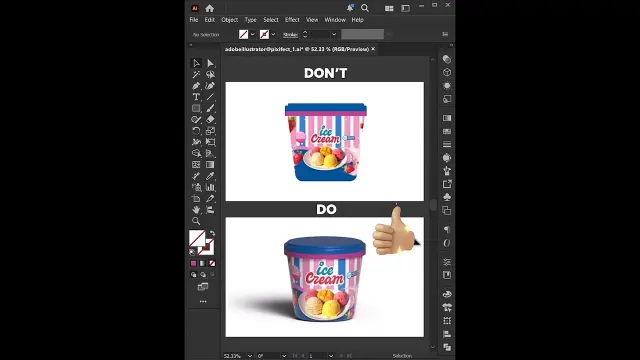
Creating a Realistic Plastic Container Mockup in Illustrator
Learn how to build a professional plastic container mockup from scratch using Adobe Illustrator tools and techniques.
YouTube · Pixifect · 28 September 2026 Watch on YouTube
Tried this idea? Show how yours turned out.
I made this#photoshop #graphicdesign #illustrator #adobeillustrator #adobe #logodesign #designer #mockup
How to do it
What you need
- Adobe Illustrator
- container shape
- lid shape
- label artwork
- shadow
Step by step
- Open a new Illustrator document.
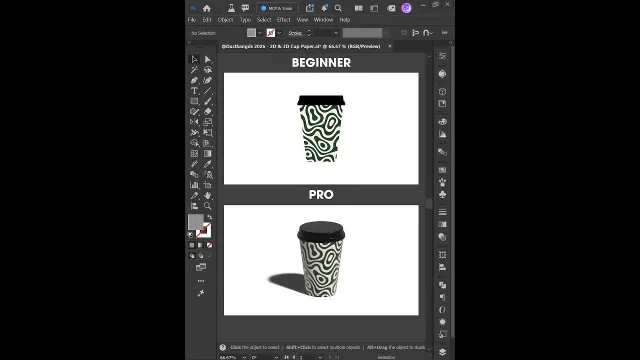
- Draw the plastic container base and lid.
- Place or create the label design on the container.
- Add shading and highlights for a realistic look.
- Create a soft shadow under the container.
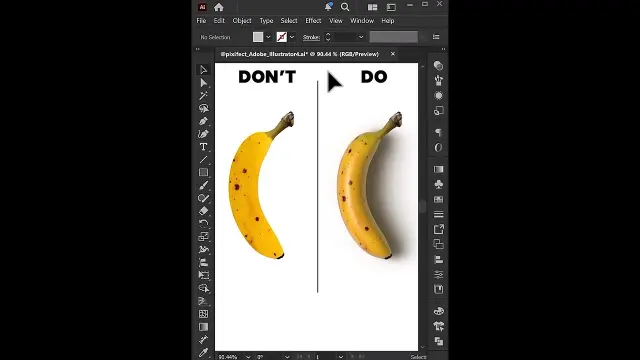
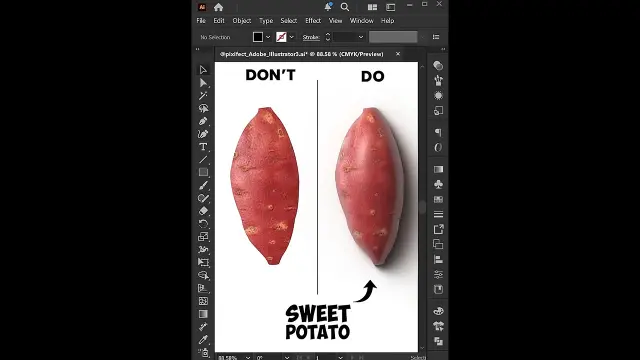
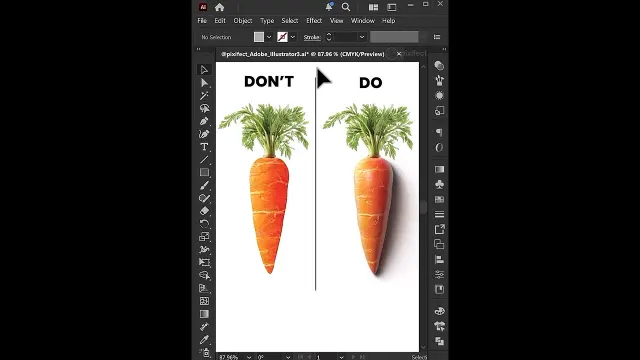
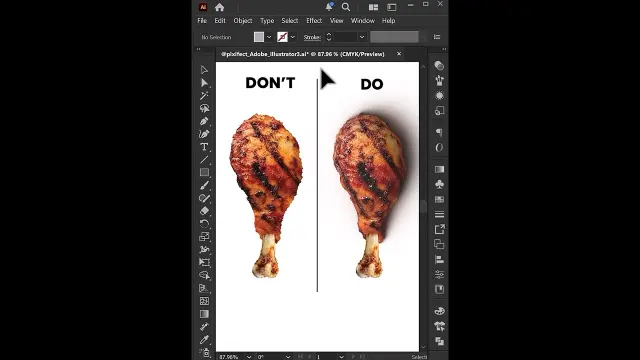
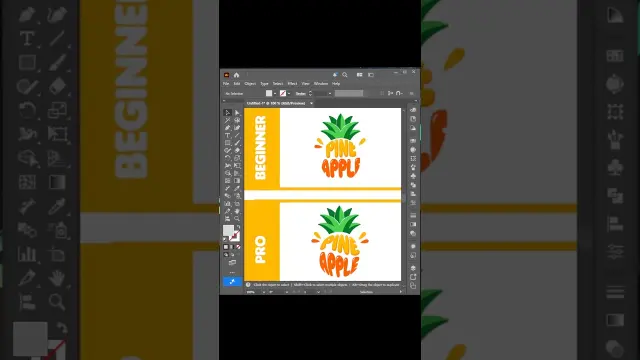
- Compare the result to the flat version and adjust the mockup.
Tips
- Keep the lid and body slightly different in tone to separate them.
- Use a soft shadow to make the container sit naturally on the page.
- Tweak the label placement so it follows the container shape.
Written by Tagrazzi from the original's description and photo.
The title and summary are written by Tagrazzi; the video belongs to its creator and plays from YouTube.
Comments (0)
No comments yet. Be the first to comment.
Sign in to write a comment.