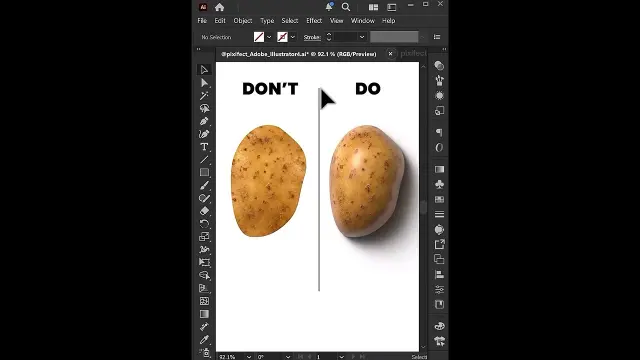
Creating a Realistic 3D Potato Mockup in Adobe Illustrator
Step-by-step tutorial on designing a realistic 3D potato mockup using Adobe Illustrator tools.
YouTube · Pixifect · 23 October 2026 Watch on YouTube
Tried this idea? Show how yours turned out.
I made this#photoshop #graphicdesign #illustrator #adobeillustrator #adobe #logodesign #designer #mockup
How to do it
What you need
- Adobe Illustrator
- a potato shape or reference photo
- gradient/shading tools
- a drop shadow effect
Tips
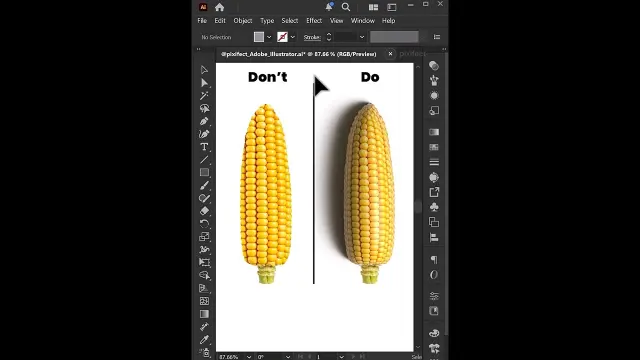
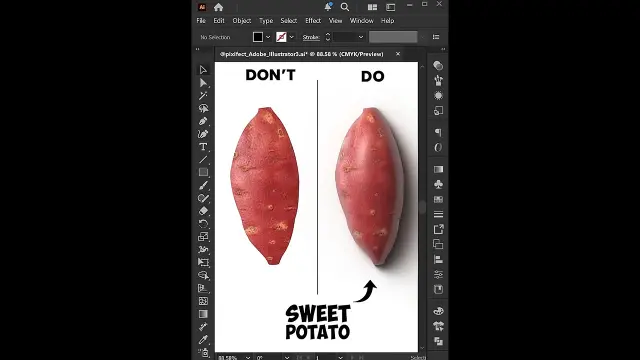
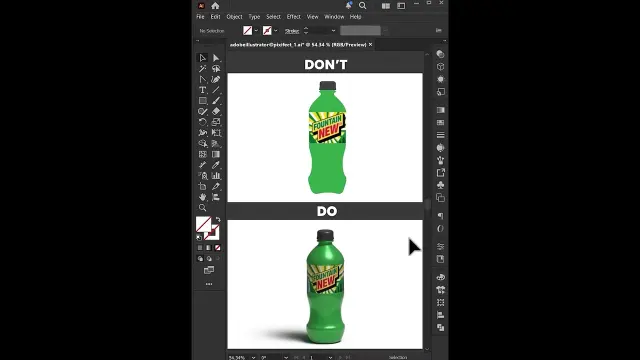
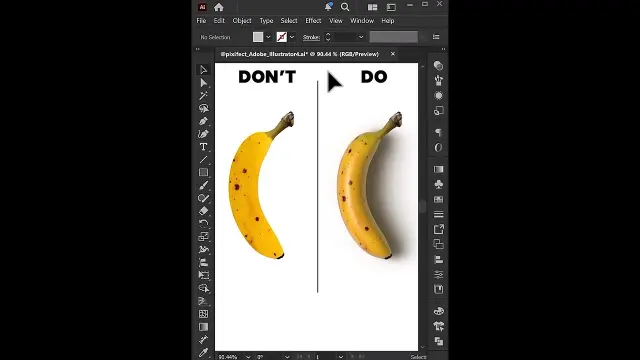
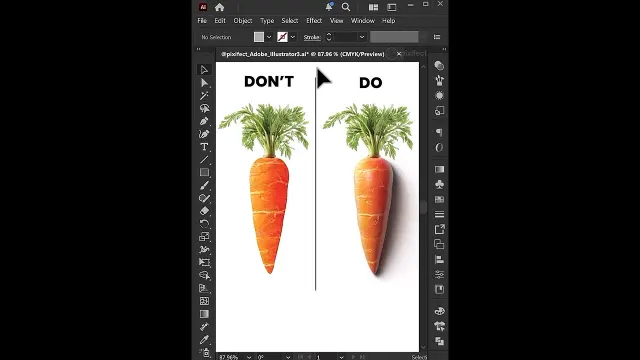
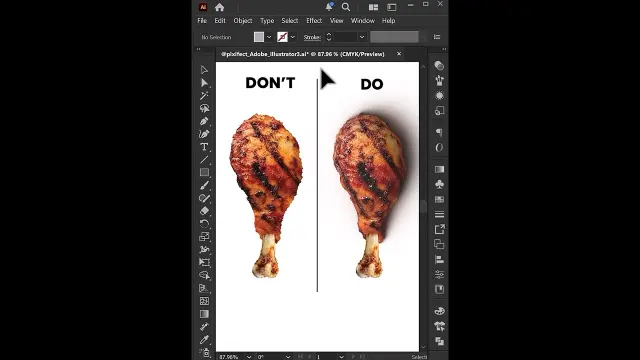
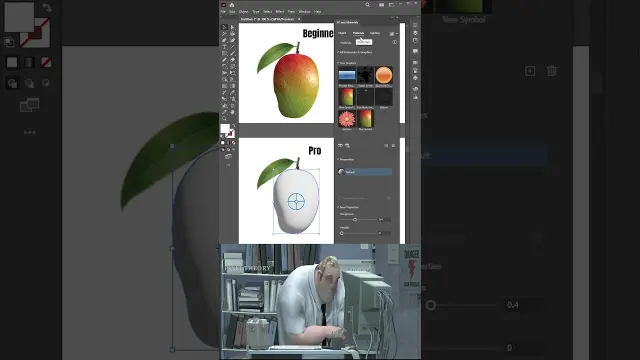
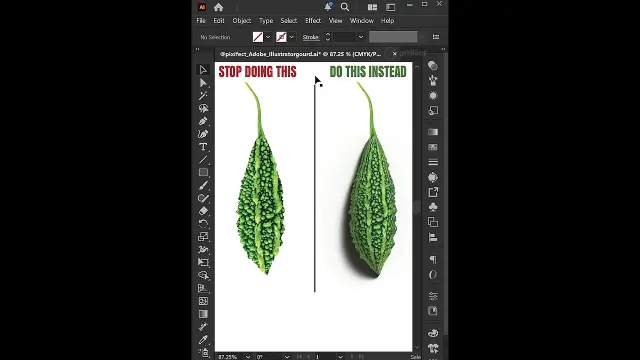
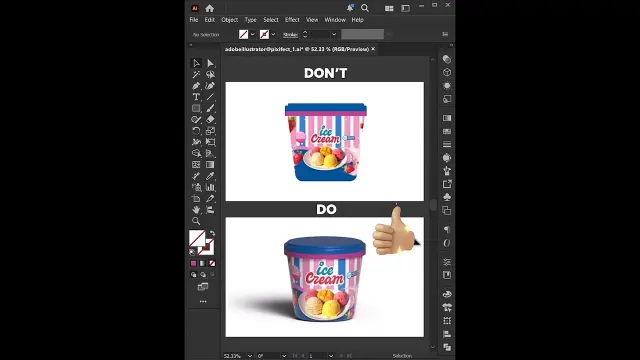
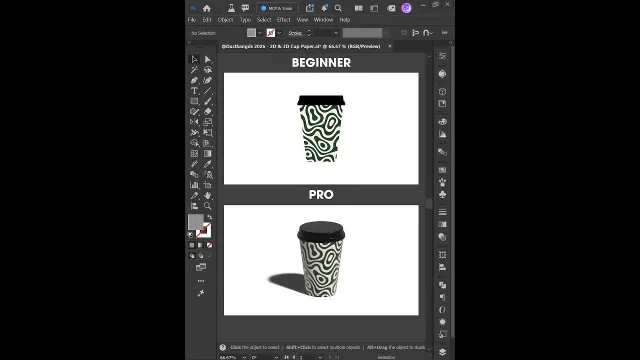
- Flat fill reads as a sticker — adding light-and-shadow shading on one side gives the potato volume.
- A soft drop shadow lifts the potato off the background so it stops looking pasted on.
- Sketch the flat version first, then build the shaded version next to it as the reference shows, so the difference stays visible.
Written by Tagrazzi from the original's description and photo.
The title and summary are written by Tagrazzi; the video belongs to its creator and plays from YouTube.
Comments (0)
No comments yet. Be the first to comment.
Sign in to write a comment.