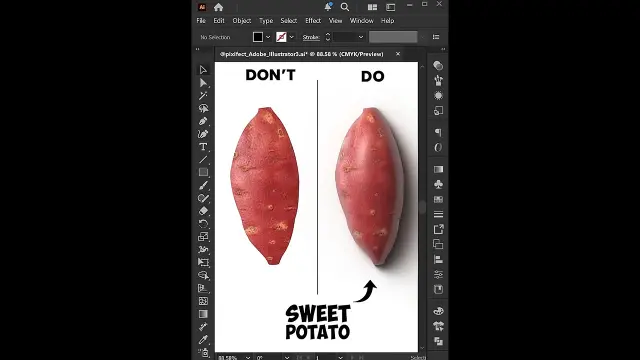
Designing a Realistic 3D Sweet Potato Mockup in Illustrator
Step-by-step instructions for creating a realistic 3D sweet potato design mockup in Adobe Illustrator.
YouTube · Pixifect · 30 October 2026 Watch on YouTube
Tried this idea? Show how yours turned out.
I made this#photoshop #graphicdesign #illustrator #adobeillustrator #adobe #logodesign #designer #mockup
How to do it
What you need
- Adobe Illustrator
- sweet potato reference image
- Pen or Pencil tool
- Fill and gradient shading
- Drop Shadow effect
Step by step
- Draw the sweet potato outline with the Pen or Pencil tool
- Fill the shape with a base color
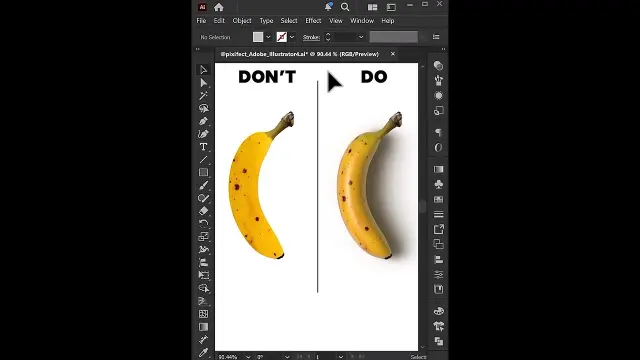
- Add highlights and shadows so the surface follows the curved form
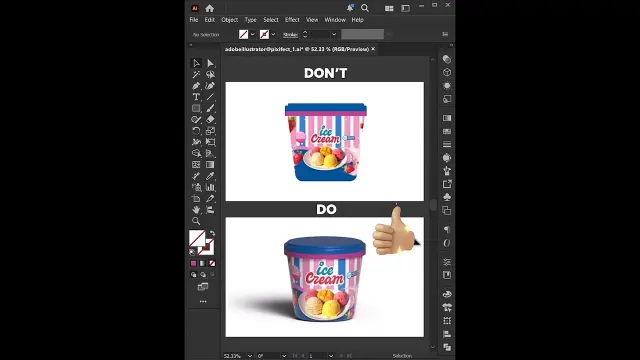
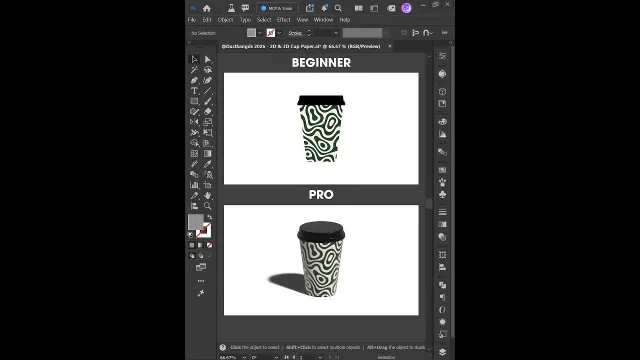
- Apply a drop shadow so the mockup sits on the background
Tips
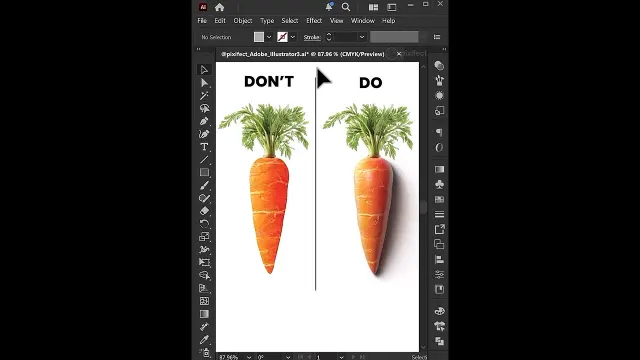
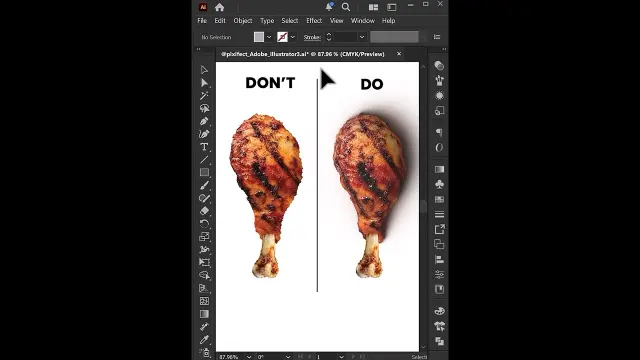
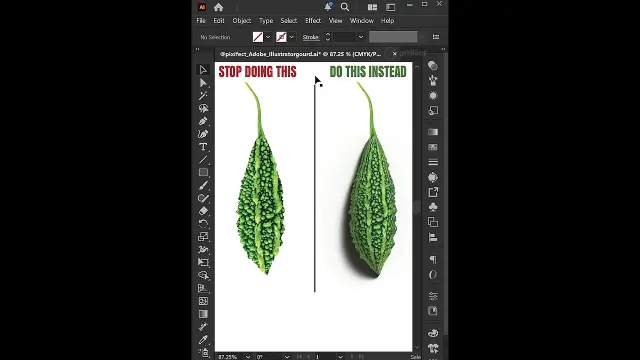
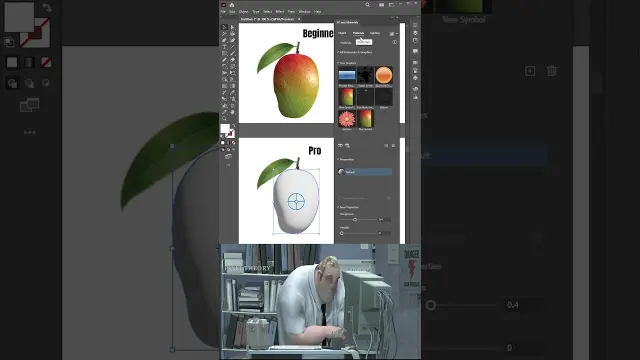
- The comparison isolates one change: a flat fill looks pasted on, while shadows and highlights make the same shape read as 3D
- Keep highlights and shadows soft-edged so the texture stays edible rather than glossy
- Check the result at small size, since a mockup is usually judged as a thumbnail
Written by Tagrazzi from the original's description and photo.
The title and summary are written by Tagrazzi; the video belongs to its creator and plays from YouTube.
Comments (0)
No comments yet. Be the first to comment.
Sign in to write a comment.