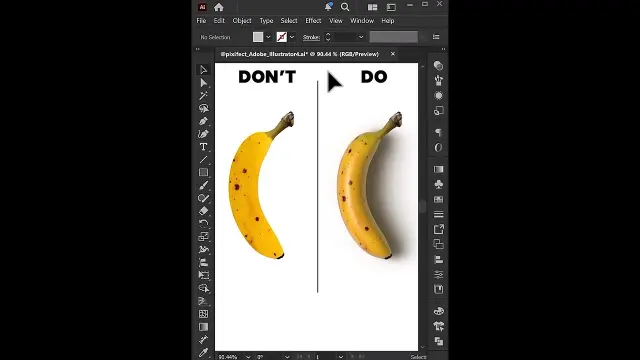
How to Create a Realistic Banana Mockup in Adobe Illustrator
Step-by-step tutorial demonstrating how to design and render a realistic banana mockup using Adobe Illustrator.
YouTube · Pixifect · 5 November 2026 Watch on YouTube
Tried this idea? Show how yours turned out.
I made this#photoshop #graphicdesign #illustrator #adobeillustrator #adobe #logodesign #designer #mockup
How to do it
What you need
- Adobe Illustrator
- banana shape/vector artwork
- gradient shading
- spot details
- white artboard
Step by step
- Draw the banana shape on a white artboard.
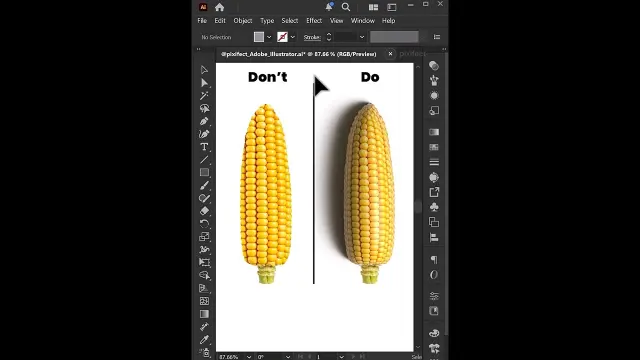
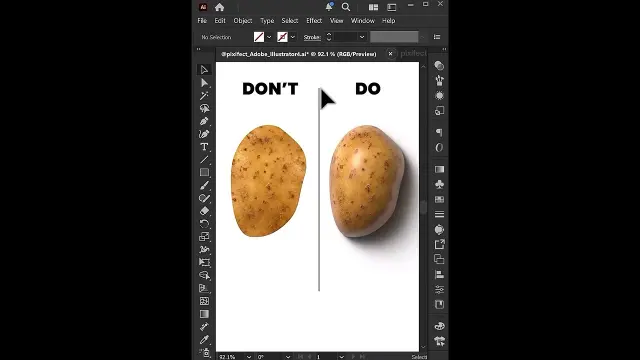
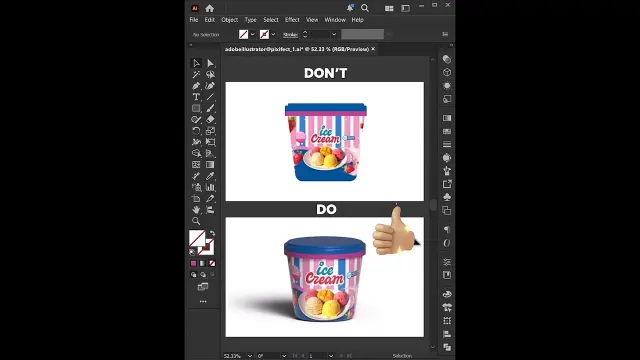
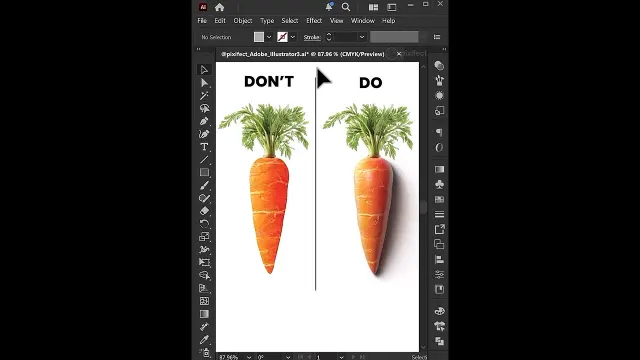
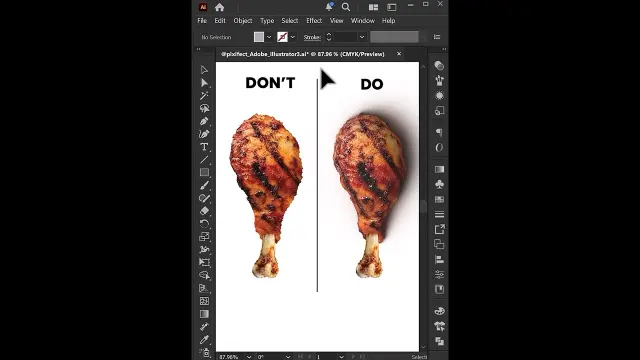
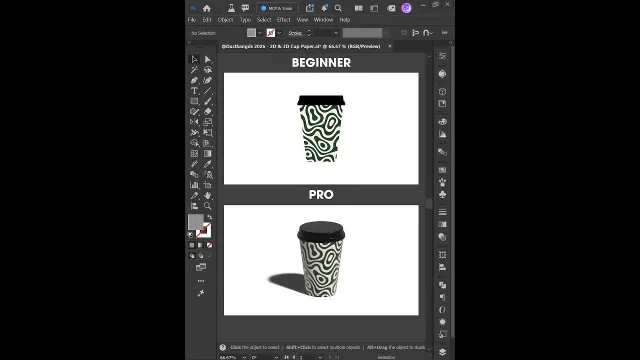
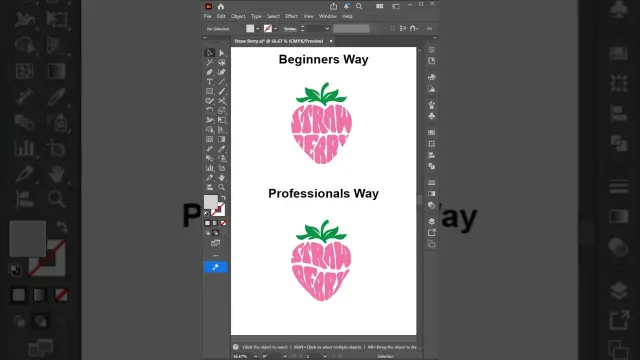
- Compare two versions side by side: a flat fill against one with curved shading.
- Add gradient shading along the banana's curve so the volume reads as rounded.
- Add small spots and refine placement until the fruit looks three-dimensional.
Tips
- Keep the spots small and scattered — evenly sized dots make it look flat.
- Let the shading follow the banana's curve; straight or centered highlights flatten the shape.
- Set the two versions side by side while you work so you can judge the difference.
Written by Tagrazzi from the original's description and photo.
The title and summary are written by Tagrazzi; the video belongs to its creator and plays from YouTube.
Comments (0)
No comments yet. Be the first to comment.
Sign in to write a comment.