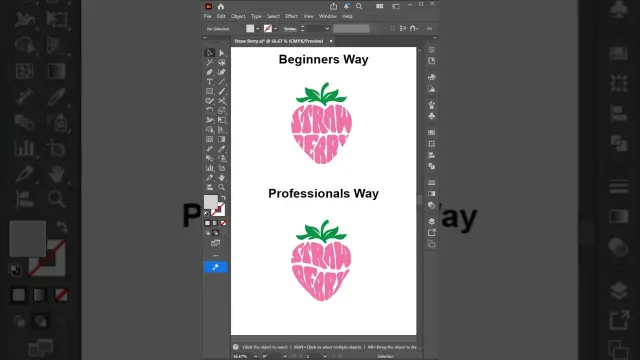
Pro Designer Trick for Strawberry Typography in Illustrator
A quick professional design trick for building strawberry-themed vector typography in Adobe Illustrator.
YouTube · Trixzee · 28 September 2026 Watch on YouTube
Tried this idea? Show how yours turned out.
I made thisHow to do it
What you need
- Adobe Illustrator
- artboard
- strawberry shape
- green leaf shapes
- lettering
Tips
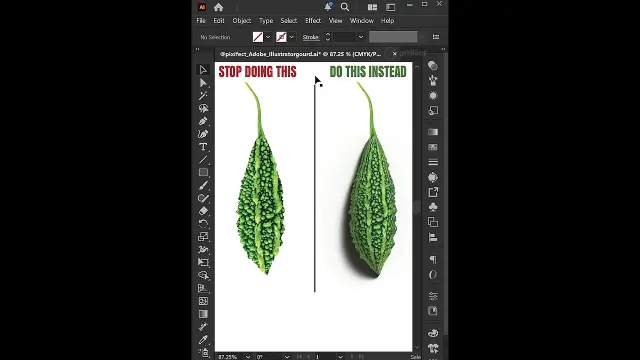
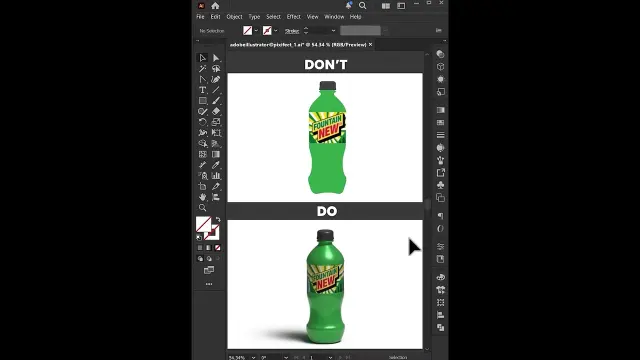
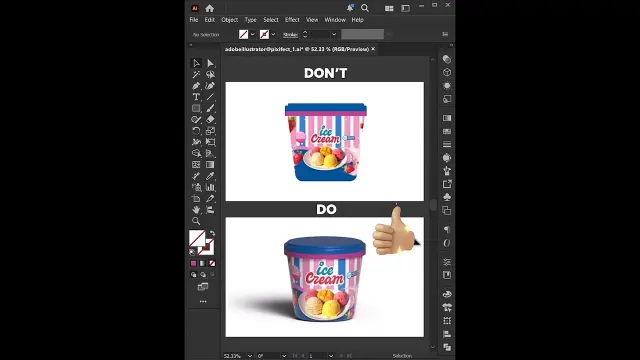
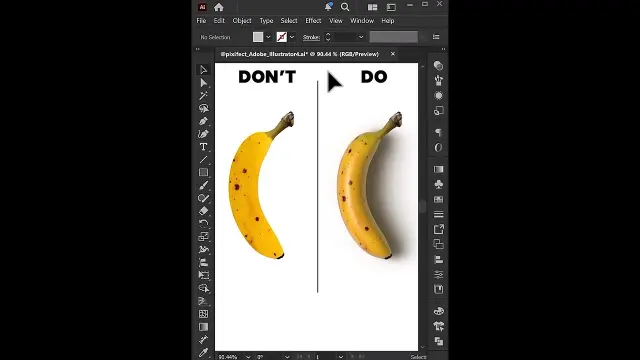
- The image only shows the finished 'Beginners Way' and 'Professionals Way' strawberries side by side — the actual technique isn't demonstrated.
- Both versions use the same strawberry outline and leaves; only the way the lettering fills the berry differs.
- Draw the strawberry and leaves as separate shapes so the lettering can be worked inside the berry body alone.
Written by Tagrazzi from the original's description and photo.
The title and summary are written by Tagrazzi; the video belongs to its creator and plays from YouTube.

Comments (0)
No comments yet. Be the first to comment.
Sign in to write a comment.