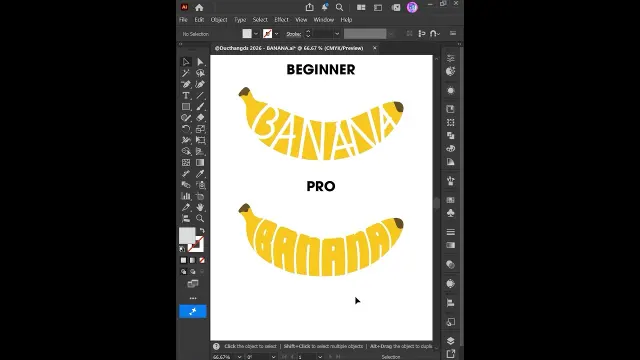
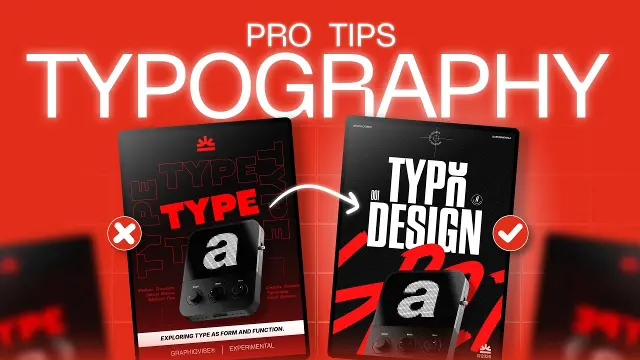
Pro Techniques for Creating Banana Typography in Illustrator
A professional guide to styling and shaping typography to resemble bananas in Adobe Illustrator.
YouTube · DucThang Ds · 12 October 2026 Watch on YouTube
Tried this idea? Show how yours turned out.
I made thisHow to do it
What you need
- Adobe Illustrator
- text
- banana reference shape
Step by step
- Type the word you want to stylize.
- Shape the letters to follow a banana-like curve.
- Adjust the letterforms to look more like banana slices or segments.
- Refine the spacing and alignment for a clean final look.
Tips
- Keep the letters curved to match the banana silhouette.
- Use a bold yellow color with darker ends for a banana feel.
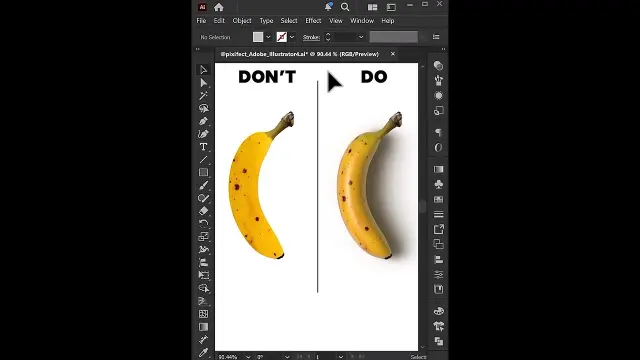
Written by Tagrazzi from the original's description and photo.
The title and summary are written by Tagrazzi; the video belongs to its creator and plays from YouTube.
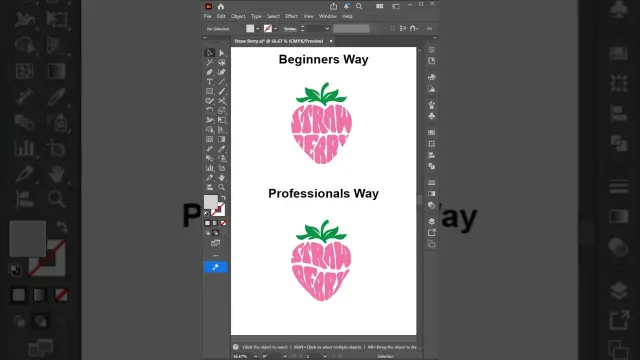
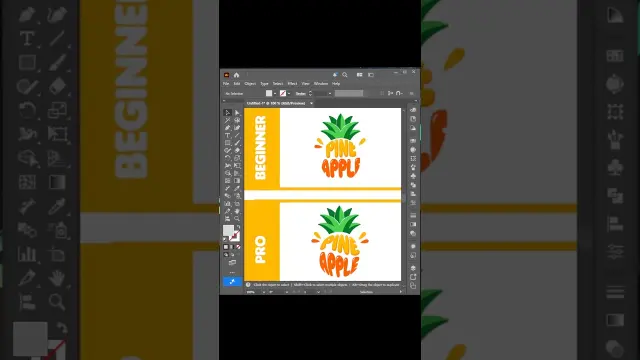
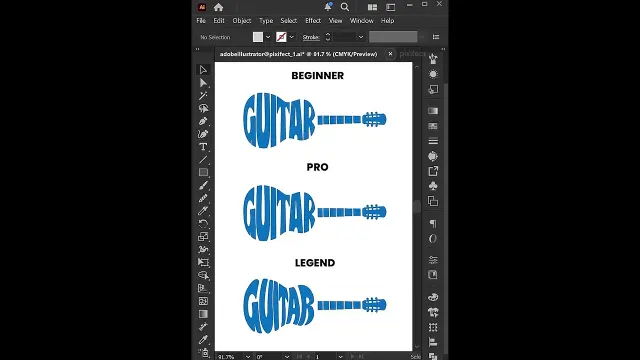
Comments (0)
No comments yet. Be the first to comment.
Sign in to write a comment.