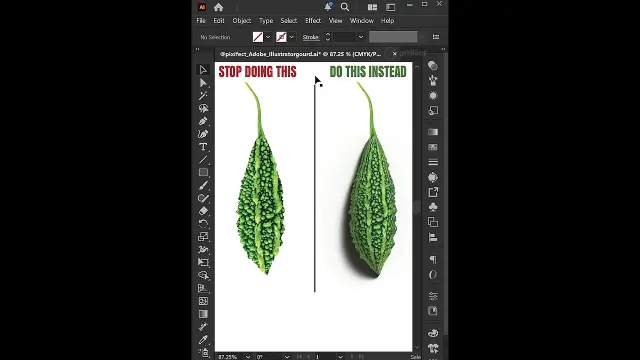
Creating a Realistic Bitter Gourd Mockup in Adobe Illustrator
A graphic design tutorial showing the process of creating a realistic vegetable mockup in Adobe Illustrator.
YouTube · Pixifect · 14 October 2026 Watch on YouTube
Tried this idea? Show how yours turned out.
I made this#photoshop #graphicdesign #illustrator #adobeillustrator #adobe #logodesign #designer #mockup
How to do it
What you need
- Adobe Illustrator
- Bitter gourd reference photo
- Pen or shape tools
- Gradient or shading tools
- Drop shadow effect
Step by step
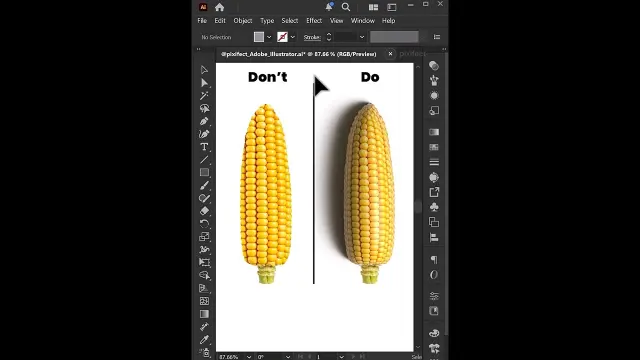
- Draw the bitter gourd outline with the pen tool.
- Fill the body with a green base color.
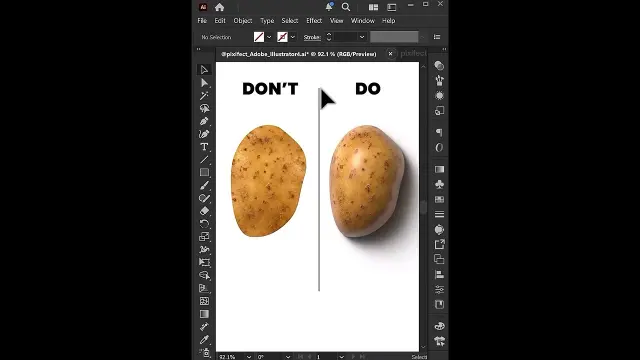
- Add darker green shading along the ridges and edges.
- Lighten the raised bumps to suggest texture.
- Apply a soft drop shadow beneath the gourd.
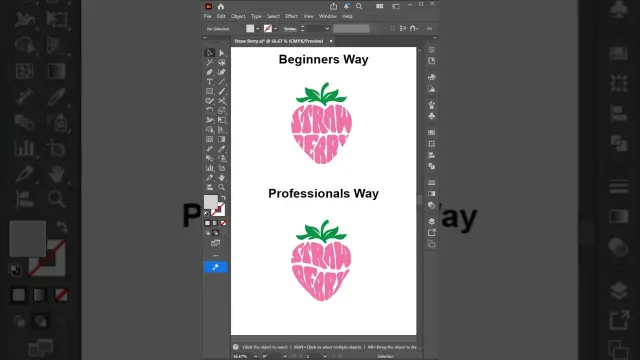
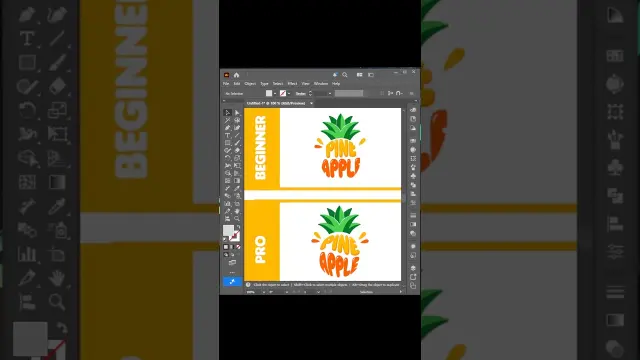
- Compare against the flat version and refine the depth.
Tips
- The difference between flat and realistic is shading, not detail — build up light and dark areas first.
- Follow the natural ridges of the gourd when placing highlights and shadows.
- A soft shadow underneath makes the object sit on the surface instead of floating.
Written by Tagrazzi from the original's description and photo.
The title and summary are written by Tagrazzi; the video belongs to its creator and plays from YouTube.


Comments (0)
No comments yet. Be the first to comment.
Sign in to write a comment.