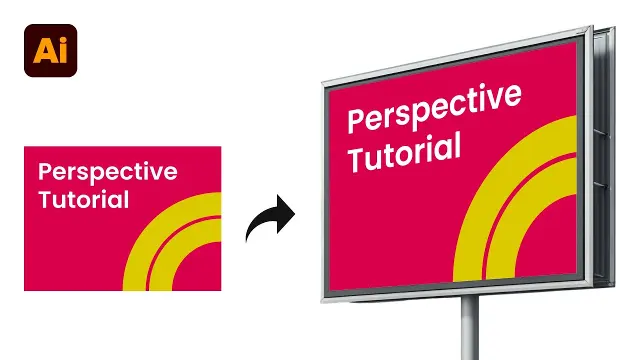
 How to Place Mockups in Perspective Using Adobe Illustrator
#Mockups
18 ideas
How to Place Mockups in Perspective Using Adobe Illustrator
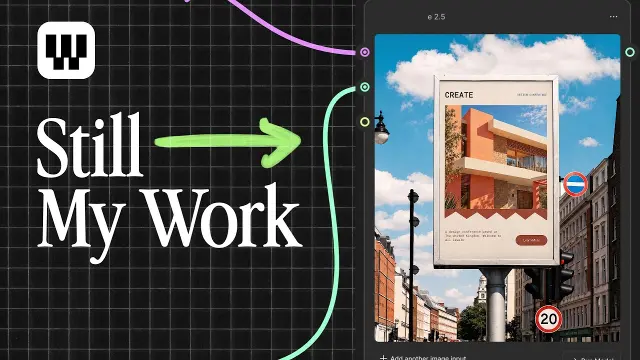 Figma Weave for Poster Mockups
 How to Quickly Generate Multiple Print on Demand Mockups
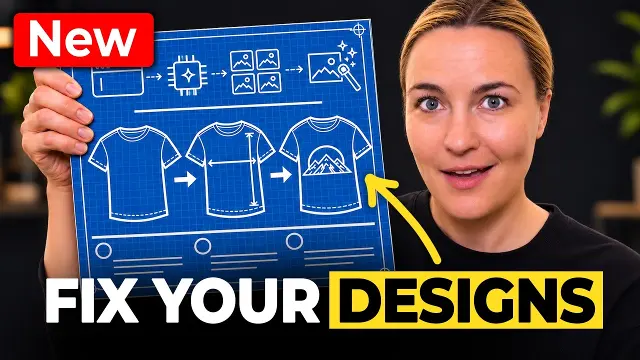 Complete Step-by-Step Guide to Creating Effective T-Shirt Mockups
 Easy T-Shirt Mockup Design in Affinity Using a Simple Workflow
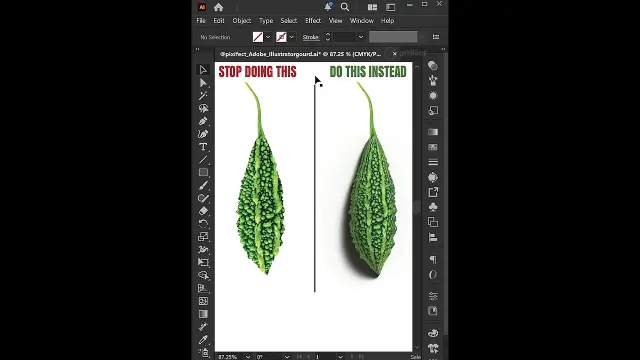 Creating a Realistic Bitter Gourd Mockup in Adobe Illustrator
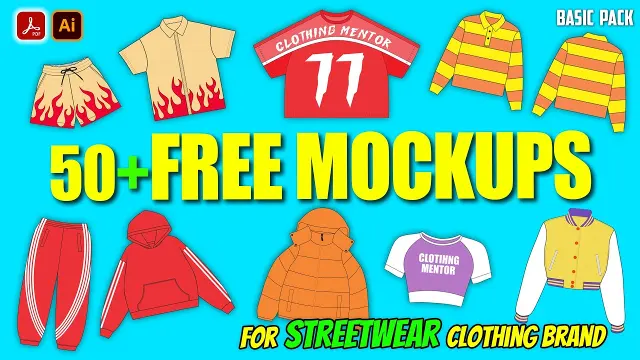 How to Make Clothing Brand Mockups With Free Vector Files
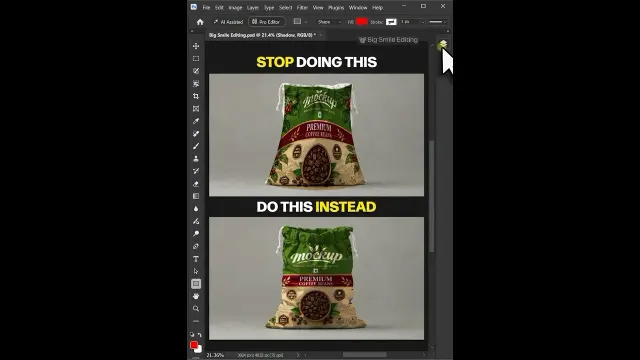 Easy Photoshop Tips for Creating Fabric Drawstring Sack Mockups
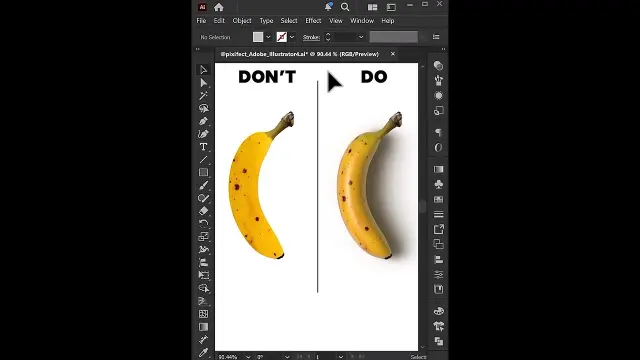 How to Create a Realistic Banana Mockup in Adobe Illustrator
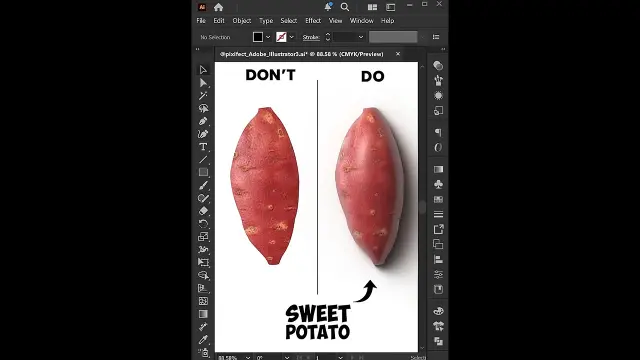 Designing a Realistic 3D Sweet Potato Mockup in Illustrator
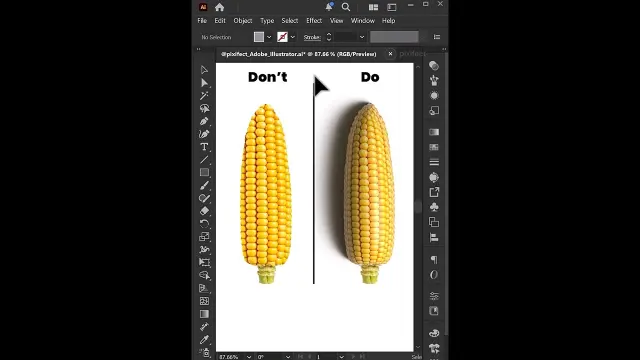 Creating a Realistic Corn Mockup in Adobe Illustrator
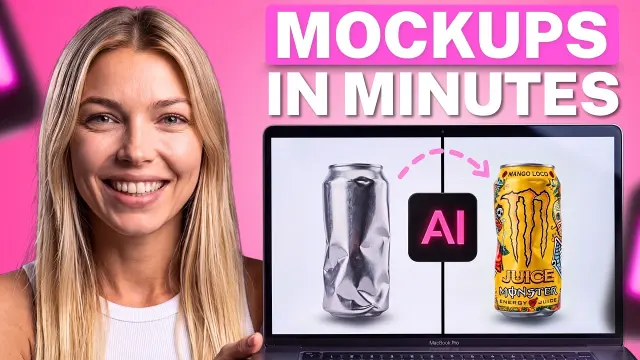 How to Make Product Mockups Using AI Without Photoshop
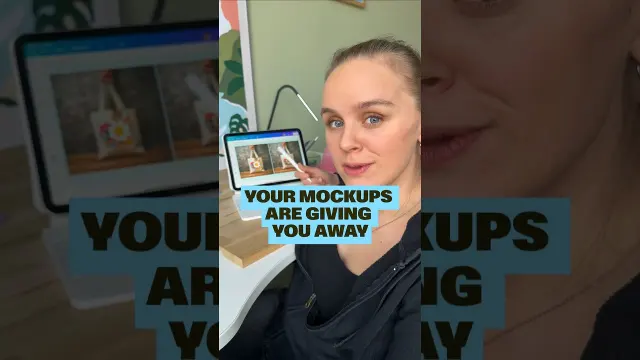 Simple Canva Hack for Creating Professional Product Mockups
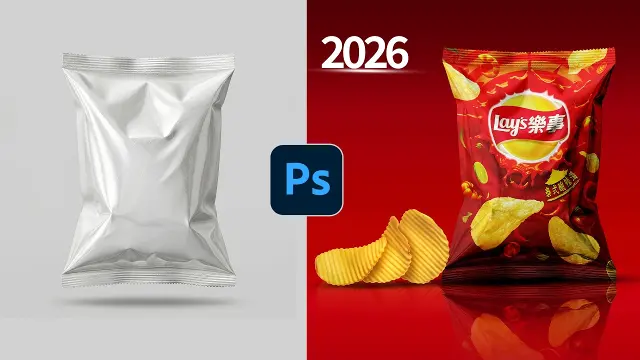 Easy Method for Designing Realistic Packaging Mockups in Photoshop
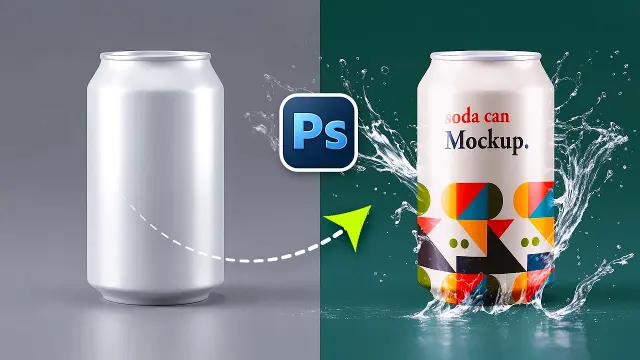 Beginner Guide: How to Create a Realistic Mockup in Photoshop
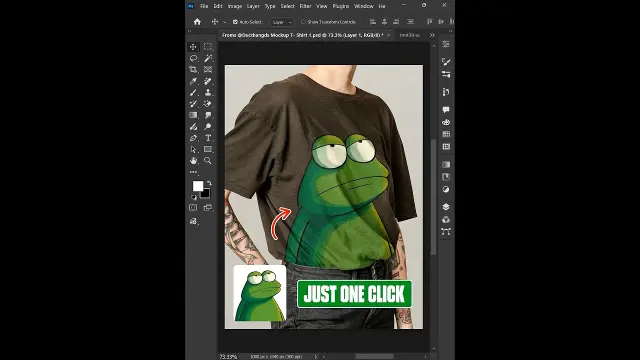 Using Photoshop AI Generative Fill to Create a T-Shirt Mockup
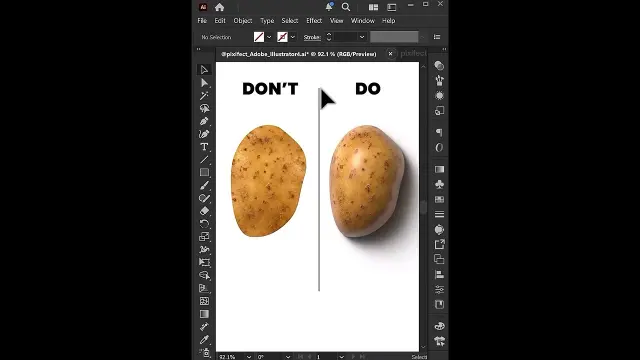 Creating a Realistic 3D Potato Mockup in Adobe Illustrator
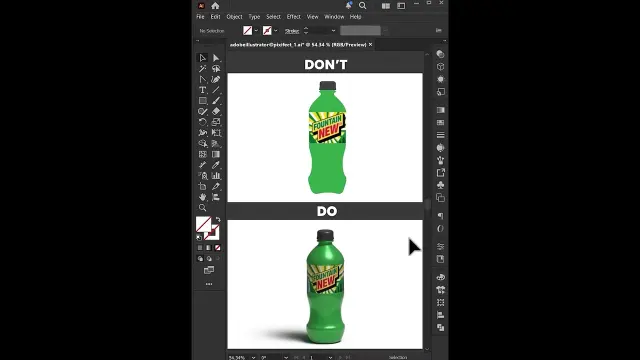 How to Design a Realistic Plastic Bottle Mockup in Illustrator
Get new #Mockups ideas by email
Every Thursday: the week's best ideas, with the newest from #Mockups.
Collections
Related tags
Mockups: A Practical Guide to Using Them
What a mockup is
A mockup is a visual presentation of a design placed into a realistic setting. It helps you see how an idea might look in the real world before it is printed, built, sewn, packaged, or published. Mockups are used in graphic design, branding, packaging, fashion, product design, and many other creative fields.
The word is often used for a simple image of a finished-looking object, such as a poster on a wall, a logo on stationery, or a pattern on a T-shirt. Mockups are not the final product itself; they are a preview. That makes them useful for planning, presenting ideas, and spotting problems early.
Why mockups matter
Read more
Mockups help you understand scale, placement, color balance, and overall feel. A design that looks strong on a blank screen may behave very differently when shown on fabric, glass, paper, or a three-dimensional object. By placing the design into context, you can judge whether it feels natural and readable.
They are also useful when sharing ideas with clients, collaborators, or customers. A mockup can make an abstract concept easier to understand than a flat file alone. For creators, they are a practical way to test visual choices before committing to production.
Common kinds of mockups
Mockups can be simple or highly detailed. Some of the most common kinds include:
- Print mockups, such as posters, flyers, books, and magazines
- Branding mockups, such as logos on business cards, packaging, or stationery
- Apparel mockups, such as T-shirts, tote bags, caps, and tags
- Product mockups, such as bottles, boxes, jars, and labels
- Digital mockups, such as app screens, websites, and devices
- Interior or wall mockups, used to show art, signs, or decor in a room
Each kind serves the same basic purpose: to make a design feel believable and easy to evaluate.
What makes a good mockup
A strong mockup does not distract from the design. It should support the idea, not overpower it. Lighting, perspective, and shadows should feel consistent. The placement of the artwork should look natural, with the right proportions and alignment.
For beginners, it helps to keep things simple. Start with clean compositions, neutral backgrounds, and one main focal point. If the scene is too busy, the design can become harder to read. Good mockups often rely on subtle details rather than dramatic effects.
Practical tips for beginners
- Choose a mockup that matches the real object as closely as possible
- Keep the design legible at the intended size
- Check how colors change when placed into a photographed or rendered scene
- Avoid using too many effects that make the design look artificial
- Make sure the perspective matches the object and the camera angle
- Use mockups to compare options, not to replace careful final preparation
How to think about mockups
Think of a mockup as a bridge between idea and reality. It is part display, part testing tool. When used well, it helps you make better decisions and communicate more clearly. Whether you are presenting a logo, a pattern, a poster, or a packaging concept, a good mockup gives your work context and helps others imagine the finished result.
#Mockups: frequently asked questions
What exactly is a mockup, and how is it different from the finished product?
A mockup is a preview that shows a design sitting inside a realistic setting, such as a logo on packaging or a pattern on fabric. It is not the product itself, so it lets you judge scale, placement, and color balance before anything is printed, sewn, or built. Think of it as a bridge between the idea and the real thing.
How do I get started with mockups if I have never made one before?
Begin with a clean, neutral composition and a single clear focal point rather than a busy scene. Pick a mockup that resembles the actual object your design will live on, then drop your artwork in and check whether it stays legible at the size people will really see it. Keeping the setup simple makes it much easier to spot problems early.
Which type of mockup should I choose for my project?
Match the mockup to where the design will actually appear: print pieces for posters and books, branding scenes for cards and packaging, apparel scenes for garments and bags, and screen or device scenes for digital work. Interior views help when art or signage needs to be shown in a room. The right choice is simply the one that mirrors the real context most closely.
What separates a convincing mockup from one that looks fake?
Consistent lighting, believable perspective, and natural shadows do most of the work, along with artwork that aligns properly with the surface it sits on. Heavy effects and cluttered backgrounds tend to make a design look artificial and harder to read. Subtle details almost always beat dramatic ones.
What common mistakes should I avoid when making mockups?
The usual pitfalls are mismatched perspective between the artwork and the camera angle, colors that shift once placed into a photographed scene, and designs that become unreadable at their intended size. Overloading the scene with effects is another frequent one. Remember too that a mockup helps you compare options — it does not replace careful preparation for final production.
Can mockups help when presenting ideas to other people?
Yes — a mockup turns an abstract concept into something a client or collaborator can picture immediately, which makes discussion far more concrete. It also lets you test several visual directions side by side before committing to production. Showing the design in context is usually more persuasive than sharing a flat file alone.
Videos come from YouTube and posts from Instagram; titles and summaries are our own. All rights belong to their creators.