
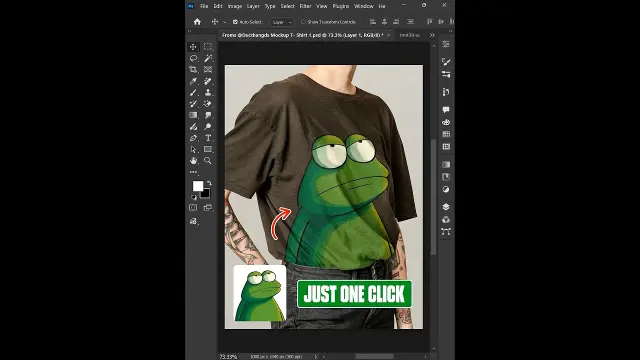
Easy T-Shirt Mockup Design in Affinity Using a Simple Workflow
Learn how to create a clean t-shirt mockup in Affinity using a simple workflow for branding and presentations.
YouTube · Spot · 2 January 2026 Watch on YouTube
Tried this idea? Show how yours turned out.
I made this#TShirtMockup #AffinityDesigner #CanvaStyle #MockupDesign #GraphicDesignTutorial #PrintOnDemand #TShirtDesign #AffinityTutorial #DesignWorkflow #MockupTutorial #BrandingDesign #SpotDesign
How to do it
What you need
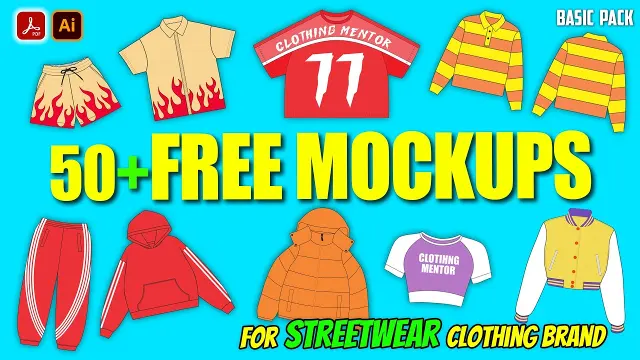
- T-shirt mockup
- design graphic
- Affinity Designer
Step by step
- Open the T-shirt mockup in Affinity.
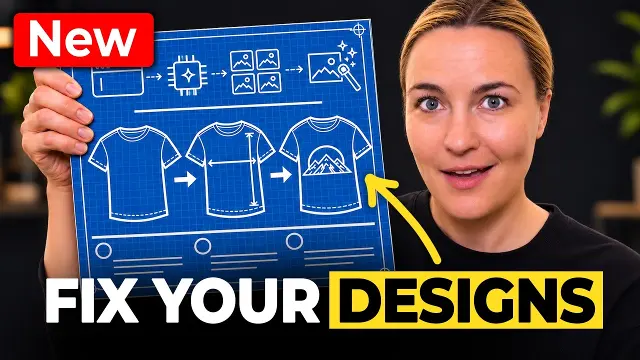
- Place your design on the shirt area.
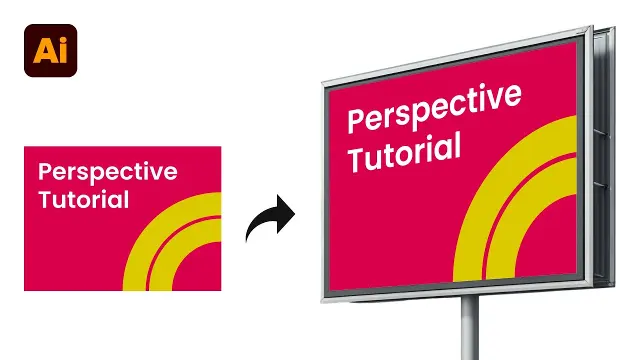
- Adjust the perspective to match the fabric shape.
- Refine the placement so it looks realistic.
- Add finishing touches to blend the design into the mockup.
Tips
- Keep the design centered on the shirt front.
- Use subtle perspective and blending for a more realistic result.
- A simple layout works well for clean branding mockups.
Written by Tagrazzi from the original's description and photo.
The title and summary are written by Tagrazzi; the video belongs to its creator and plays from YouTube.



Comments (0)
No comments yet. Be the first to comment.
Sign in to write a comment.