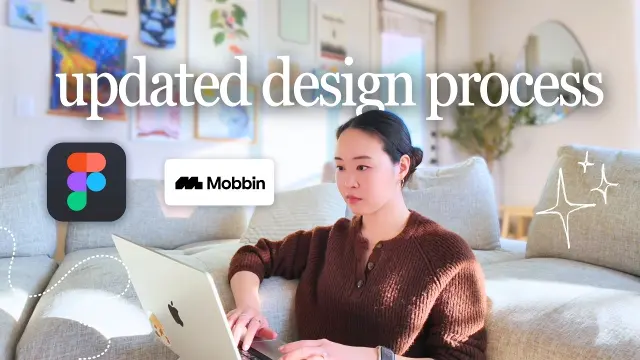
Updated Design Process for Web Mobile Apps and UI UX in 2026
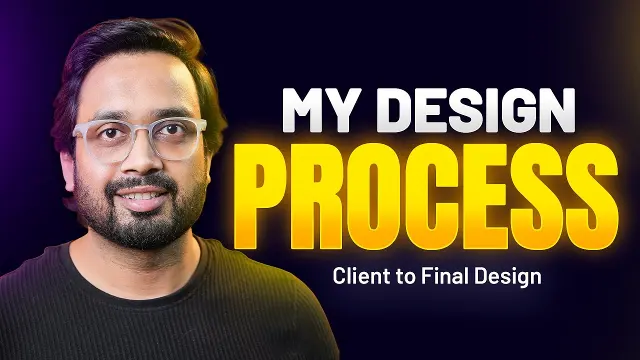
A comprehensive walkthrough covering moodboarding, UI, UX, and branding processes for starting new digital projects.
YouTube · Cecilia Kim · 5 February 2026 Watch on YouTube
Tried this idea? Show how yours turned out.
I made this#productdesign #uiuxdesign #designprocess #figma #completeguide #beginnersguide #fullprocess
How to do it
What you need
- Figma
- Mobbin (UI inspiration reference)
- Anything.com (prototyping)
- Framer (no-code website building)
- Laptop
Step by step
- Meet the client for an intro call and design discovery to define the project scope.
- Do an inspiration deep dive, gathering UI references for the product type.
- Separate the UI work from the UX thinking before starting visuals.
- Build mood boards that capture the emotion and direction you want.
- Present visual directions to the client for feedback.
- Create UI mockups of the screens.
- Move into UX to map flows and structure.
- Combine the UI and UX into a finished design.
- Distill the branding direction for branding projects.
- Design the landing page last, using the established visual language.
Tips
- Pull UI inspiration from real product screens rather than generic galleries.
- Present mood boards as visual directions early so feedback comes before heavy UI work.
- Treat UI (how it looks) and UX (how it works) as separate phases, then merge them.
Written by Tagrazzi from the original's description and photo.
The title and summary are written by Tagrazzi; the video belongs to its creator and plays from YouTube.

Comments (0)
No comments yet. Be the first to comment.
Sign in to write a comment.