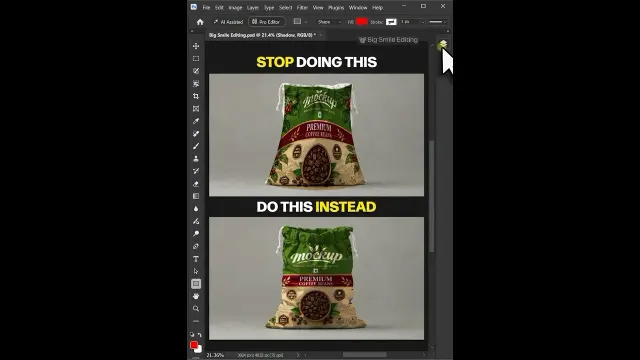
Easy Photoshop Tips for Creating Fabric Drawstring Sack Mockups
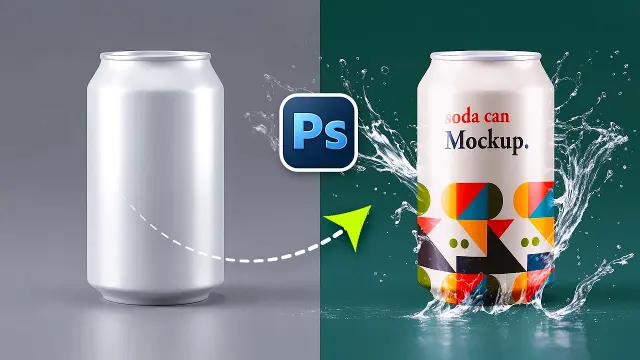
A Photoshop tutorial demonstrating how to create a realistic fabric drawstring sack packaging mockup.
YouTube · Big Smile Editing · 22 October 2026 Watch on YouTube
Tried this idea? Show how yours turned out.
I made this#adobephotoshop #illustrator #photoshoptutorial #illustratortutorial #photoshoptips #illustratortips #photoshopandillustrator #adobecreativecloud #graphicdesigntips #designtutorial #digitaldesign #adobetutorial #photoshop #graphicdesign #adobeillustrator
How to do it
What you need
- Adobe Photoshop
- Adobe Illustrator
- Fabric drawstring sack mockup file
- Logo or label artwork
- Smart object layers
Step by step
- Create the label artwork in Illustrator
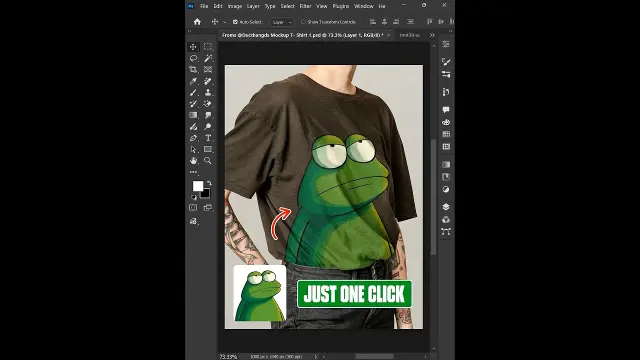
- Open the sack mockup in Photoshop
- Double-click the smart object layer to open it
- Place your artwork inside the smart object
- Save to update the mockup
- Adjust the design to follow the sack's shape and folds
- Compare against the flat version and refine until it reads as real fabric
Tips
- Keep the artwork in a smart object so you can swap or resize it without redoing the mockup
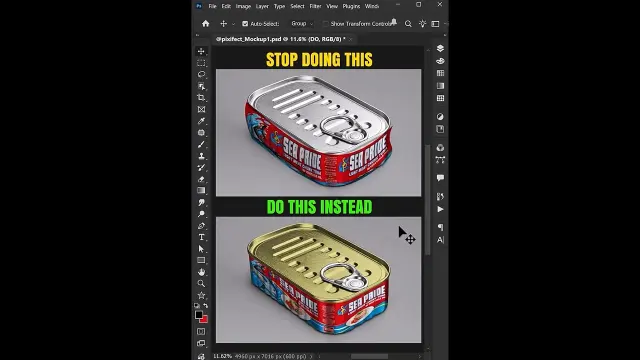
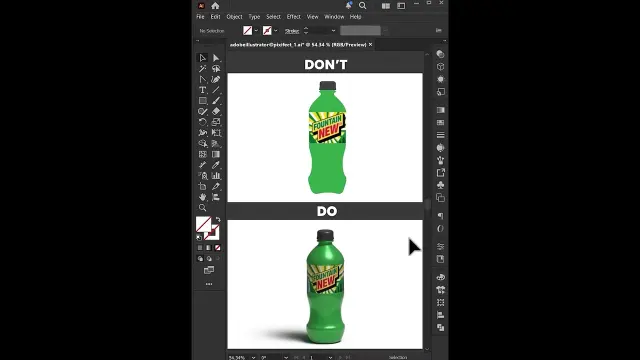
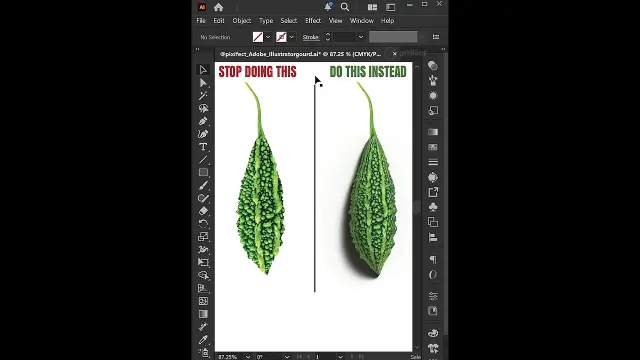
- Let the label bend and distort with the fabric instead of pasting it on flat, which is the 'stop doing this' version
- Check the result against the sack's shading and shadows so the print looks like it sits in the cloth
Written by Tagrazzi from the original's description and photo.
The title and summary are written by Tagrazzi; the video belongs to its creator and plays from YouTube.

Comments (0)
No comments yet. Be the first to comment.
Sign in to write a comment.