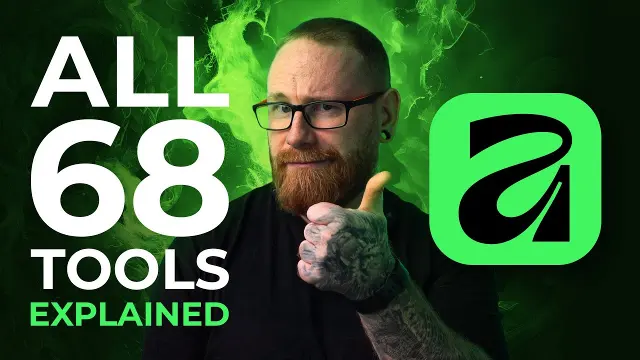
The Ultimate Guide to All Tools in Affinity
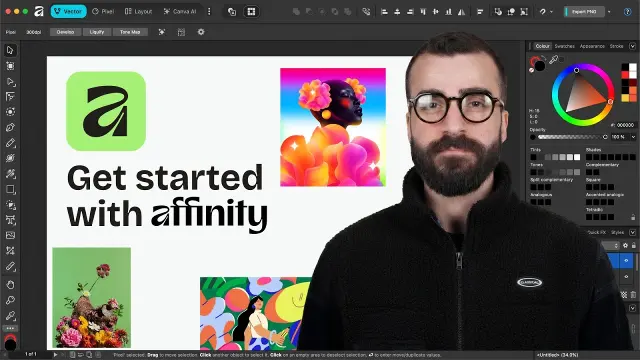
A comprehensive breakdown of vector and pixel studio tools available in Affinity.
YouTube · Dansky · 7 November 2025 Watch on YouTube
Tried this idea? Show how yours turned out.
I made thisHow to do it
What you need
- Affinity (version 3)
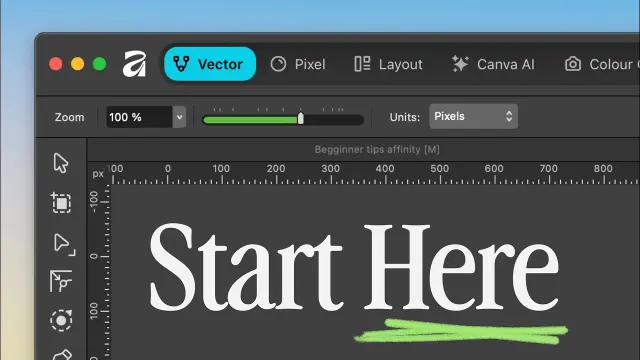
- Vector Studio
- Pixel Studio
- Layout Studio
Tips
- Many tools repeat across all three studios — Move, Node, Pen, Shape, Artistic Text, Frame Text, Colour Picker, Style Picker, Place and Vector Crop appear in more than one — so learning them once carries over.
- The description timestamps each tool in order, so you can jump straight to the one you need instead of watching end to end.
- The pixel brushes are grouped by job: selection tools, fill tools, paint and mixing brushes, retouch and erase brushes, then the brush-based effects (blur, sharpen, smudge, clone, healing).
Written by Tagrazzi from the original's description and photo.
The title and summary are written by Tagrazzi; the video belongs to its creator and plays from YouTube.





Comments (0)
No comments yet. Be the first to comment.
Sign in to write a comment.