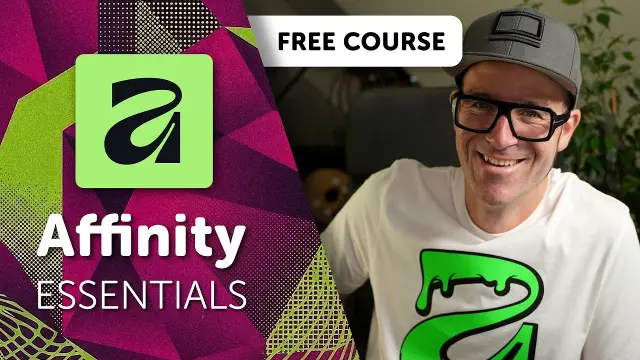
Beginner's Guide to Affinity Pixel Studio
An overview of how to set up documents and use the various tools inside the Affinity Pixel Studio.
YouTube · ArtistWright · 7 January 2026 Watch on YouTube
Tried this idea? Show how yours turned out.
I made this#affinity #pixelstudio #affinitytutorial
How to do it
What you need
- Affinity Designer V3
- Pixel Studio
Step by step
- Set up a new document.
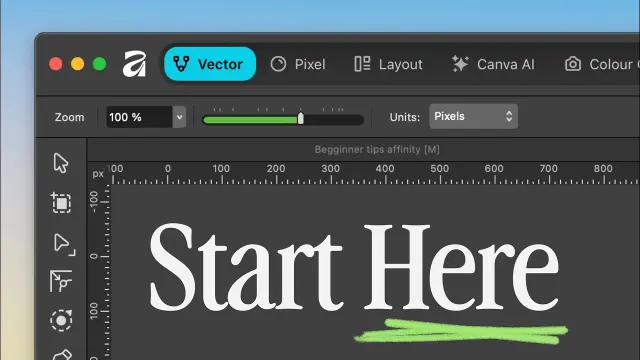
- Learn the user interface layout.
- Explore the studios and create a custom studio.
- Try the basic adjustment tools.
- Use the drawing, selection, retouching, and text tools as demonstrated.
- Work with live filters, masks, stock, and layer effects.
- Develop raw photos and export your file.
Tips
- Follow the tutorial in order, since it starts with document setup and moves through the tools.
- Shortcut keys may differ between Mac and Windows.
- Use the chapter timestamps to jump to specific tools or features.
Written by Tagrazzi from the original's description and photo.
The title and summary are written by Tagrazzi; the video belongs to its creator and plays from YouTube.





Comments (0)
No comments yet. Be the first to comment.
Sign in to write a comment.