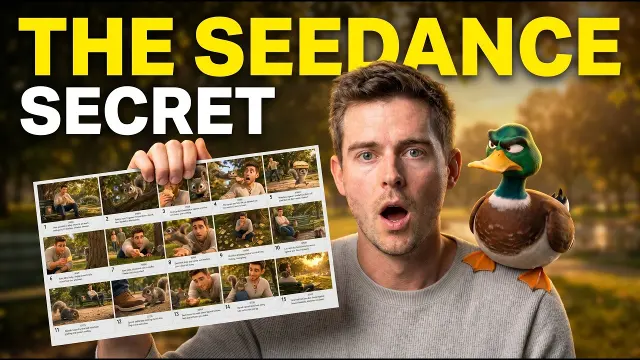
Turn Claude AI Storyboard Into a Full Video Fast
See how to take a storyboard generated by Claude and animate it into a cinematic video sequence using Seedance.
YouTube · Ryan Brooks · 21 June 2026 Watch on YouTube
Tried this idea? Show how yours turned out.
I made this#AIFilmmaking #Seedance2 #GPTImage2 #Storyboard #AIVideoGenerator #AIAnimation #ClaudeAI #DesignAI #AIMovies #AIShortFilms #ContentCreation #AITools #CinematicAI #GenerativeAI #AIStorytelling
How to do it
What you need
- Dzine AI
- GPT Image 2
- Claude AI
- Seedance 2.0
- Storyboard prompt
- Character sheet reference
- Storyboard image grid
Step by step
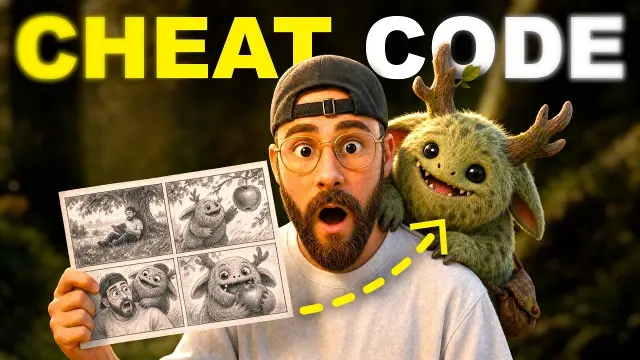
- Create a character sheet to lock in consistent AI characters
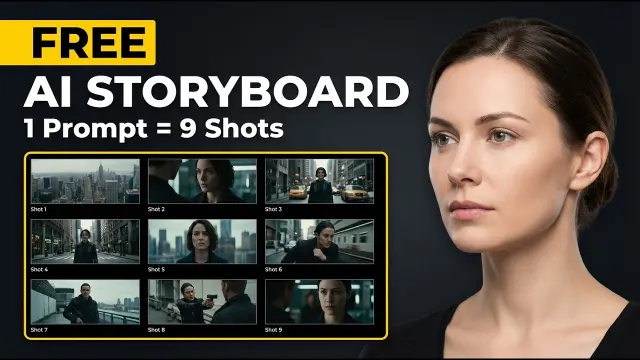
- Build a multi-shot storyboard sequence with Claude AI, describing each shot
- Generate the storyboard images with GPT Image 2, keeping the character sheet as reference
- Review the storyboard grid and fix any shots before animating
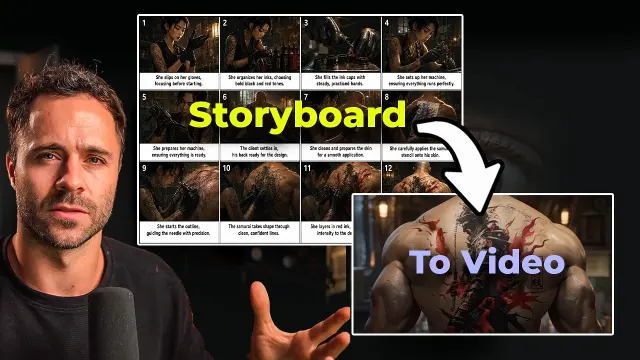
- Load the storyboard into Seedance 2.0 and animate the full multi-shot sequence
- Check character consistency and story flow across the finished clips
Tips
- Plan and approve the whole storyboard before animating; it saves credits versus generating shots one at a time
- Keep style, character and scene descriptions identical across shots so the story reads as one film
- The same workflow scales to animated shorts, commercials and cinematic sequences
Written by Tagrazzi from the original's description and photo.
The title and summary are written by Tagrazzi; the video belongs to its creator and plays from YouTube.
Comments (0)
No comments yet. Be the first to comment.
Sign in to write a comment.