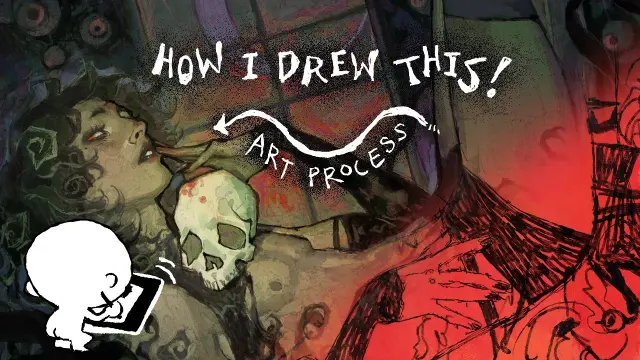
Comprehensive Clip Studio Paint Digital Art Process
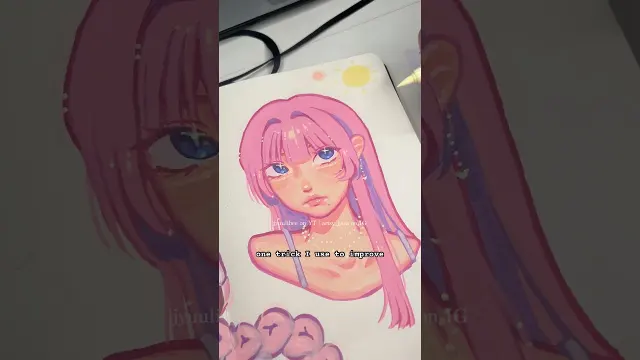
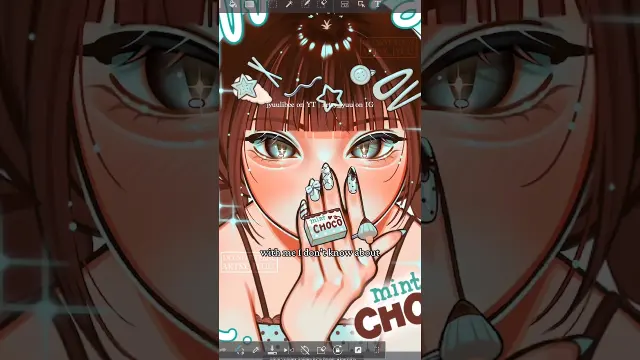
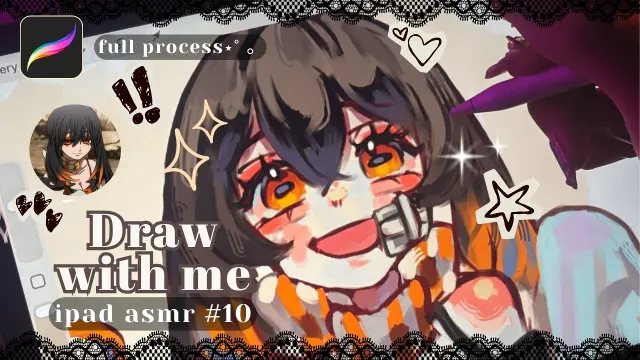
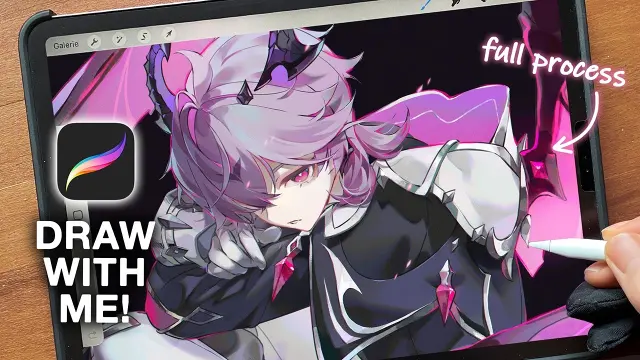
An in-depth look at a digital illustrator's workflow and art process using Clip Studio Paint.
YouTube · Kingsada · 2 June 2026 Watch on YouTube
Tried this idea? Show how yours turned out.
I made thisHow to do it
What you need
- Clip Studio Paint
- Pencil brush (Clip Studio Assets)
- Line art pen brush
- Main brush (by ×ェ×)
- Flat brush
- Drawing tablet
Step by step
- Sketch the composition with the pencil brush
- Refine the drawing with the line art pen
- Block in flat colors with the flat brush
- Render and paint with the main brush
Tips
- All the brushes used are free Clip Studio Assets downloads, so you can follow along with the same tools.
- Credit the brush creator when you share work made with their brush.
- Watch the full process video to see the order the layers and brushes were built up in.
Written by Tagrazzi from the original's description and photo.
The title and summary are written by Tagrazzi; the video belongs to its creator and plays from YouTube.


Comments (0)
No comments yet. Be the first to comment.
Sign in to write a comment.