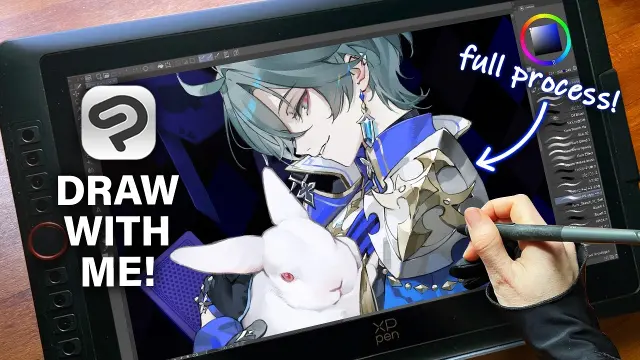
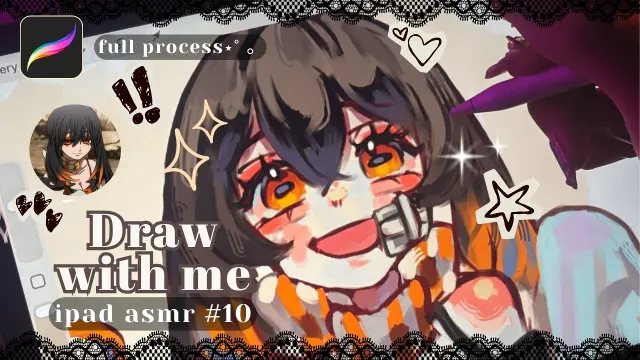
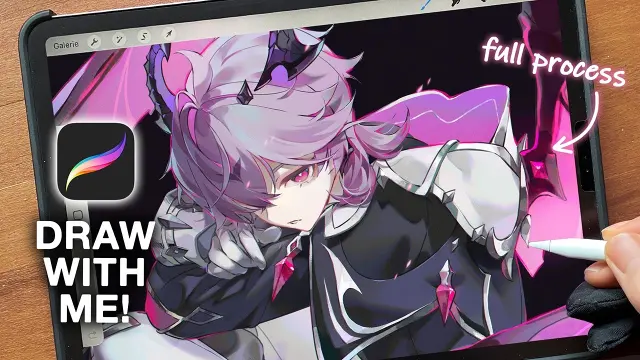
Draw With Me in Clip Studio Paint Chill Digital Art Process
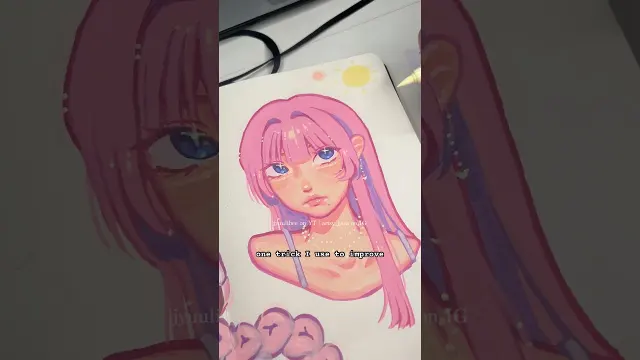
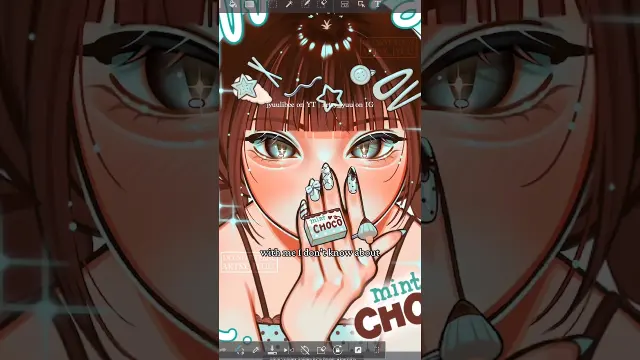
A relaxing digital painting process video showing sketching, line art, coloring, and rendering.
YouTube · kuroshiro · 24 May 2026 Watch on YouTube
Tried this idea? Show how yours turned out.
I made this#drawwithme #clipstudiopaint #lohen #genshinimpact #speedpaint #drawingprocess
How to do it
What you need
- Clip Studio Paint
- drawing tablet
- stylus
- sketch brush
- lineart brush
- rendering brushes
- effects brushes
- lasso tool
Step by step
- Sketch the character with a loose brush.
- Refine the sketch into clean line art.
- Add rough flat colors.
- Render the forms with hard and soft edges.
- Build up details and lighting.
- Finish the background and small effects.
Tips
- Use different brushes for sketching, line art, rendering, and effects.
- Follow a clear order: sketch first, then line art, color, render, and details.
- Use the lasso tool to help block in shapes and sharper painted areas.
Written by Tagrazzi from the original's description and photo.
The title and summary are written by Tagrazzi; the video belongs to its creator and plays from YouTube.
Comments (0)
No comments yet. Be the first to comment.
Sign in to write a comment.