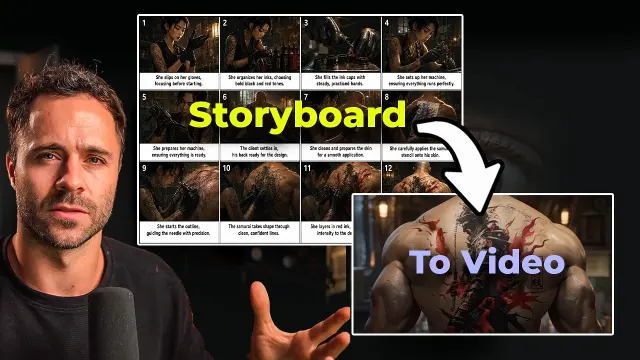
How to Turn a Storyboard into a Video Using AI
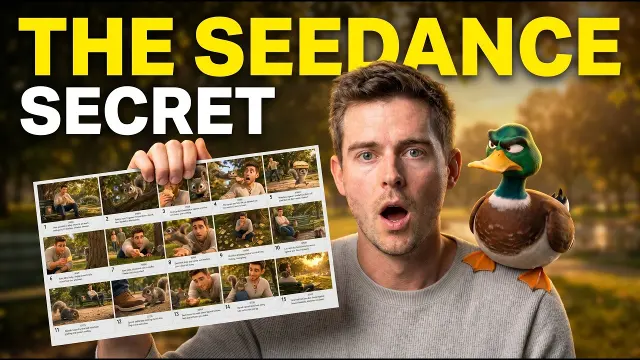
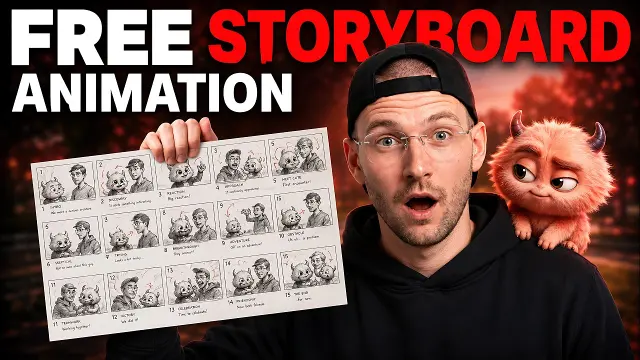
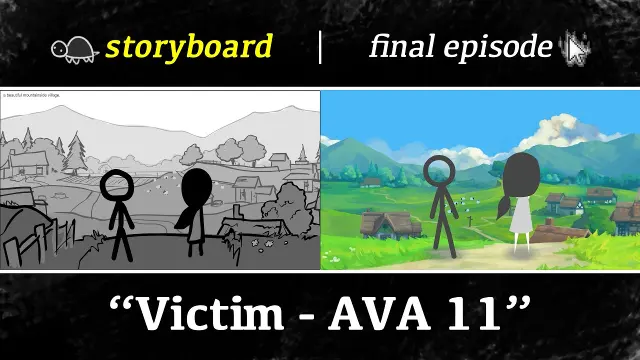
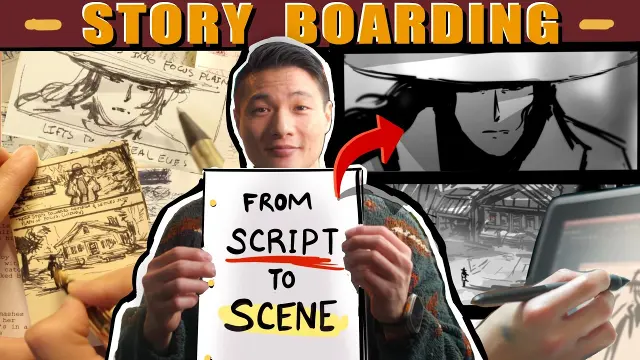
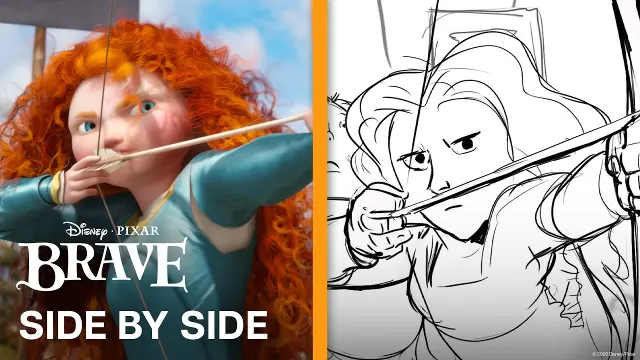
A quick demonstration on generating a storyboard using GPT Image and transforming it into a video with Seedance.
YouTube · Ben Kaluza - Tips & Tutorials · 24 May 2026 Watch on YouTube
Tried this idea? Show how yours turned out.
I made thisHow to do it
What you need
- GPT Image
- Seedance
- Storyboard panel images
- Text prompt describing each shot
Step by step
- Write out the shots you want as a short storyboard script
- Generate the storyboard images with GPT Image
- Check the panels and regenerate any that don't match your intent
- Upload the storyboard images to Seedance
- Prompt Seedance to turn the storyboard into a video
- Review the generated video and re-run with adjusted prompts if needed
Tips
- Keep the storyboard panels consistent in look and framing so the video holds together
- Write each panel's action clearly, since the description guides what the video model generates
- Iterating on the storyboard first is faster than fixing the video afterwards
Written by Tagrazzi from the original's description and photo.
The title and summary are written by Tagrazzi; the video belongs to its creator and plays from YouTube.
Comments (0)
No comments yet. Be the first to comment.
Sign in to write a comment.