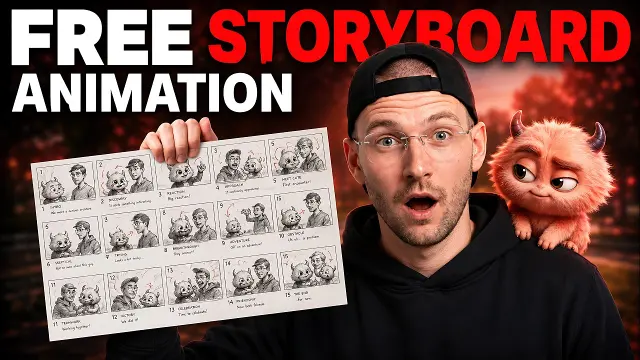
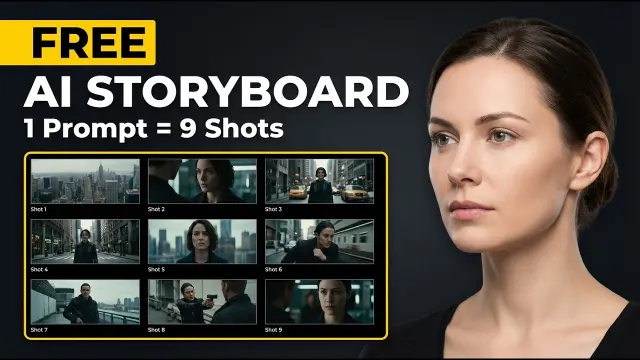
How to Turn Storyboards into Videos with Free AI Tools
Discover a workflow that uses storyboards to create cinematic AI videos while maintaining character and scene consistency.
YouTube · Jacksons AI · 6 August 2026 Watch on YouTube
Tried this idea? Show how yours turned out.
I made thisHow to do it
What you need
- storyboard
- free AI video tools
- reference characters or scenes
- video editor
Step by step
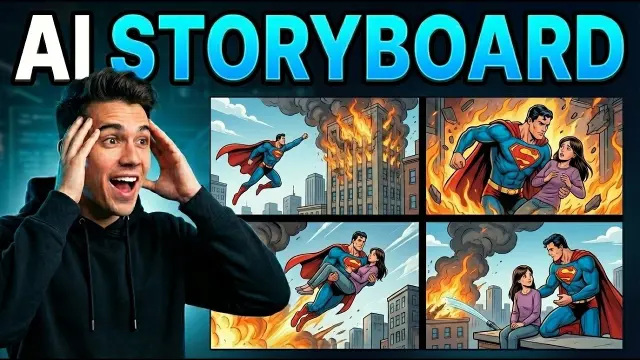
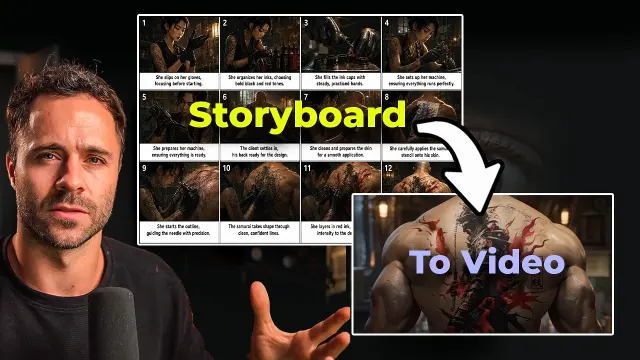
- Plan the video with a storyboard.
- Use the storyboard to generate each scene in sequence.
- Keep the same character and scene details across shots.
- Assemble the generated clips into one video.
- Review the full video for consistency and cleaner results.
Tips
- Keep your storyboard clear and detailed.
- Reuse the same character and scene prompts to stay consistent.
- Generate scenes efficiently to save AI credits.
Written by Tagrazzi from the original's description and photo.
The title and summary are written by Tagrazzi; the video belongs to its creator and plays from YouTube.


Comments (0)
No comments yet. Be the first to comment.
Sign in to write a comment.