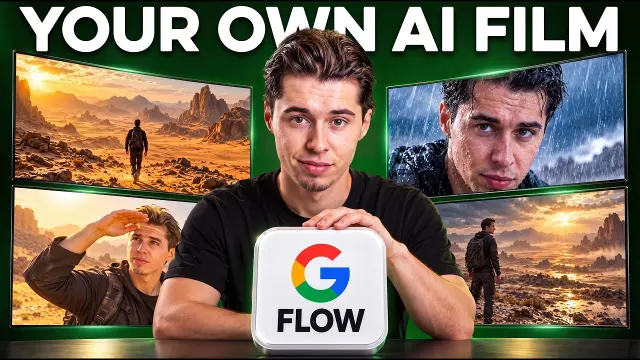
How to Storyboard Realistic AI Videos with Google Flow
Step-by-step process of planning and storyboarding a complete AI short film inside Google Flow before generating scenes.
YouTube · Youri van Hofwegen · 2 October 2026 Watch on YouTube
Tried this idea? Show how yours turned out.
I made thisHow to do it
What you need
- Google Flow
- Omni Flash 1.1
- Nano Banana Pro
- CapCut
- one rough story idea
- prompts list
Step by step
- Start with a single rough idea for the short film
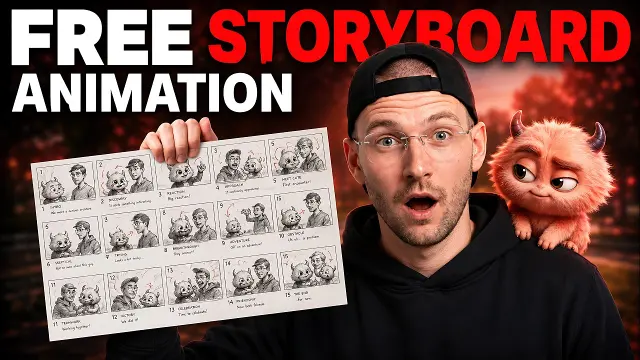
- Plan and storyboard every scene before generating anything
- Test Omni Flash 1.1 to check the realism you want
- Create consistent character references with Nano Banana Pro
- Create matching location references the same way
- Connect scenes using reference frames between shots
- Generate the scenes inside Google Flow
- Assemble the finished 40-second film in CapCut
Tips
- Lock your storyboard and references first, so you generate scenes only once the plan is settled
- Reuse the same character and location references across shots to keep the film consistent
- Bridge each scene with a reference frame from the previous shot so transitions read smoothly
Written by Tagrazzi from the original's description and photo.
The title and summary are written by Tagrazzi; the video belongs to its creator and plays from YouTube.

Comments (0)
No comments yet. Be the first to comment.
Sign in to write a comment.