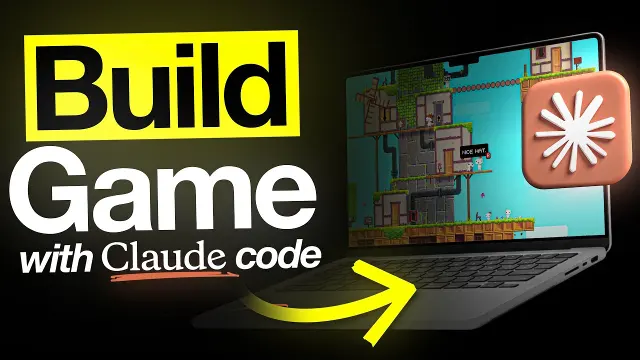
How to Build Your First Playable Game With Claude Code
A step-by-step walkthrough of using Claude Code to create a first playable game from scratch, covering the full workflow from setup to a working build.
YouTube · Mikey Vibe Coding · 9 June 2026 Watch on YouTube
Tried this idea? Show how yours turned out.
I made thisHow to do it
What you need
- Claude Code
- Base44 account
- AI prompt panel
- Stripe account
- Apple App Store developer account
- Google Play developer account
- Analytics setup
Step by step
- Set up the AI prompt panel in Base44
- Write the game logic prompt with Claude, starting from a small MVP
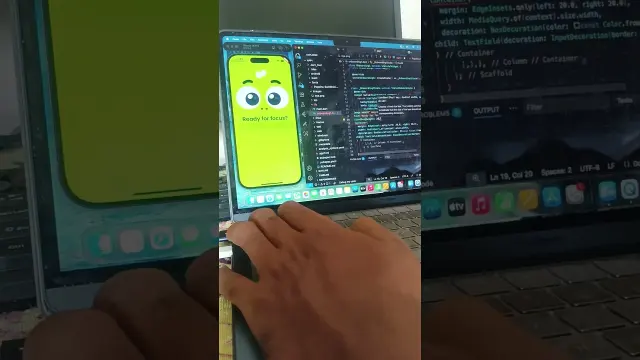
- Build the first game — an AI galaxy trivia game
- Add premium packs and tournaments through Stripe
- Publish the build to the Apple App Store and Google Play
- Build a second game — an AI word puzzle platform
- Add a daily word challenge mini-game
- Generate a crossword mode and a swipe-based anagram game
Tips
- Ship a small MVP first, then add modes like crosswords and anagrams once the core loop works
- Wire up analytics and collect player feedback before expanding the game
- Skip technical perfectionism — a playable build beats a polished one that never ships
Written by Tagrazzi from the original's description and photo.
The title and summary are written by Tagrazzi; the video belongs to its creator and plays from YouTube.




Comments (0)
No comments yet. Be the first to comment.
Sign in to write a comment.