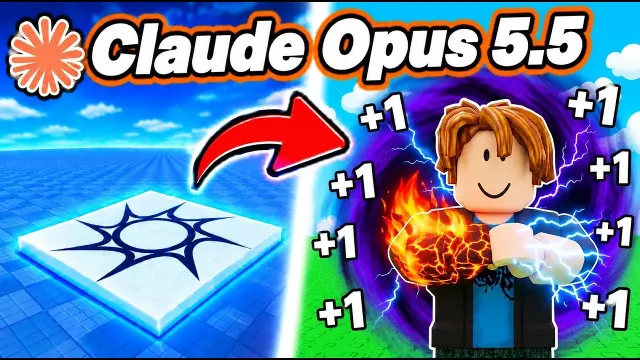
Building a Roblox +1 Game With Three Claude Prompts
The creator gives Claude three prompts inside Roblox Studio to build, script, design and playtest a +1 style game, then checks whether the result is playable.
YouTube · Yxii · 2 November 2026 Watch on YouTube
Tried this idea? Show how yours turned out.
I made this#Roblox #RobloxStudio #ClaudeAI #AI #RobloxDev #GameDev
How to do it
What you need
- Roblox Studio
- Claude AI
- ForgeGUI MCP connection
Step by step
- Connect Claude to Roblox Studio through ForgeGUI.
- Give Claude the first prompt to build the foundation.
- Playtest the game in Roblox Studio.
- Give Claude the next prompt to improve the game.
- Make the final tweak if needed, then give the last prompt.
- Playtest again and check whether the game is playable.
Tips
- Use a direct MCP connection so the AI can build and test inside Roblox Studio.
- Review the result after each prompt before moving on.
- Keep the prompts focused on building, scripting, design, and playtesting.
Written by Tagrazzi from the original's description and photo.
The title and summary are written by Tagrazzi; the video belongs to its creator and plays from YouTube.



Comments (0)
No comments yet. Be the first to comment.
Sign in to write a comment.