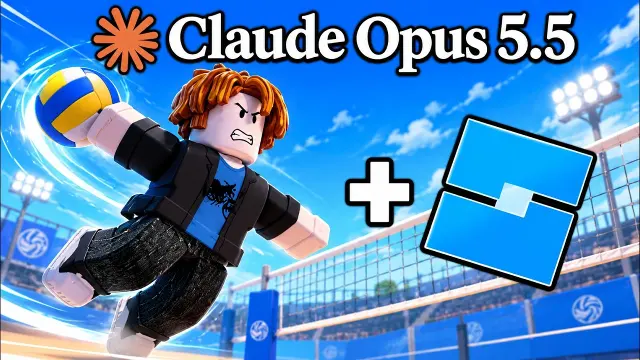
Making a Roblox Volleyball Game With Three AI Prompts
Using three prompts and footage of a real Roblox volleyball game, the creator builds a title with training, game modes, a lobby, a shop, abilities and cutscenes.
YouTube · Yxii · 5 November 2026 Watch on YouTube
Tried this idea? Show how yours turned out.
I made this#Roblox #RobloxStudio #ClaudeAI #ClaudeCode #RobloxVolleyball #GameDev
How to do it
What you need
- Roblox Studio
- Claude AI
- footage of a Roblox volleyball game
- ForgeGUI
Step by step
- Connect Claude to Roblox Studio through the Studio MCP server.
- Give Claude footage of a real Roblox volleyball game and a master prompt.
- Playtest the game in Studio.
- Use follow-up prompts to refine the lobby, game modes, shop, styles, and abilities.
- Add cutscenes and crowd details with another prompt.
- Test the updated build again.
Tips
- Use real gameplay footage as reference for the build.
- Refine the game in small prompt rounds instead of trying to do everything at once.
- Playtest after each prompt to catch issues early.
Written by Tagrazzi from the original's description and photo.
The title and summary are written by Tagrazzi; the video belongs to its creator and plays from YouTube.
Comments (0)
No comments yet. Be the first to comment.
Sign in to write a comment.