
Advanced Google Workspace Studio Tutorial and Productivity Tips
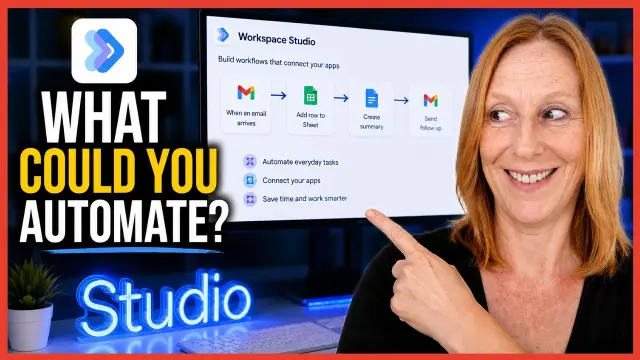
An advanced tutorial covering studio navigation, workflow organization, and AI-powered productivity features.
YouTube · 66degrees · 20 May 2026 Watch on YouTube
Tried this idea? Show how yours turned out.
I made this#googleworkspace #googleworkspacetutorial #66degrees #WorkspaceStudio #GoogleWorkspaceStudio #Productivity #Automation #Collaboration #AITools #GoogleAI #Tutorial #HowTo #WorkflowAutomation #GoogleWorkspaceTips
How to do it
What you need
- Google Workspace account
- Access to Workspace Studio
- Google Workspace apps (Gmail, Drive, Calendar, Docs)
Step by step
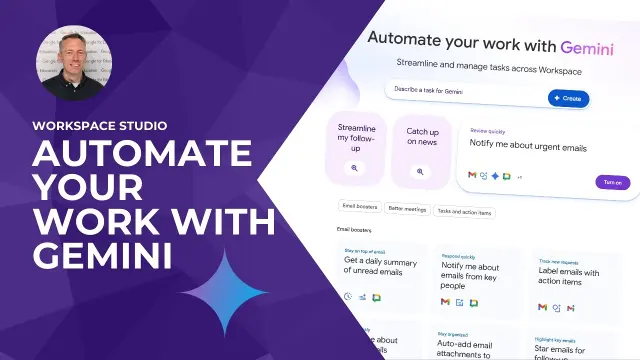
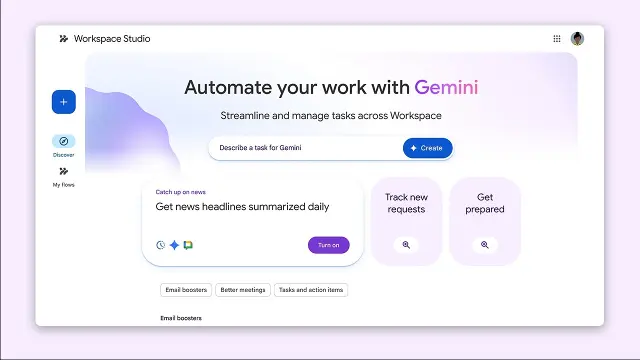
- Open Workspace Studio and get familiar with the layout
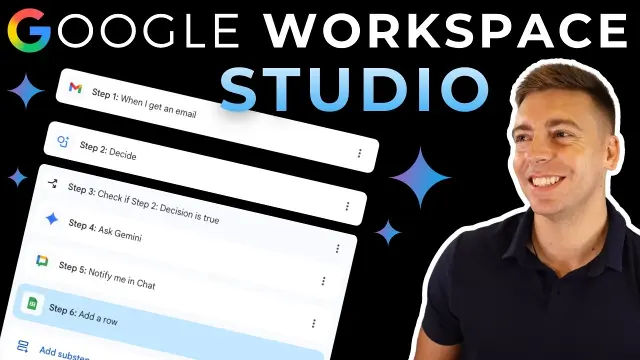
- Create a new workflow
- Organize your workflows so they are easy to find and reuse
- Turn on the AI-powered features to speed up your work
- Connect the workflow to the Google Workspace tools your team uses
- Run the workflow and refine it for efficiency
Tips
- Learn the navigation first — it makes building and finding workflows much faster
- Group related workflows together so the team can tell them apart at a glance
- Start with one repetitive task and automate that before scaling up
Written by Tagrazzi from the original's description and photo.
The title and summary are written by Tagrazzi; the video belongs to its creator and plays from YouTube.






Comments (0)
No comments yet. Be the first to comment.
Sign in to write a comment.