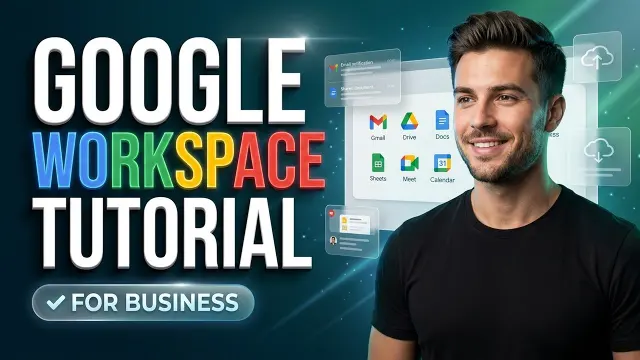
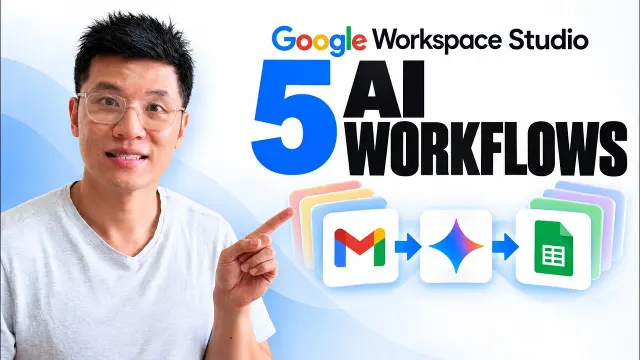
Complete Google Workspace Business Tutorial for Beginners
A step-by-step walkthrough of Gmail, Google Drive, Docs, Sheets, and Calendar to help you run your business efficiently.
YouTube · ImminentHD · 11 July 2026 Watch on YouTube
Tried this idea? Show how yours turned out.
I made thisHow to do it
What you need
- Google Workspace
- Gmail
- Google Drive
- Docs
- Sheets
- Calendar
Step by step
- Open Google Workspace and review the main apps.
- Use Gmail to manage business email.
- Use Google Drive to store and organize files.
- Create and edit documents in Docs and Sheets.
- Use Calendar to plan meetings and deadlines.
- Use the tools together to keep your work in one place.
Tips
- Start with the basic apps first, then explore the others.
- Keep files and communication organized in one workspace.
- Use shared tools to collaborate with your team.
Written by Tagrazzi from the original's description and photo.
The title and summary are written by Tagrazzi; the video belongs to its creator and plays from YouTube.







Comments (0)
No comments yet. Be the first to comment.
Sign in to write a comment.